Insights
WhatsApp chatbot guide: How to get started (no code needed)
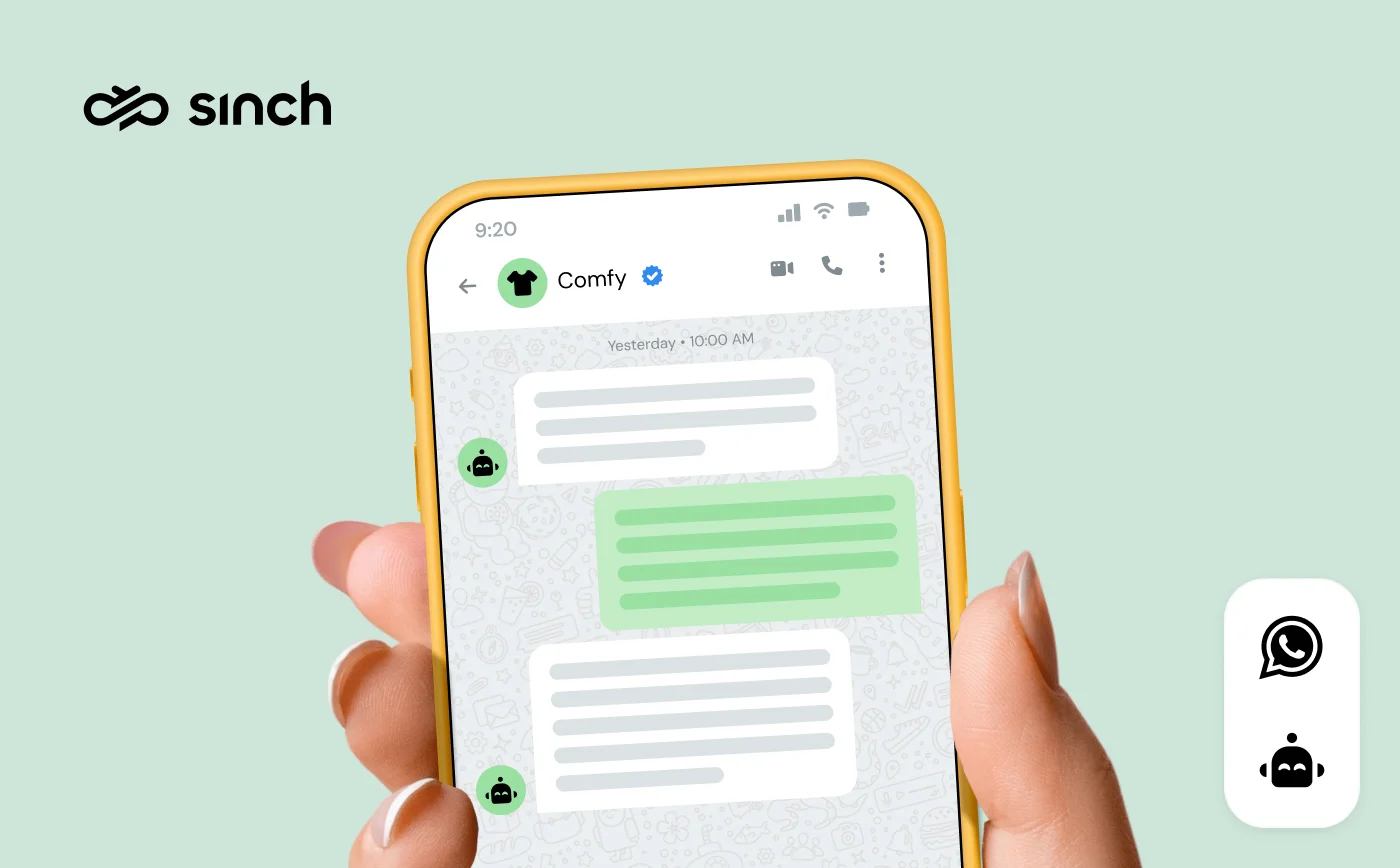
A WhatsApp chatbot answers your customers instantly, around the clock, on the app they already check all day – and it never gets tired of being asked about opening hours. If your team is drowning in repetitive messages, a bot is how WhatsApp stops being a support burden and starts being a scale advantage.
The demand side is ready: 175 million people message a business on WhatsApp every day, and our State of customer communications research found 42% of consumers are open to working with AI that’s trained on support documentation. The tooling side is ready too – you can build one without writing code.
In this guide, we’ll break down what a WhatsApp chatbot is, the bot types and how to choose between rule-based and AI, five use cases with real results, how personalization turns a bot from deflection into service, and the no-code setup steps.
What is a WhatsApp chatbot?
A WhatsApp chatbot is a virtual assistant that automates conversations on the WhatsApp Business Platform (API) – answering questions, sending updates, guiding purchases, and handing off to humans when it should. It works inside the same chat window as your human agents, so customers get instant responses without ever noticing a seam.
One requirement to know up front: chatbots only work on the Business Platform, not the free WhatsApp Business app – here’s the difference. You access the platform through a Business Solution Provider (BSP) like Sinch.
WhatsApp supports several types of bots:
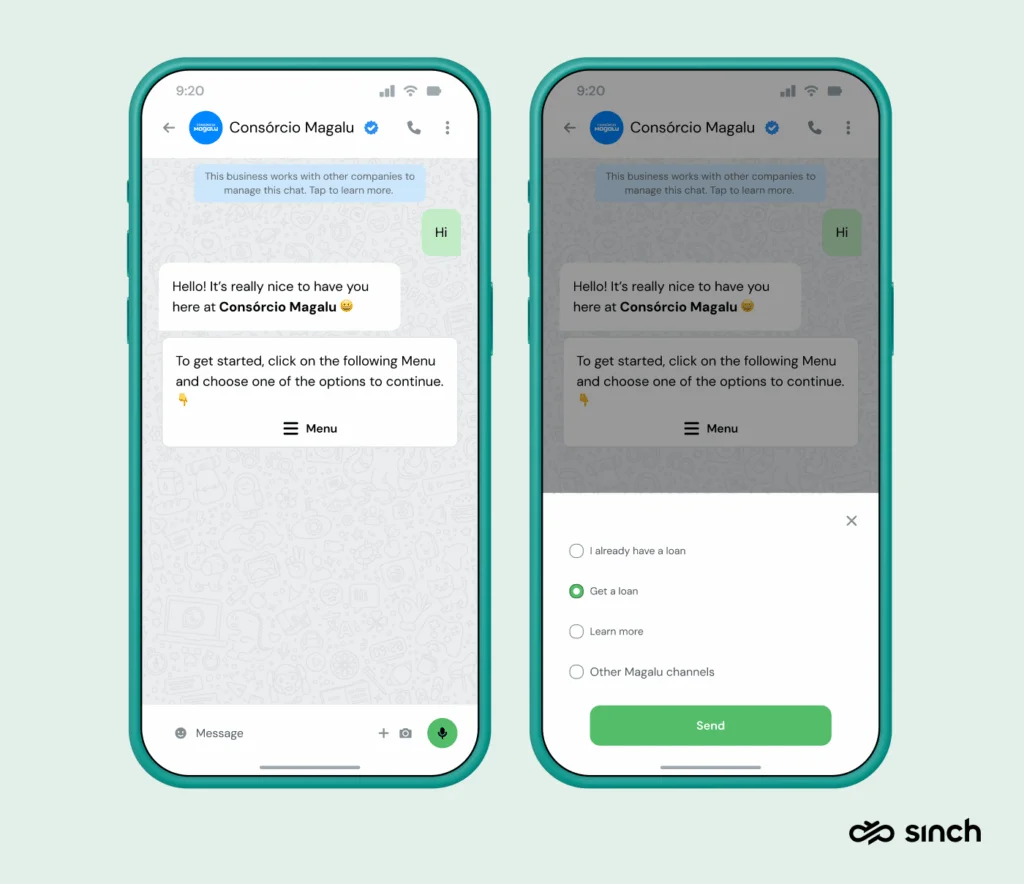
- Menu bots: preset options customers tap through. Easiest to build, perfect for FAQs and structured flows – limited to what you scripted.
- AI chatbots: powered by conversational AI and NLP, they handle open-ended questions in natural language, without pre-written scripts.
- Voice bots: the same AI, listening instead of reading.
- Hybrid bots: menus for structured tasks, AI for everything in between – where most mature deployments land.
Rule-based or AI: which WhatsApp chatbot should you build?
The consolidation question every team hits. The honest decision guide:
- Choose a rule-based (menu) bot when your inquiries are predictable and finite: store hours, order status, returns, bookings. It’s cheaper, faster to launch, and never hallucinates – its whole vocabulary is your menu.
- Choose an AI bot when customers ask the same things in a hundred different ways, need follow-up clarification, or write in multiple languages. AI shines exactly where menus frustrate.
- Start rule-based, graduate to hybrid is the pattern that works in practice: launch a menu bot on your top ten questions this month, measure what customers actually ask, then add AI for the long tail. Most large deployments – including the examples below – evolved this way rather than launching fully-AI on day one.
Whichever you choose, one design rule is non-negotiable: always give customers a visible exit to a human agent. A bot that traps people costs more trust than it saves in tickets.
What results can a WhatsApp chatbot deliver?
WhatsApp is the world’s most popular messaging app – 3.3 billion+ people – and business messages there see open rates around 98% and click-through rates around 57%. Businesses using WhatsApp report 58% increases in lead generation, and bots multiply the effect: BMW handles about 80% of incoming queries automatically with its WhatsApp bot.
Customers aren’t just tolerating this – they prefer it: Sinch research shows 73% of shoppers prefer live chat over email or phone support. A question about store hours shouldn’t wait in a queue; a bot answers it in one second and frees your agents for the failed payment and the rescheduled delivery – problems that genuinely need a person.
Five WhatsApp chatbot use cases (with real numbers)
1. Answer FAQs
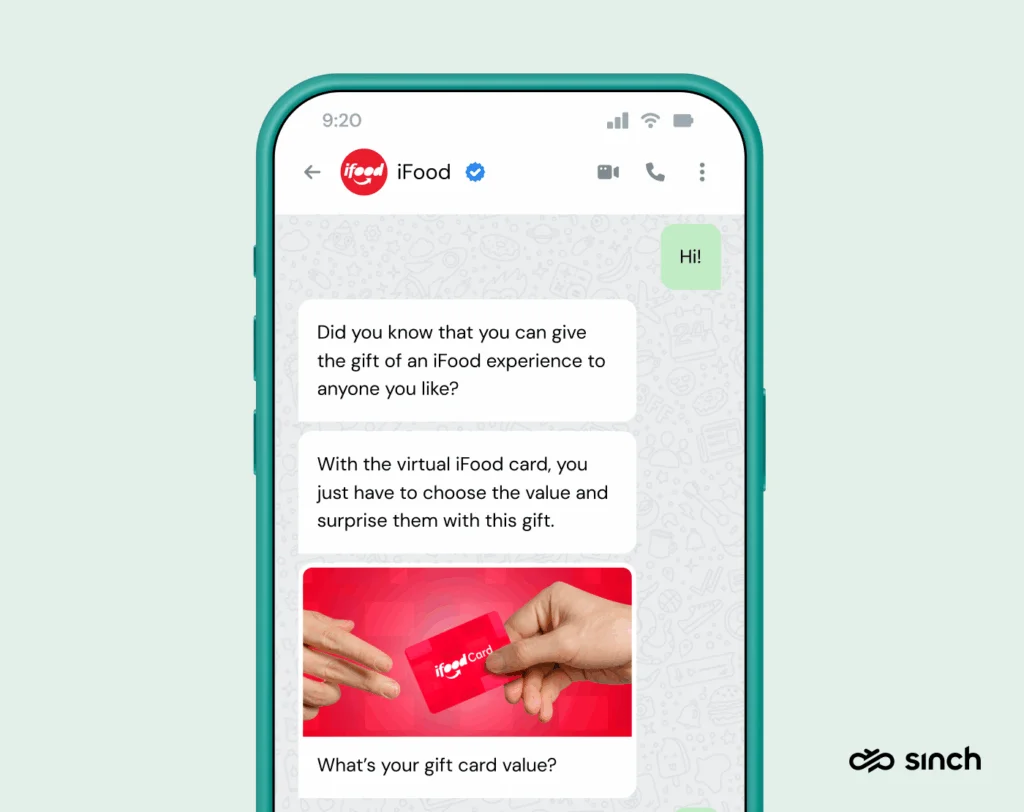
The classic starting point: 60–80% of typical support volume is repetitive questions a bot can answer instantly. Brazil’s food-delivery giant iFood automates support for drivers, restaurants, and customers with conversational AI – fully automating 94.5% of tickets and dramatically cutting service-delivery costs, while a friendlier conversational bot guides customers through gift-card purchases.
2. Send customer updates automatically
Order confirmations, shipping alerts, delivery changes, payment receipts – utility messages triggered by your order system or CRM, sent without an agent touching anything. Every automated “your order shipped” is a “where is my order?” ticket that never got created.
3. Act as a personal assistant
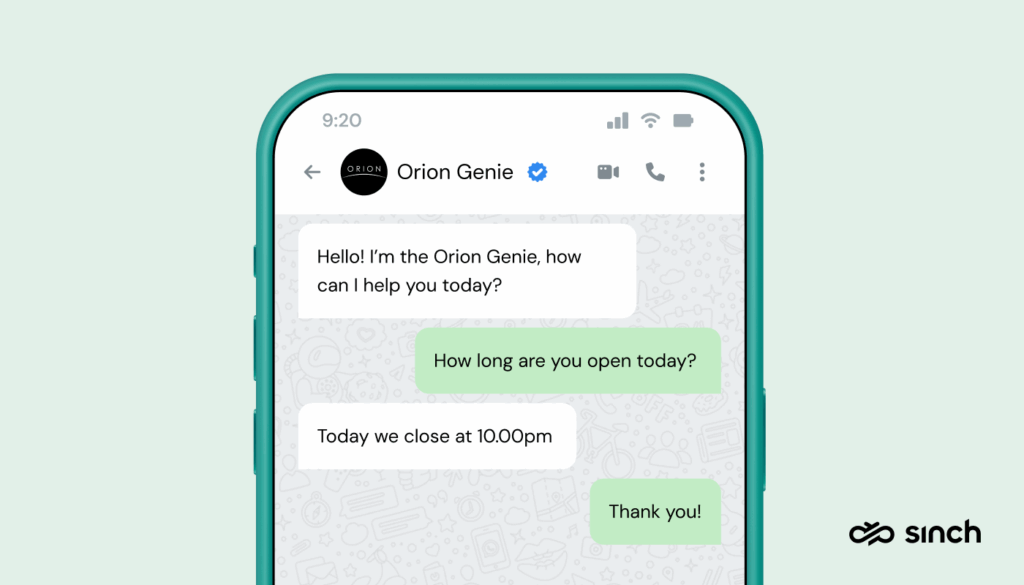
Bangalore’s Orion Mall built Orion Genie, a WhatsApp concierge reachable by QR codes around the mall: store hours, dining suggestions, event schedules, even day-trip planning by interest. The result? 3,500 conversations a month, 2,000+ active users, and measurably more foot traffic and revenue.
4. Automate whole processes with Flows
WhatsApp Flows let a bot run complete workflows – bookings, orders, RSVPs – inside the chat, no redirects. Brazil’s Consórcio Magalu had a 92% abandonment rate when booking meant leaving WhatsApp for a mobile site; rebuilding the journey on Flows nearly tripled conversions from organic visitors, lifted paid-traffic purchases 49%, and raised customer satisfaction 21%.
5. Send OTPs
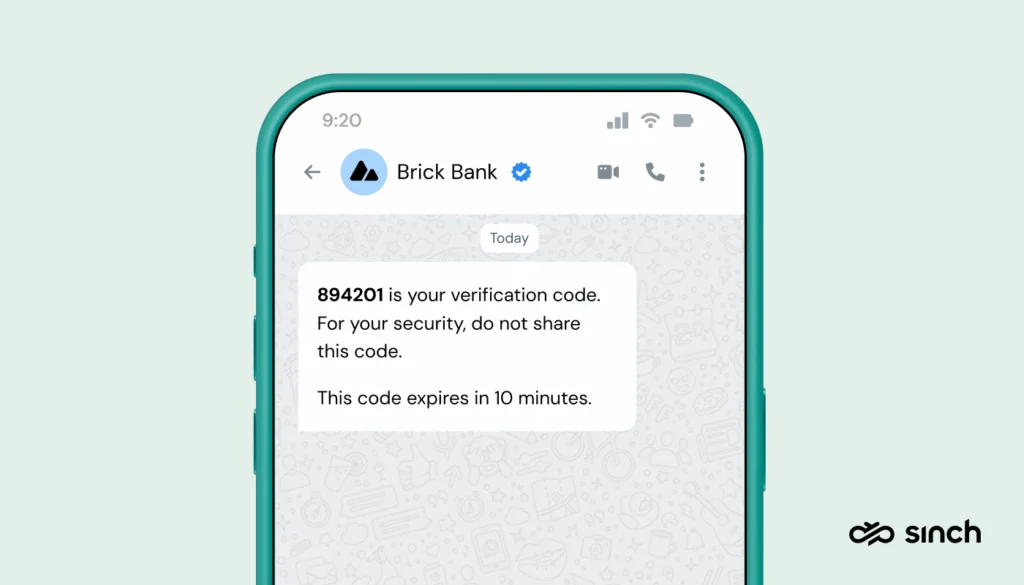
Bots can deliver one-time passwords for logins, verifications, and transactions – instantly, on a channel customers trust, with messages encrypted in transit and often at meaningfully lower cost than SMS in high-volume markets.
Personalization: the difference between a bot and a good bot
A generic bot deflects; a personalized bot serves. The difference is data. Connect the bot to your CRM and commerce systems, and “where’s my order?” gets answered with the order, not a form. Recommendations draw on purchase history; greetings know the customer’s name and language; and the bot knows when this particular customer should skip the menu and reach a human immediately.
Personalization also has a compounding channel effect: every helpful, relevant exchange trains customers to open your next message. On a platform where engagement is the currency – and where blocks depress your sending limits – a bot that knows the customer isn’t a luxury. It’s quality-rating insurance.
The practical path: start with one personalized flow (order status with real order data is the classic), then extend to recommendations and lifecycle moments as the data connections mature.
How to build a WhatsApp chatbot in 5 steps (no code)
- Get platform access through a BSP – your WhatsApp Business account connects via Sinch in a guided signup.
- Connect the bot builder: with Sinch, the no-code Chatlayer builder links to your account from the dashboard – add WhatsApp as a channel, enter your project credentials, done.
- Design your first flow: top ten questions, menu-first, human handoff always visible. Pre-built templates speed this up.
- Connect your data for personalization – CRM, order system, calendar – so the bot answers specifically, not generically.
- Launch, read the transcripts, iterate. The bot’s chat logs are a free research program: what customers actually ask is your roadmap, for the bot and often for the product.
When you’re ready to grow, the same bot extends to Facebook Messenger, Instagram, RCS, and more through the Conversation API – build once, deploy everywhere.
Get started with your WhatsApp chatbot
The pattern across every example here: start with one high-volume, low-complexity use case, keep the human exit visible, and let real conversations teach you what to automate next. Businesses like iFood and Orion Mall didn’t launch their award-winning bots – they grew them.
Sinch is a Meta Premier Partner, and Chatlayer bots power millions of conversations across WhatsApp and a dozen other channels.
Ready to build yours? Check out Sinch Engage and Chatlayer for the no-code path. Or, reach out to our team – we’re happy to walk you through setup and pricing!
Frequently asked questions
The bot platform is part of your provider’s offering; conversations follow WhatsApp’s normal pricing – bot replies to customer-initiated chats happen inside the 24-hour service window, which carries no Meta template fee until October 1, 2026, when Meta begins charging for outbound messages sent during the window.
No – bots require the Business Platform (API) through a solution provider. The free app offers only simple greeting and away messages.
No. No-code builders like Chatlayer are drag-and-drop; developer teams can build custom bots on the API, but it’s a choice, not a requirement.
Yes – AI bots handle multilingual conversations natively, and menu bots can offer language selection up front. For India-specific multilingual strategies, see our guide to chatbot messaging apps in India.
By design: every well-built bot offers a handoff (“talk to an agent”) that routes to your team’s shared inbox with the full conversation context attached. If a bot doesn’t have this, it isn’t finished.

Author: