Products
WhatsApp API integration: How to connect WhatsApp to your stack
Every WhatsApp API integration starts with the same discovery: there’s no server to call directly. WhatsApp business messaging runs through Meta’s Cloud API – or through a provider’s API built on top of it – and the integration is less about sending a message than about setting up the account, templates, and webhooks around it.
If you’re a developer (or the person specing the work), this guide is the map. You’ll save yourself the two most common false starts: building against an architecture that no longer exists, and discovering template approval after you’ve designed your message flows.
In this guide, we’ll break down how the WhatsApp API actually works, your two integration paths, what you can send, the limits that shape your sending logic, and a launch checklist that gets you to production.
What is the WhatsApp API?
The WhatsApp API – formally the WhatsApp Business Platform – is Meta’s programmatic interface for business messaging on WhatsApp: 3.3 billion+ monthly active users, reached from your own backend, CRM, or commerce stack.
One thing to get out of the way, because most older tutorials will mislead you: since Meta sunset the On-Premises API in October 2025, the Cloud API is the only architecture. There is nothing to host. Your integration decision is simply whose API you call:
- Meta’s Cloud API directly – raw platform access, and every surrounding concern (template management, opt-ins, monitoring, inbox tooling) is yours to build.
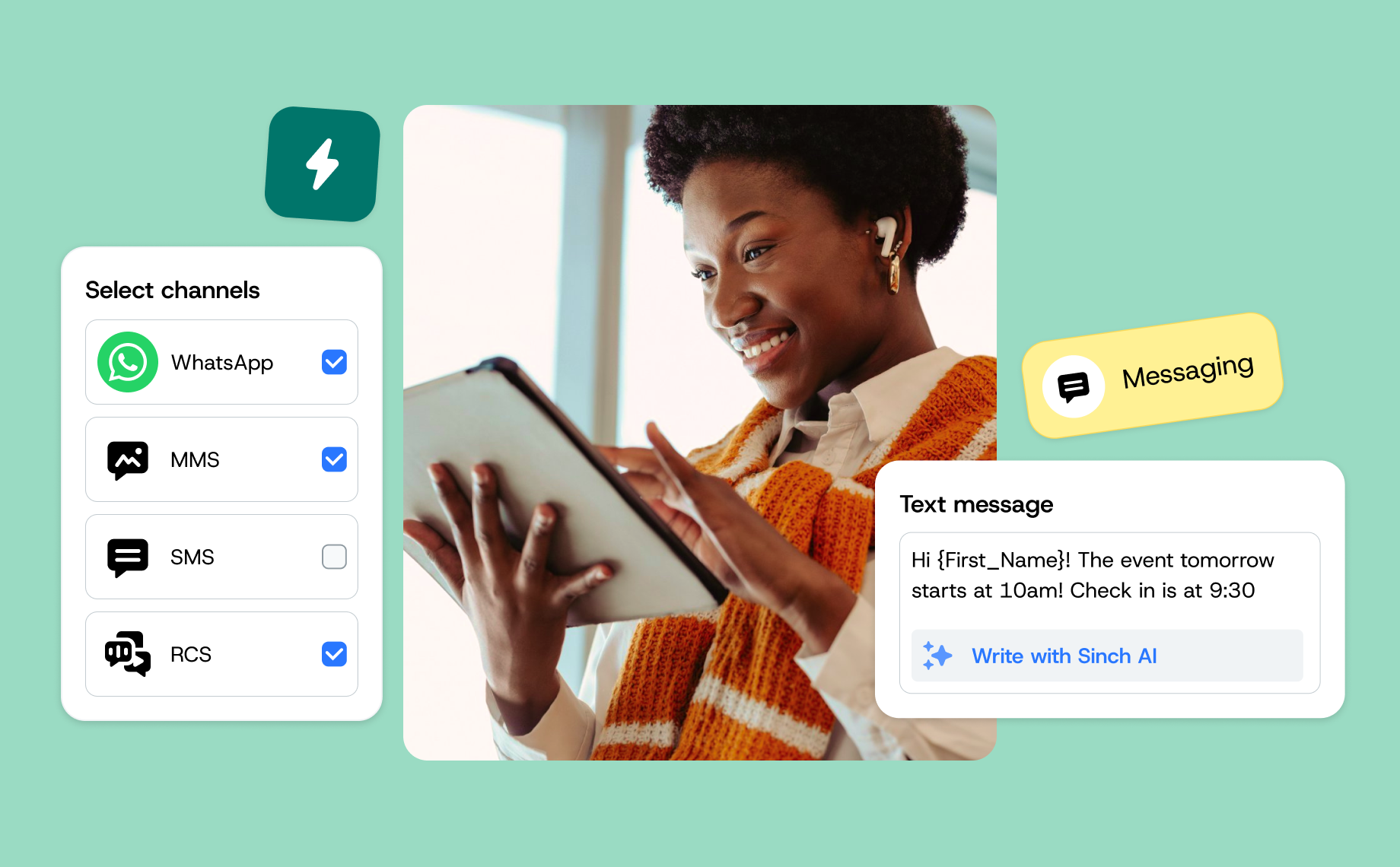
- A Business Solution Provider (BSP) API – like Sinch’s Conversation API, which wraps the Cloud API and adds the production layer: one API for WhatsApp plus SMS, RCS, and a dozen other channels, with fallback routing, template tooling, and support.
How does a WhatsApp API integration work?
Four moving parts, regardless of path:
- The WhatsApp Business Account (WABA) – your business identity: phone number(s), display name, verification status. Here’s the account setup; with embedded signup through a BSP it’s a minutes-long guided flow.
- Message templates – pre-approved structures (marketing, utility, or authentication category) with
{{variables}}for personalization. Any business-initiated message uses one. Meta reviews each template – typically minutes to a few hours – so design your templates before you design your send logic. - The send call – a REST request with the recipient, template ID, and variable values. The platform validates, renders, and delivers.
- Webhooks – the inbound half. Customer replies, delivery receipts, and read events hit your callback URL. Handle them: every inbound message opens a 24-hour customer service window in which you can respond free-form, no template needed – the mechanic that makes support and conversational flows work.
The mental model that saves refactoring: WhatsApp is a conversation platform, not a fire-and-forget pipe. Teams that bolt webhooks on late end up rebuilding their data model around conversations anyway. The result? The integrations that ship fastest are the ones that treat reply handling as the core feature and outbound campaigns as the add-on – the opposite of how most SMS-shaped roadmaps start.
What can you send through the WhatsApp API?
Well beyond text:
- Rich media: images, video, audio, documents, stickers
- Interactive messages: quick-reply buttons, call-to-action buttons, list messages, and carousels
- WhatsApp Flows: app-like in-chat experiences – forms, bookings, surveys
- Catalogs and commerce: product messages, carts, and in-chat payments in supported markets
- Authentication templates: one-time passcodes with autofill buttons – often dramatically cheaper than SMS OTPs in high-volume markets
The limits that shape your integration
Two platform mechanics belong in your design, not your postmortem:
- Messaging tiers. Business-initiated conversations are capped per rolling 24 hours – starting at 1,000 unique customers and scaling automatically to 10,000, 100,000, and unlimited as volume and quality grow (applied per business portfolio since October 2025). Build your campaign logic to respect the current tier – our bulk messaging guide covers the mechanics.
- Quality rating. Blocks and reports lower it; a low rating can cut your tier. Practically: validate opt-ins at the API boundary, and treat spikes in failed or blocked sends as an alert condition.
And one regional rule: marketing templates to U.S. numbers are paused (Meta, since April 2025) – utility, authentication, and service messages are unaffected. If your audience includes the U.S., encode the distinction in your template strategy.
Standalone Cloud API vs. multichannel API: which to build on
If WhatsApp is your only channel and you have engineering capacity to own templates, opt-ins, monitoring, and inbox tooling – the direct Cloud API integration is legitimate and gives you the shortest path to the raw platform.
Most teams building customer communications, though, are integrating WhatsApp alongside something – SMS for fallback, email for records, RCS where it’s growing. That’s the case for a multichannel API: build the integration once, and every channel rides it. With Sinch’s Conversation API, the same send call reaches WhatsApp, SMS, RCS, Messenger, and more, with automatic fallback routing (WhatsApp first, SMS if unreachable), unified webhooks, and one contact model across channels.
The build-vs-buy question in one line: the Cloud API is free to call, but the production system around it – template ops, compliance, monitoring, fallbacks – is where the engineering months go. That system is what a BSP sells.
How to launch a WhatsApp API integration: a developer checklist
- Set up the accounts: Meta Business account → business verification → WABA + dedicated phone number (embedded signup compresses this to minutes).
- Design and submit templates for your first use case – one utility flow (order updates, say) is the classic starting point.
- Stand up your webhook endpoint – handle inbound messages, delivery receipts, and status callbacks; wire replies to a bot, inbox, or agent tool.
- Implement opt-in capture where customers already interact with you, with records.
- Send to a test cohort, watch quality signals, then scale – your tier upgrades follow delivered volume and healthy quality.
- Add fallback and channels as needed – the point where the multichannel abstraction pays for itself.
Frequently asked questions about WhatsApp API integration
The Cloud API has no access fee, but delivered template messages are billed per message by Meta (category- and country-dependent), and BSPs add platform fees. Service-window replies need no template, but from October 1, 2026, Meta charges for outbound messages sent during the window.
Yes – no-code platforms like Sinch Engage sit on the same API and give marketing and support teams campaigns, inboxes, and chatbots without a build. Plenty of teams run Engage for operations while developers use the Conversation API for custom flows – same WABA underneath.
Meta provides test numbers for Cloud API development, and BSPs like Sinch offer test setups through their dashboards – build and verify your webhook handling before business verification completes.
Account setup: minutes to days (business verification is the long pole). A first production send via a BSP: typically days. A full custom integration with inbox, bot, and CRM sync: weeks – mostly in your systems, not in the WhatsApp-facing part.
Get started with the WhatsApp API
The integration itself is the easy 20% – accounts, templates, webhooks, and the discipline to respect quality signals. The rewarding 80% is what you build on top: conversations your customers actually answer.
Sinch is a Meta Premier Partner, and the Conversation API gives your team one integration for WhatsApp and every channel after it.
Ready to build? Explore the WhatsApp Business Platform with Sinch. Or, talk to our team about your integration plan – we’re excited to help!

Author: