Developers, Insights
Introducing Sinch Skills: Expert Sinch API knowledge, right inside your AI Coding Agent
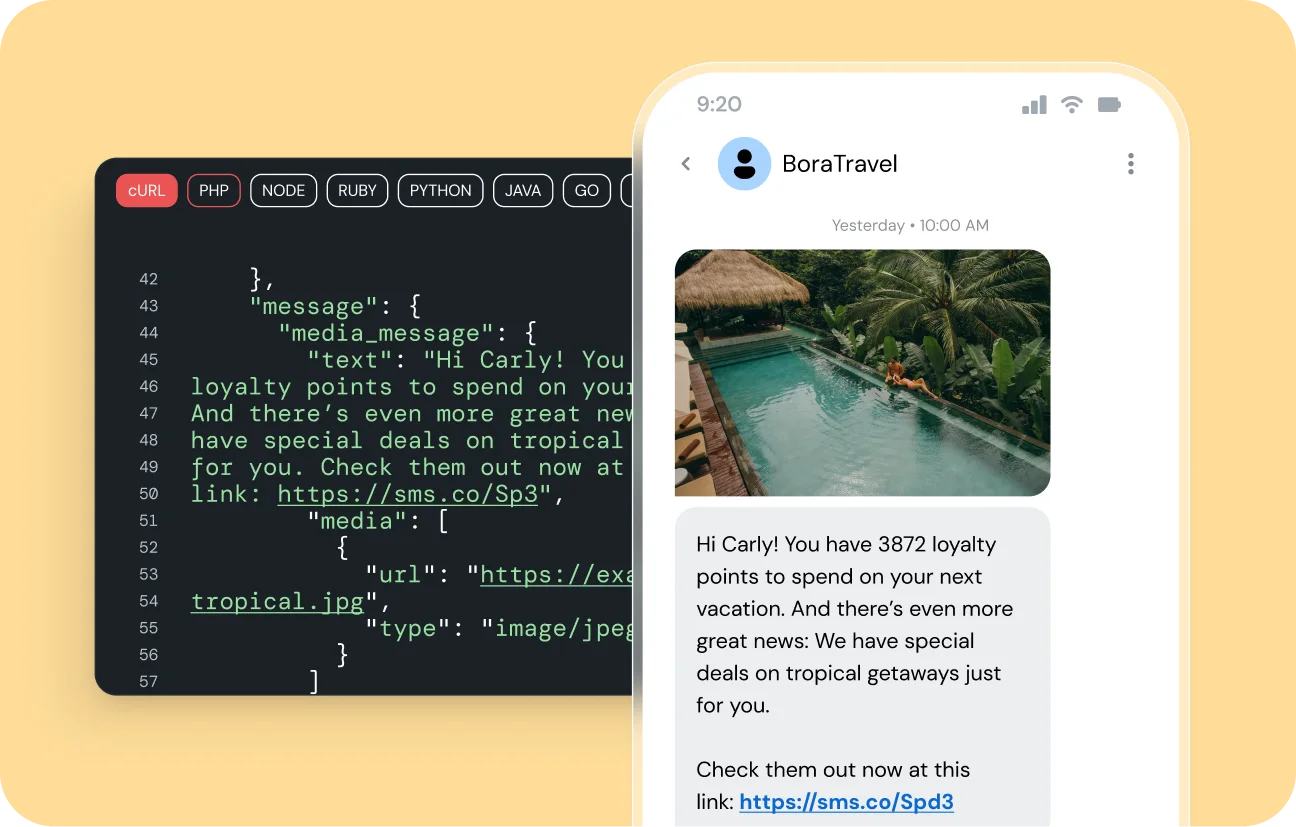
AI coding agents like Claude Code, Gemini CLI, and Cursor help you ship faster. But these agents are only as good as the context they have, and they often break when building with APIs. The agent isn’t the problem. It just needs the right knowledge.
That’s why we built Sinch Skills – a robust set of structured knowledge files that give your AI coding agent expert-level context for every Sinch API. Install once, and your agent handles the rest.

Why AI-generated API integrations often fail
Generic AI training data gets you close to production-ready code, but “close” isn’t good enough.
When developers use AI agents to build with APIs today, they may run into some predictable problems:
- Auth methods vary by API
- Regional endpoint rules are not always documented in a way agents easily pick up
- Agents often retry billable actions, without first verifying the action’s state, leading to unnecessary charges
- Async flows — webhook setup, processing modes, campaign approval — require sequencing that agents have to guess at without guidance.
What Sinch Skills are
Sinch Skills are structured files your AI coding agent reads as context, helping developers avoid the common problems of AI-generated API integrations.
Each skill is a directory containing a SKILL.md file with everything the agent needs to work with a specific Sinch API, including:
- Auth setup
- Getting-started code
- Key concepts
- Common patterns and “gotchas”
- Links to the full API reference
Skills follow the Agent Skills open standard, which means they work with any tool that supports SKILL.md files — Claude Code, Gemini CLI, Cursor, Codex, GitHub Copilot, Windsurf, and others.
Progressive disclosure keeps context clean
Skills use progressive disclosure, so they don’t overwhelm your agent’s context window.
- Your agent starts by loading only the name and description of each skill. This tells it what knowledge is available.
- When a task matches a skill, the agent reads the full
SKILL.mdand any referenced scripts or assets. - Your agent generates code guided by real Sinch expertise, not training data guesswork.
It’s deep knowledge, delivered exactly when your agent needs it.
List of skills covering Sinch’s portfolio of products
We’re launching with coverage across every major Sinch product area:
| Category | Skills |
|---|---|
| Core | Authentication — OAuth2, API keys, SDK init across every API |
| Messaging | Conversation API, Provisioning API — 11 channels including WhatsApp, SMS, RCS, MMS, Viber |
| Voice | Voice API — callouts, IVR, TTS, conferencing, SVAML call control |
| Video & SIP | In-App Calling, Elastic SIP Trunking |
| Mailgun, Mailgun Inspect, Mailgun Optimize, Mailgun Validate | |
| Numbers | Numbers API, Number Order API, Imported Numbers, 10DLC Registration |
| Verification | Verification API, Number Lookup API |
| Other | Fax API |
Each skill goes beyond API examples. They include the real-world patterns, sequencing, and edge cases that make the difference between code that demos and code that ships.
A few examples of what that looks like in practice:
- The 10DLC skill covers the full six-step registration workflow, including why vague campaign descriptions get rejected by TCR and why you should always use
FULLregistration type for production. - The Verification skill leads with the auth pattern developers get wrong most often: Application Key and Secret, not project OAuth2.
- The Voice skill covers that
cliis required for TTS callouts to connect, that instruction order in SVAML matters, and that ACE callbacks are not sent for in-app destinations.
We’ve packaged years of our team’s knowledge for your agent.
From developer experience to agent experience
Great developer experience used to be clear docs, good SDKs, and fast onboarding. Those things are still important. But now, a developer’s job is often to direct an agent that does the implementation.
That shift changes what “good developer experience” means. It’s not enough to have documentation a human can read. The knowledge must be in a form an agent can also use — structured, opinionated and scoped precisely.
Sinch Skills is our answer to that. We want your agent to behave like a Sinch expert developer: knowing the right patterns, catching the common mistakes and generating code you can trust.
Get started with one command
npx skills add sinch/skills
This command adds all the skills to your agent’s environment. You can also install skills individually or set them up from the Sinch Plugins repository if you prefer.
Skills are free and open source under Apache-2.0. You need a Sinch account to use the APIs the skills describe — sign up at dashboard.sinch.com.
Browse the full Sinch skills library at github.com/sinch/skills. Check it out and let us know what you think! If you find it useful, give it a ⭐on GitHub to help us grow the community.
This is the beginning. We’ll be continuously updating skills as APIs evolve and expanding coverage based on what developers actually build. If you have feedback or want to contribute, the repo is open — pull requests welcome.
About Sinch
Sinch drives seamless conversations that create lasting connections between businesses and their customers. More than 150,000 businesses, including the world’s leading tech companies, rely on Sinch’s most reliable network for messaging, voice, verification and email. Visit sinch.com to learn more about Sinch and our products and services.

Author: