👋 Looking for Sinch Engage? You’re now on Sinch’s main site. Go back to Sinch Engage

SINCH AGENT TOOLS · MCP

Sinch MCP Server: Connect your AI agents to live APIs

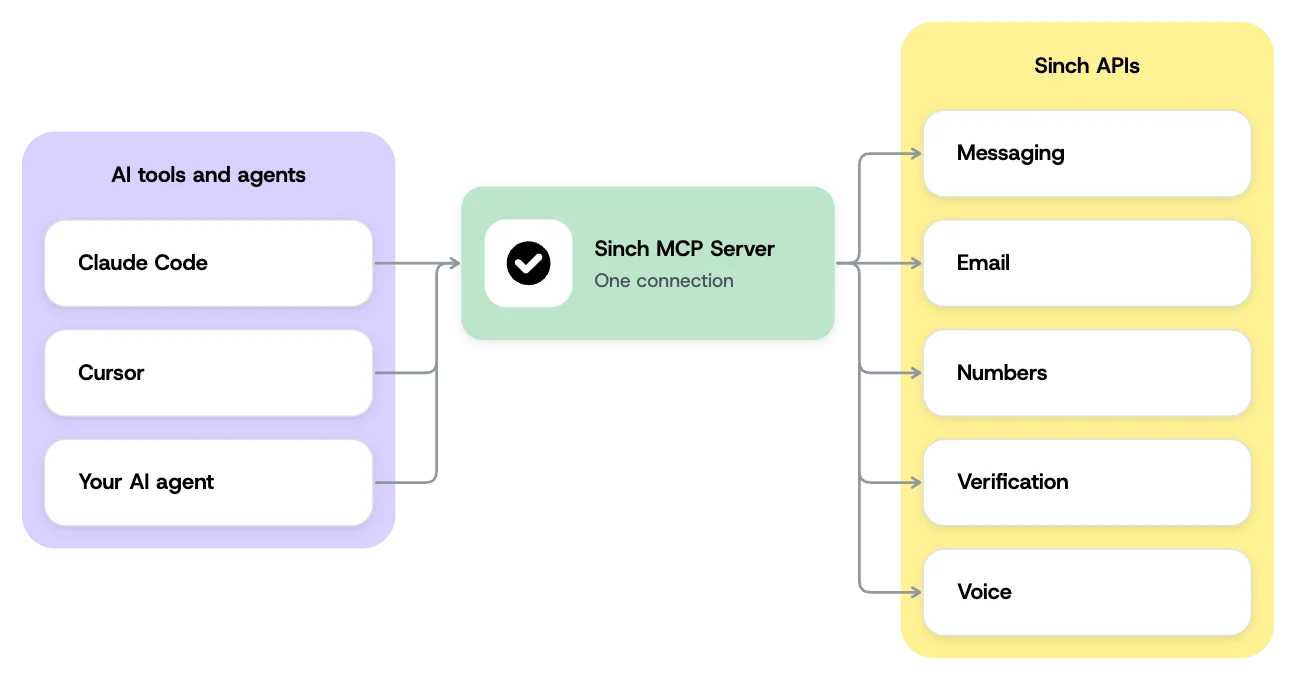
The Sinch MCP Server connects AI agents and coding tools directly to Sinch’s communications APIs – Messaging, Email, Numbers, Verification, and Voice – through the Model Context Protocol. Your agent takes real, clearly labeled actions instead of guessing from documentation.

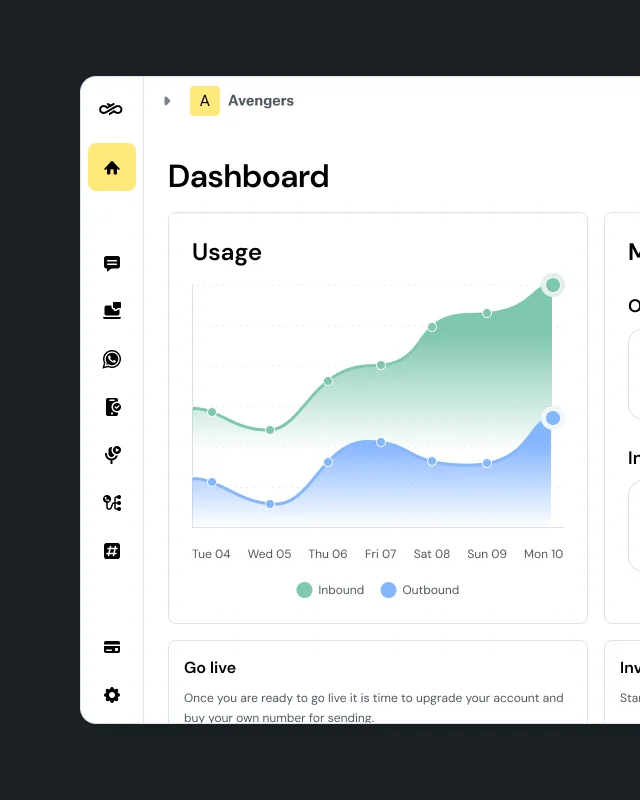
Live API calls need a Sinch account. The Docs MCP Server needs none.

Image for Sinch MCP Server: Connect your AI agents to live APIs
Join over 200,000 businesses, including 8 of the 10 largest tech companies in the world

WHY INTEGRATIONS BREAK

Real actions, not just documentation

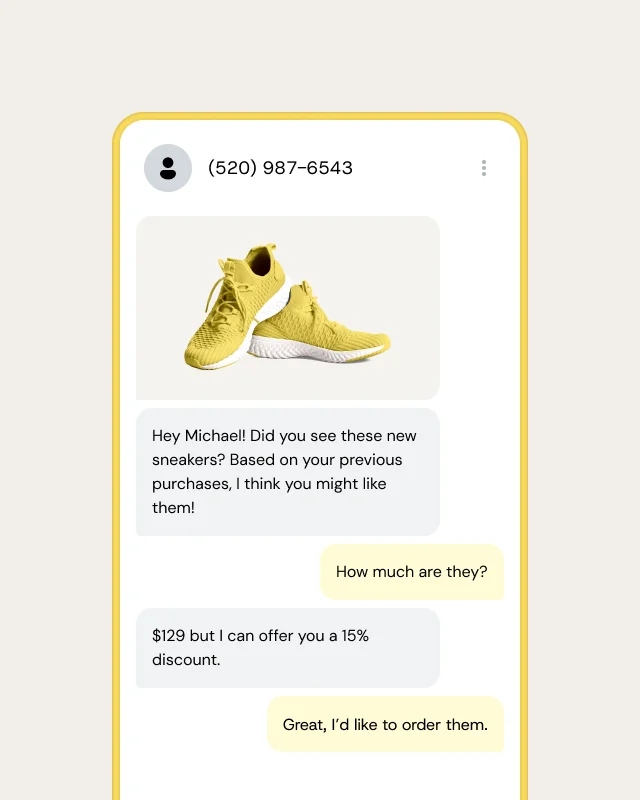
Most integrations make an AI agent guess how to talk to an API, then hope the generated call works. MCP removes the guesswork, connecting your agent directly to Sinch APIs with clearly labeled actions like send a message or verify a number. Connect once, and reach Messaging, Email, Numbers, Verification, and Voice through the same protocol.

Image for Real actions, not just documentation

THE MCP TOOLSET

Purpose-built tools your agent can trust

Think of the Sinch MCP Server as a direct line between an AI assistant and Sinch APIs. It ships clearly named tools for each task – send a message, verify a number, place a call, rent a number – rather than a generic wrapper that leaves an agent to improvise arbitrary calls. Fewer, sharper tools make agent behavior more predictable.


                                    # Add the Sinch MCP Server to Claude, Cursor, or your AI tool of choice

npx -y @sinch/mcp


MCP AND THE DOCS MCP

Two tools, two jobs.

The Sinch MCP server and the Docs MCP do different things. Reach for the MCP server when you want your agent to take and test real actions on Sinch APIs. Reach for the Docs MCP when you want your AI coding assistant to generate correct Sinch code.

Run it locally so your AI agent can call Sinch APIs directly for testing and automation. It runs in your own environment, so credentials and customer data never leave it, which suits regulated builds. It executes actions; it does not write code. Install it directly, or get it bundled with Sinch Skills through the Cursor Marketplace.

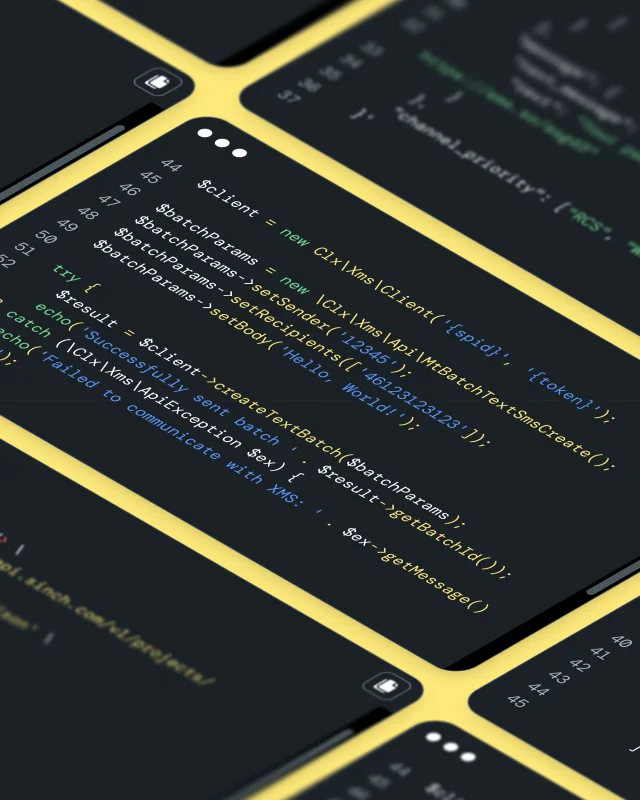
A read-only reference layer, that gives AI tools real-time access to Sinch’s API reference and code patterns. It handles discovery and code generation, not execution. Add developers.sinch.com/mcp as an endpoint in any MCP-compatible AI tool, with no account or API key needed. Paired with Skills, it keeps generated code accurate while Skills guide the approach.

Image for Two tools, two jobs.

MCP USE CASES

Where teams use the Sinch MCP Server

Each deployment model fits a different situation.

Regulated, data-sovereign builds

A developer at a bank, hospital system, or government agency runs the server locally with npx -y @sinch/mcp, so their agent can call and test Sinch APIs while credentials and customer context never leave their environment.

Code before you have an account

Point any MCP-compatible tool at developers.sinch.com/mcp to pull the current API schema, then pair it with the matching Sinch Skill for the guidance a schema alone doesn’t cover.

MCP AND THE REST OF AGENT TOOLS

Part of the Agent Tools suite

MCP is one of six Agent Tools components, handling execution and discovery. Skills add the operational patterns your agent needs to use each API correctly. The CLI, SDKs, and Functions then carry that code to a deployed workflow. Each works on its own, and they work better together.

Frequently asked questions about the Sinch MCP Server

Quick answers on what the Sinch MCP Server does, which deployment model fits your build, and where to start.

A server that connects AI agents and coding tools directly to Sinch’s communications APIs through the Model Context Protocol, so an agent can take real actions like sending a message or verifying a number.

Messaging, Email, Numbers, Verification, and Voice, through a single connection.

The MCP server runs in your own environment and lets your agent call and test Sinch APIs; it does not write code. The Docs MCP is a read-only reference layer that helps your AI coding assistant generate correct code, with no account needed.

A read-only reference layer at developers.sinch.com/mcp that gives AI tools current API schemas and code patterns. No account or API key is needed – it’s for discovery and code generation, not for executing actions.

It’s one component of Sinch Agent Tools, the developer layer for building on Sinch APIs. Agent Tools sits inside a broader set of AI capabilities spanning messaging, voice, email, and verification.

Install from GitHub, get the Cursor Marketplace listing, or add the Docs MCP endpoint to your AI tool.