Sinch Agent Tools is a developer toolkit for the agentic era: MCP, Skills, a CLI, SDKs, Functions, and editor plugins that put Sinch’s communications APIs directly into your editor, your terminal, and your agent’s workflow.
Sinch Agent Tools
Sinch Agent Tools is a developer toolkit for the agentic era: MCP, Skills, a CLI, SDKs, Functions, and editor plugins that put Sinch’s communications APIs directly into your editor, your terminal, and your agent’s workflow.
Connect AI coding tools and agents to live Sinch APIs
Generate working integration code without tabbing out to documentation
Deploy serverless communications workflows with no infrastructure to manage
Why now
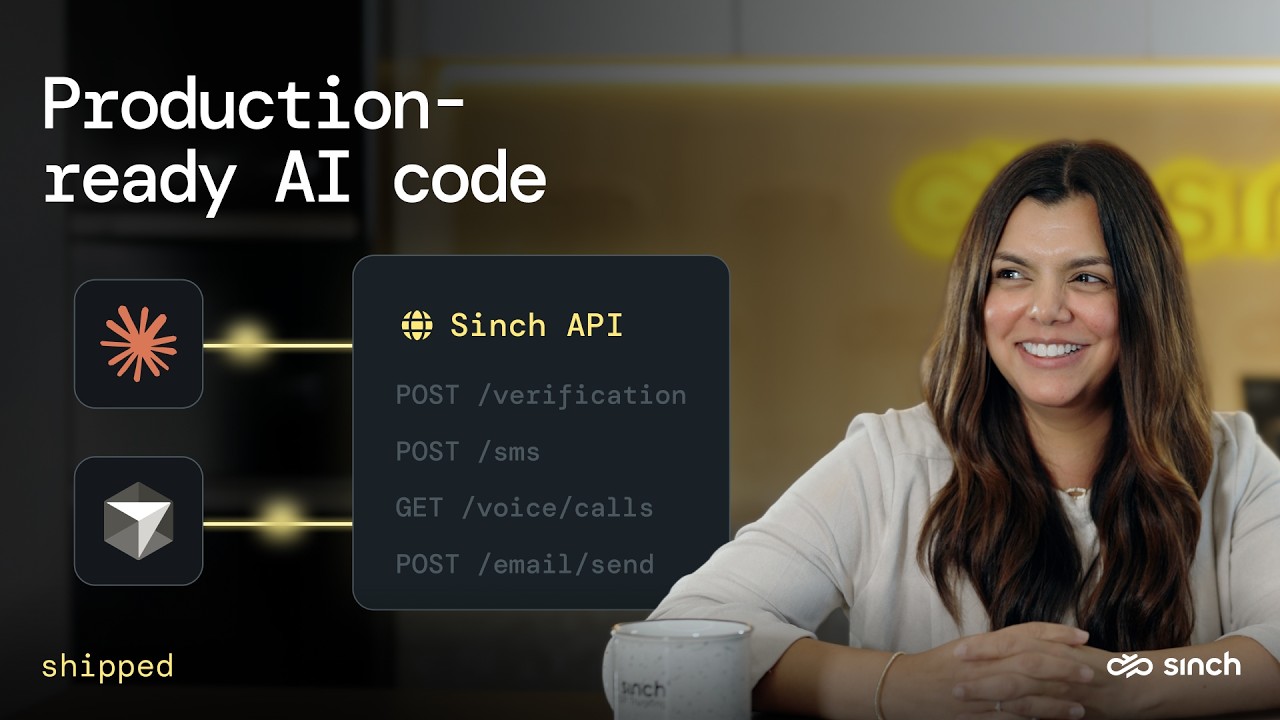
Development starts in your editor now, often with an AI assistant writing alongside you or an agent calling the API on its own. When a communication tool (like Sinch) isn’t accurately represented there, your assistant writes code that looks right and breaks on the first real call.
Agent Tools places the context you (and your agents) need, right where the work actually happens.
Agent Tools at a glance
Agent connection
The Sinch MCP server connects AI agents and coding tools directly to Sinch’s live APIs — Messaging, Email, Numbers, Verification, and Voice — so the code they write matches how Sinch actually behaves.
Reach every major Sinch API through a single connection
Works with Claude, Cursor, and any MCP-compatible tool
Cuts integration time, so teams ship communication features sooner
# Add the Sinch MCP server to Claude, Cursor, or your AI tool of choice
npx -y @sinch/mcp
MCP deployment models
Different builds need different deployment models. Pick the one that fits your stack, your compliance requirements, and how your agents run.
Agent knowledge
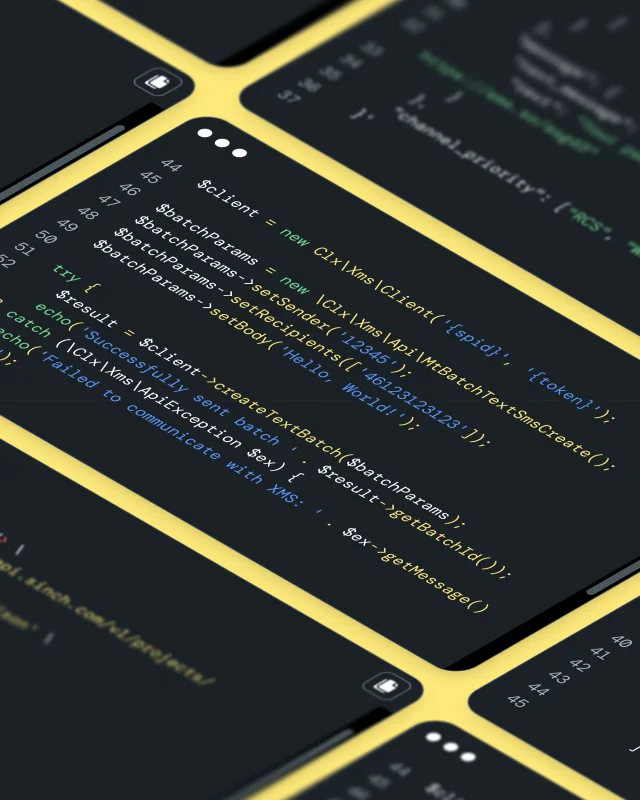
Sinch Skills are structured knowledge files that give AI coding agents expert-level context for every Sinch API. Install once, and your agent builds Sinch integrations without searching docs or guessing at patterns.
Free and open source, no dashboard or configuration required
Covers auth methods, regional endpoints, and the gotchas that would otherwise break generated code
Messaging, voice, email, verification, numbers, video, SIP trunking, and fax at launch
Works with Claude Code, Cursor, Gemini CLI, Copilot, Codex, and Windsurf
npx skills add sinch/skills # install the full library
npx skills list # confirm installation
Command line
The Sinch CLI brings build, test, and deploy into your terminal.
Creates, tests, and deploys serverless voice applications with a few commands
Keeps you in your workflow, cutting the back and forth between your dashboard and codebase
Manage Sinch Functions today, with more products rolling out
npm install -g @sinch/cli
sinch functions init # scaffold a new project from a template
sinch functions dev # build and test locally
sinch functions deploy # ship it
sinch functions logs # monitor
Client libraries
Sinch SDKs wrap our APIs in a consistent framework for authentication, pagination, and error handling. Learn the pattern once and reuse it across every supported product.
Available in Node.js, Java, .NET, and Python
Covers messaging, numbers, voice, and verification from one authentication model
Handles pagination with a single iterator object across every API
npm install @sinch/sdk-core # Node.js (or the Java, .NET, or Python equivalent)
Serverless compute
Deploy your code, and Sinch routes live calls and messages to it – no containers, load balancers, or capacity planning. Trigger from business events: an SMS on signup, a voice call to escalate an alert, verification during authentication.
Pre-wired SDK clients keep credential management out of your code
Batteries included: cache, blob storage, SQLite, and environment secrets
Ships to production in under a minute with one deploy command
sinch functions init # scaffold a function from a template
sinch functions dev # test locally with a public tunnel
sinch functions deploy # ship to production in under a minute
Plugins & integrations
Ready-made add-ons that install Sinch into your editor or agent in one click, with no custom setup or wrappers. Connect your Sinch credentials once and start building.
Common questions
Quick answers on what Agent Tools includes, what it costs, and where to install it.
A suite of developer components that let developers and AI agents build, test, and run on Sinch’s communications APIs from the tools they already use. It includes MCP, Skills, a CLI, SDKs, Functions, and plugins & integrations.
Skills are free and open source, and the Docs MCP needs no account. Live API calls require a Sinch account, which you can create in minutes.
No. Each component is its own product – use one or combine them based on your build.
MCP is the connection that lets AI tools and agents reach Sinch’s APIs. Skills are structured knowledge files that give your assistant the patterns and context to use those APIs correctly. They’re designed to work together.
Any MCP-compatible or SKILL.md-compatible tool, including Claude Code, Cursor, Gemini CLI, GitHub Copilot, Codex, and Windsurf.
Node.js, Java, .NET, and Python, covering SMS, Numbers, Voice, and Verification.
Serverless compute for voice and messaging. You deploy your code and Sinch routes live calls and messages to it, with no infrastructure to manage.
A secure, multi-tenant deployment model with isolated MCP instances per customer, department, or agent. It’s coming soon – the remote, self-hosted, and Docs MCP servers are available today.
The VS Code Marketplace, JetBrains Marketplace, Open VSX Registry, and Cursor Marketplace, plus the sinch-plugins GitHub repo for Claude Code and Gemini CLI.