Sinch Agent Tools · Functions

Sinch Functions: Run voice and messaging code without servers

Sinch Functions is serverless compute for Voice and Messaging. Deploy your code and Sinch APIs route live calls and messages to it, with no containers, load balancers, or capacity planning to manage.

  • Runs on Node.js or C#, from a starter template or an empty project

  • Triggers on voice callbacks, Conversation API webhooks, or your own HTTP endpoints

  • Ships to production in under a minute with one deploy command

Scaffold from a template in minutes. Live traffic needs a Sinch account.

Image for Sinch Functions: Run voice and messaging code without servers

No infrastructure

Write the logic, skip the infrastructure

Automating a communications workflow usually means standing up hosting, load balancing, and capacity planning before you write a line of logic. Functions removes that overhead. Write the code that should run when a call comes in or a message arrives, then deploy it. Sinch Functions runs it in isolated containers that auto-scale with traffic.

Image for Write the logic, skip the infrastructure

The runtime

Runtimes you already know

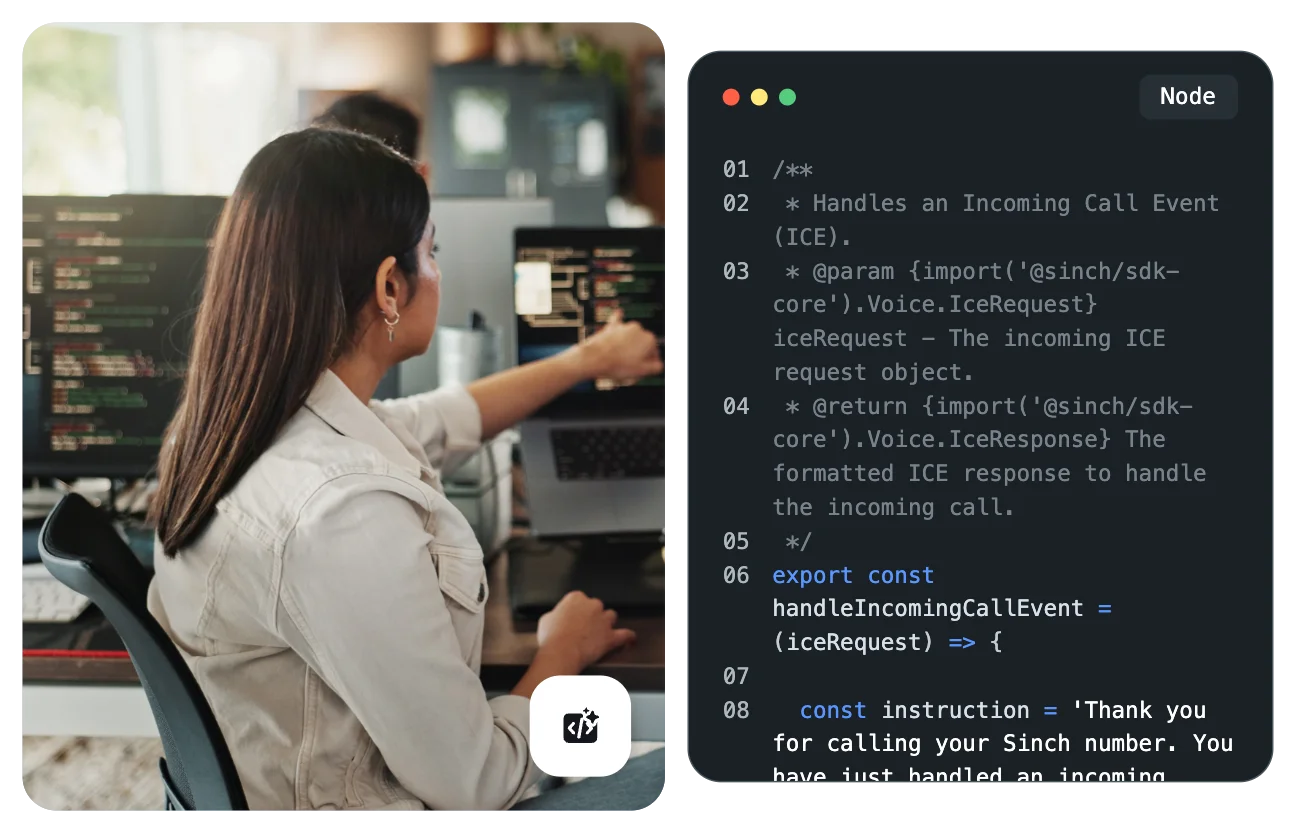
The Node.js runtime is Express with conventions: You export handlers, the runtime routes URLs to them, and you return a response. The C# runtime is ASP.NET MVC with controllers. Either way, the function on the right is complete and deployable.

  • Routes voice callbacks to the handler you export, with no wiring

  • Answers Conversation API webhooks from the same project

  • Exposes your own HTTP endpoints when you need a custom API


                                    // function.ts — a complete, deployable voice function    
    import type { VoiceFunction } from '@sinch/functions-runtime';    
    import { createIceBuilder } from '@sinch/functions-runtime';    
         
    export default {    
      async ice(context, data) {    
        return createIceBuilder()    
          .say('Hello from Sinch Functions!')    
          .hangup()    
          .build();    
      },    
    } satisfies VoiceFunction;   


What the runtime gives you

The state and storage you would otherwise bolt on

Most serverless setups make you add separate products for state, storage, and credentials. The Functions runtime injects them, so they are there the moment your code runs.

  • Cache for fast, temporary state

  • Blob storage for files, and a SQLite database for structured data

  • Environment secrets, injected by the runtime

  • Pre-wired SDK clients – context.voice, context.conversation, context.sms, and context.numbers – so credentials never appear in your code

Image for The state and storage you would otherwise bolt on

From template to live traffic

Init, test, deploy, in a few commands

The Sinch CLI takes a function from a starter template to production without opening the dashboard. Local development runs on your laptop behind a public tunnel, so live traffic can reach it while you iterate.


                                    sinch functions init      # scaffold from a template, or start empty    
    sinch functions dev       # run locally with hot reload and a public tunnel    
    sinch functions deploy    # ship to production in under a minute    
    sinch functions logs      # monitor a live function    


Functions builds

What developers build with Sinch Functions

Every one of these ships as a starter template, so you begin from working code rather than an empty file.

Sinch Agent Tools

Where Functions fits in Sinch Agent Tools

Sinch Functions is one of six Agent Tools components, and it is where the workflow lands. An AI agent uses Skills and the SDKs to write the communications code, and the CLI deploys it to Functions to run on live traffic. MCP and plugins connect your agent from the tools it already works in. Each works on its own, and they work better together.

Frequently asked questions about Sinch Functions

Quick answers on what triggers a function, which runtimes are supported, and what the runtime includes.

Serverless compute for voice and messaging. You deploy your code, and live calls and messages route straight to it, with no infrastructure to manage.

Node.js and C#. The Node.js runtime works like Express with conventions, and the C# runtime like ASP.NET MVC with controllers.

Inbound voice callbacks, Conversation API webhooks, or a custom HTTP endpoint you expose yourself.

Cache, blob storage, a SQLite database, and environment secrets, all injected at runtime, plus pre-wired SDK clients for Voice, Conversation, SMS, and Numbers.

With the Sinch CLI: sinch functions init, then dev to test locally, then deploy – typically in under a minute.

Yes. sinch functions dev runs the function on your laptop with hot reload and a public tunnel, so real test events can reach it.

Functions is one component of Sinch Agent Tools, the developer layer for building on Sinch APIs. Agent Tools sits inside a broader set of AI capabilities spanning Messaging, Voice, Email, and Verification.

Deploy an IVR from a template in about five minutes, then swap in your own logic.