Looking for Sinch Engage? You’re now on Sinch’s main site. Go back to Sinch Engage

AI AGENTS ON THE PHONE

Connect your AI agent to live phone calls

When something matters, customers still pick up the phone. Give the AI agent you already have a phone number and let it answer. A person can join the same call whenever the AI reaches its limit.

  • Bring your own AI agent or voice AI platform

  • Connect it over text, live audio, or SIP

  • Record, transcribe, and detect voicemail on every call

Voice API v2 is in Public Preview.
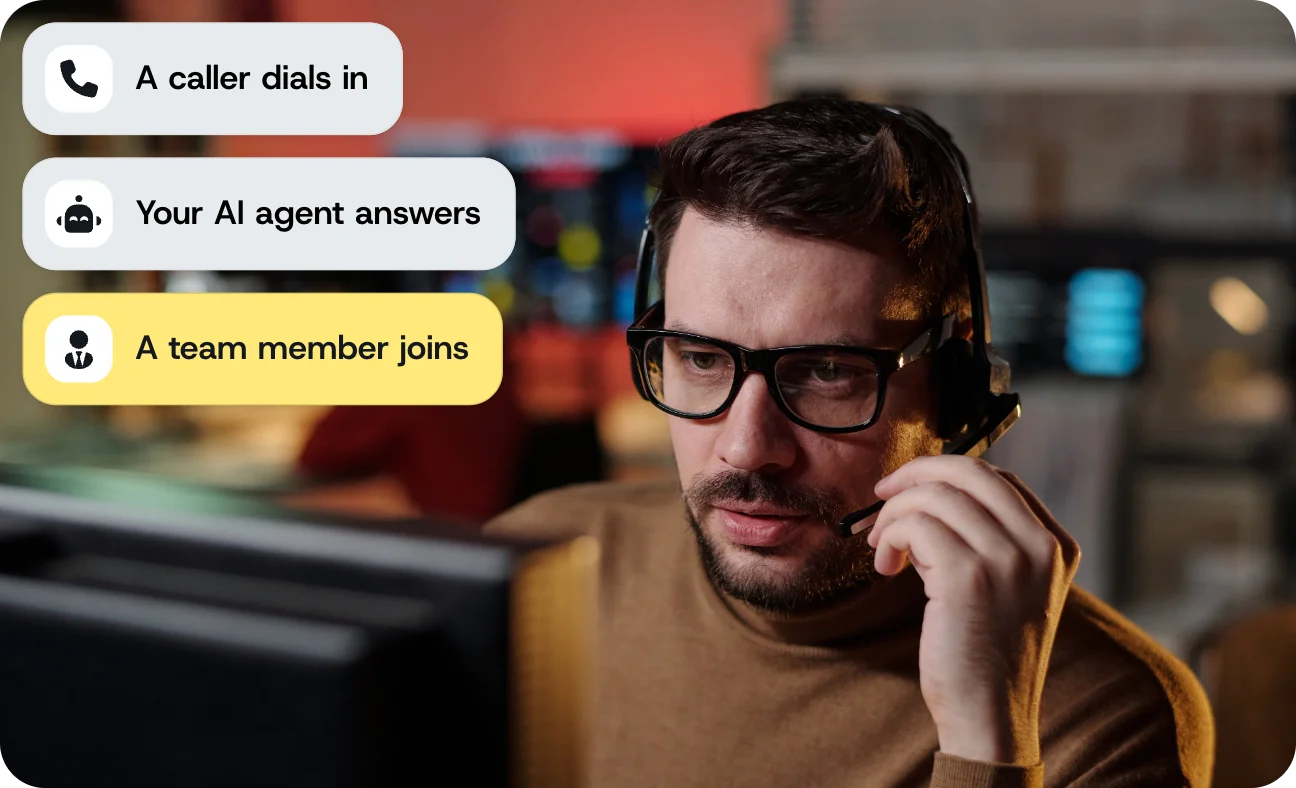
Image for Connect your AI agent to live phone calls
Join over 200,000 businesses, including 8 of the 10 largest tech companies in the world

AI agent use cases

Jobs teams give AI agents on the phone

Most teams start with one job the phone line does badly today, such as long queues, rigid menus, or missed after-hours calls. These are the jobs an AI agent takes on first.

AI receptionist

Answer every inbound call on the first ring, at any hour, with no hold music. Callers explain what they need in their own words, and can interrupt or change direction.

Your chatbot, on the phone

The assistant that already answers in chat starts answering calls, with no rebuild of its logic for voice. Test a conversational design on real calls.

Your existing voice AI

Send live calls to the voice AI platform you bought or built, as raw audio or as a SIP call. Your agent keeps control of the conversation.

Routing without a menu

Callers say what they need instead of pressing keys. Your AI works out the request, and the right team joins the same call.

Outbound reminders and follow-ups

Your AI agent handles appointment reminders and confirmations. It tells a person from a voicemail and leaves a tailored message when no one answers.

Records of AI calls

Record whole calls or one side, with recordings delivered to your own cloud storage. Keep transcripts for audits, coaching, and disputes.

Choosing a connection

Voice Relay, Voice Streams, and SIP side by side

The difference comes down to who listens and speaks on the call, and who runs the infrastructure. All three run on Voice API v2 with the same account and phone numbers.

Who does what on the call

VOICE RELAY
VOICE STREAMS
SIP
Phone calls, numbers, and connectivity
Voice API v2
Voice API v2
Voice API v2
Who listens and speaks
Voice Relay
Your AI agent platform
Your AI agent platform, over SIP
What your AI handles
The words, in text
The conversation, in live audio
The whole conversation, on a SIP call
What you send and receive
Text over a WebSocket
Raw audio over a WebSocket
Audio inside the SIP session
Server you host
A WebSocket server that Voice Relay connects to
A WebSocket server that Voice Streams connects to
Your own SIP infrastructure, or a third party’s
Best starting point
A chatbot or assistant that already works in text
A voice AI agent platform you built or run
An AI agent platform that already takes SIP calls
Voice and language
772 reply voices, plus speech recognition in 100 languages
Your AI agent platform’s own voice and language
Interruptions
Voice Relay stops talking when the caller speaks, and tells your AI
Your AI agent platform, with control of unplayed audio
Your AI agent platform handles them

Call controls

What happens around the AI conversation

A good AI call needs more than the conversation itself. Handoff, recording, transcription, and voicemail detection all come with Voice API v2, so you don’t piece together a separate telephony system.

A team member joins the call the caller is already on, and the AI steps out. The team member can hear a short intro first, such as “Connecting a customer interested in buying.”

On Voice Relay, Voice Streams, and SIP, the call ends when the AI connection drops. Voice API v2 lets your developer set up a new connection or redirect the call, for example to a person.

Record the whole call or one side, and stop mid-call if you need to. Recordings go to your own AWS S3, Google Cloud Storage, or Azure Blob Storage, with optional transcripts in 100 languages.

Your call flow tells a person from a voicemail and handles each one differently. Batch calling works through large lists at a pace you control.

A Session groups the calls in a conversation, and a Bridge connects them. A caller can move from a phone menu to an AI agent to a person without hanging up.

Image for What happens around the AI conversation

Developer tools

Build the call flow with your engineering team

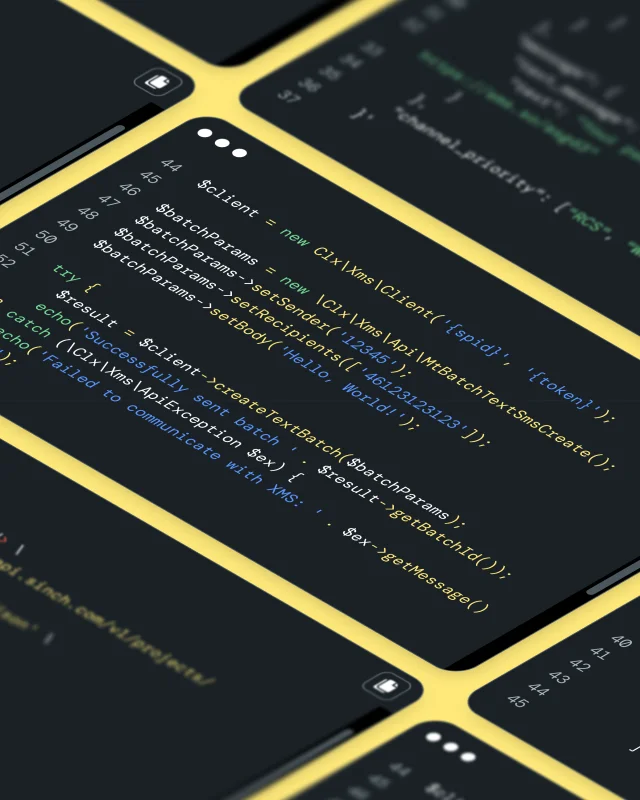
Your developers, or the AI coding assistant they work with, build the call flow. It can run on your own server, as a function, or over SIP to your agent platform. Build guides with working code cover each path.

  • Two-way WebSocket connections: Text for Voice Relay, raw audio for Voice Streams

  • SIP calls to your AI agent platform’s endpoint, inbound or outbound, set up in SVAML

  • Call control through SVAML commands, with events delivered as CloudEvents 1.0 webhooks

  • Sinch Functions in Node.js or C#, deployed from the dashboard or the Sinch CLI

  • A documentation MCP server, Sinch Skills, and the Sinch CLI for AI coding assistants

Image for Build the call flow with your engineering team

Voice and reliability

Voices, languages, and uptime for AI calls

Your AI agent’s answers are only as good as how they sound on the line. Here’s what Voice API v2 brings to the call.

772 voices

Voice Relay offers 690 standard and 82 generative voices across 80+ languages. SSML gives you control over pacing.

No AI vendor lock-in

You aren’t tied to one AI vendor. Switch or combine AI agents without rebuilding the phone side of the call.

Uptime SLAs

Voice API carries a 99.95% uptime SLA for self-serve and 99.99% for Enterprise, backed by a 24/7 Support Team.

Connect AI agents FAQ

Questions about connecting AI agents to calls

These are the questions teams ask before putting an AI agent on the phone.

No. You bring the AI agent, and you’re responsible for it and how it behaves. Voice API v2 connects it to the phone call.

Voice API v2, including Voice Relay, Voice Streams, SIP, and Phone (PSTN) as channels, has been in Public Preview since September 1, 2026.

Choose Voice Relay if your AI agent works in text and you want the listening and speaking handled for you. Choose Voice Streams if your AI agent platform already works with live audio. Choose SIP if your AI agent platform already takes phone calls over SIP. Choose Sinch Functions if you don’t want to host a server, and connect your agent inside it with Voice Relay or Voice Streams.

Yes. Your developer uses Voice API v2 to dial the platform’s SIP endpoint and bridge it to the caller, for inbound and outbound calls. The platform runs the conversation.

No. Bring the AI agents you already use. Voice API v2 provides the phone side: Numbers, connecting calls, handoff to a person, recording, and voicemail detection.

No, if you use Sinch Functions. Deploy the Voice Relay template, or describe the call to Assistant in the dashboard and it builds and deploys the flow. Assistant can make mistakes, so have someone technical review what it generates before you deploy.

For Voice Relay and Voice Streams, yes. You host the server that holds the live connection. With SIP, you host the SIP infrastructure or use a third party. With Sinch Functions, there’s no server to host, because Sinch Functions runs your call logic.

Yes. Every new dashboard account comes with credits and a phone number set aside for testing.