Build your global presence with international phone numbers
 The Sinch team
VIRTUAL PHONE NUMBERS FOR BUSINESS
Get access to a complete range of carefully-tested phone numbers, to use with all your communication services from Sinch.
Business Numbers

“The integration with Sinch was a lot faster than we initially anticipated, and with our expansion, Sinch has been much more scalable than our previous provider.“
Phone Number Solutions
Painless porting so you'll never miss a call. Port numbers quickly and easily with Sinch - keep customers happy and business flowing.

Conversations API
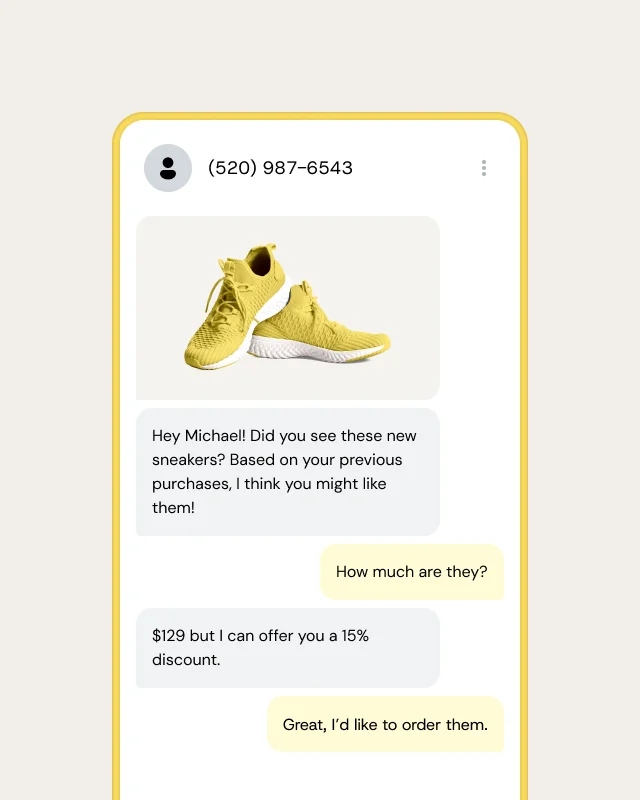
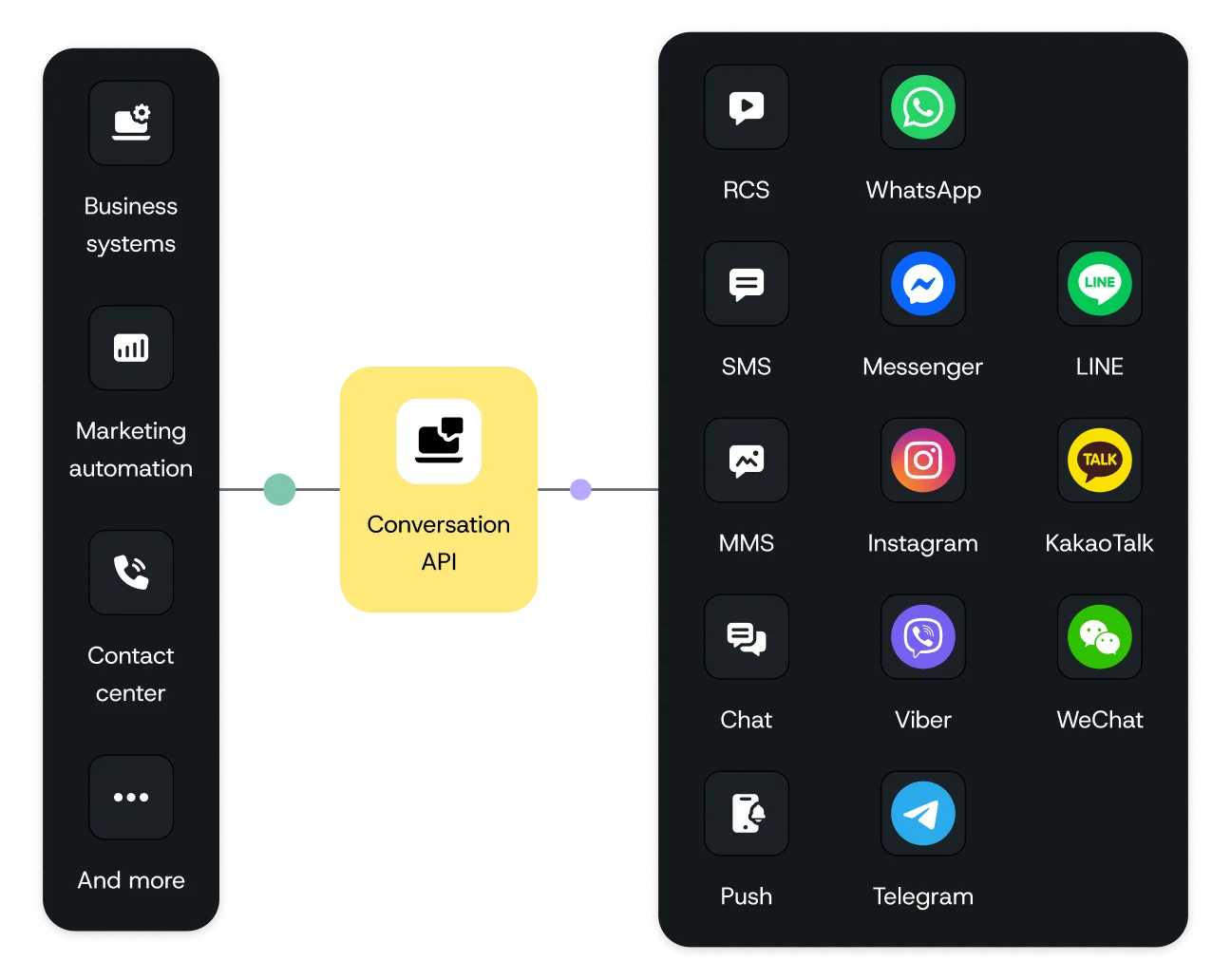
Send and receive text messages globally through a single connection, for timely and cost-efficient communications.
The Conversation API helps your business improve communications, reduce churn, and expand globally. It’s customizable, scalable, and reliable!
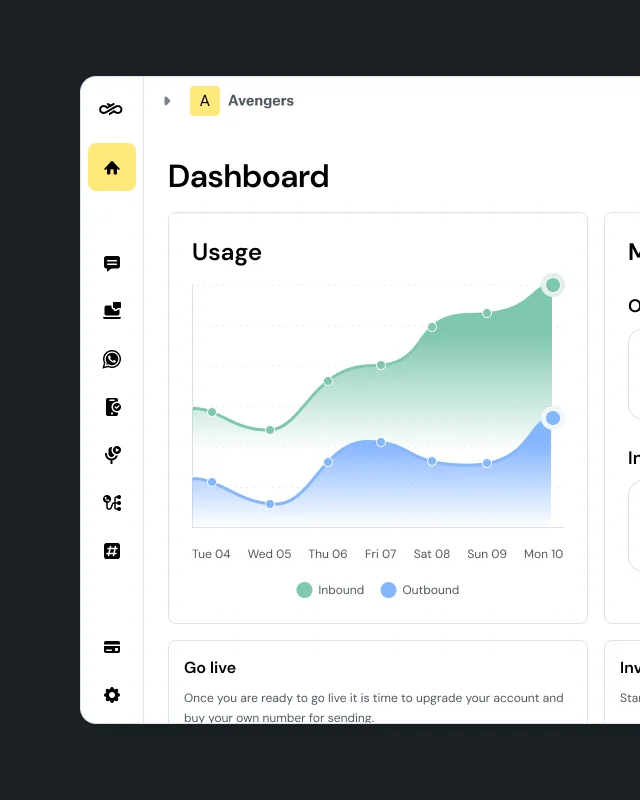
Sinch Build is the developer console and control plane for all Sinch APIs - Messaging, Voice, Verification, Numbers, SIP, and Fax - under one identity, one set of credentials, and one dashboard. It sits in front of every Sinch API, handling routing, compliance, and observability so you don't have to build that infrastructure yourself.
Sinch Build is for developers. It's the console where you get API access and build messaging, voice, and verification into your own software. Sinch Engage is a ready-to-use messaging platform for SMS, RCS, and WhatsApp. It's for marketing, service, and operations teams who want to send without code, or by connect messaging to their CRM or ERP.
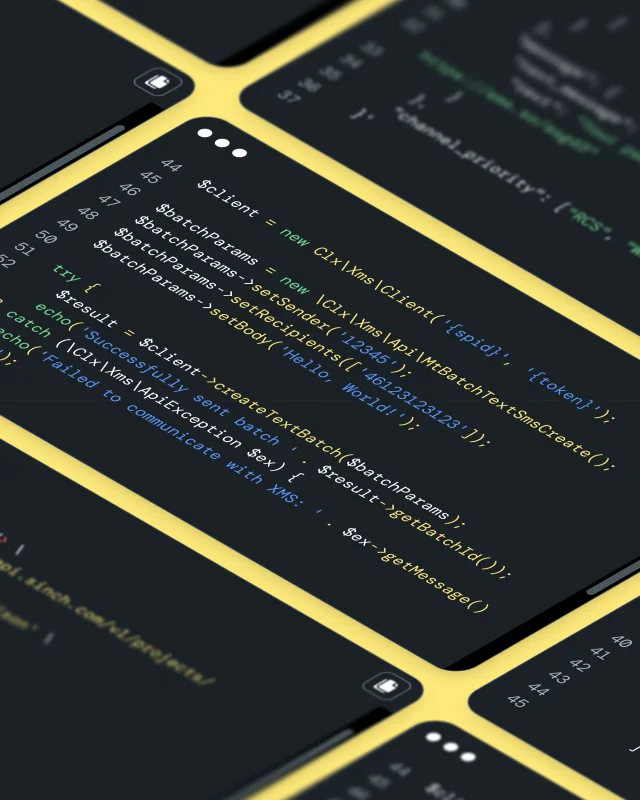
Sinch APIs work with any tool that supports MCP or SKILL.md files, including Claude Code, Cursor, Gemini CLI, GitHub Copilot, Codex, and Windsurf. Add Sinch Skills so your assistant knows how Sinch’s APIs work, and connect the Docs MCP at developers.sinch.com/mcp so it writes code from the current API reference.
Prefer a plugin? Install one from the VS Code Marketplace, JetBrains Marketplace, Open VSX Registry, or Cursor Marketplace, or use the sinch-plugins GitHub repo for Claude Code and Gemini CLI. See setup steps for each plugin.
Start by signing up for Sinch Build and grabbing your access key and credentials. You can then take those details to your AI coding tool to continue building from there.
You'll get trial credit, a default project, and a Sinch test number, so you can send a test message right away. From the same dashboard you can register your 10DLC brand and campaign for US traffic and connect WhatsApp through Embedded Signup.
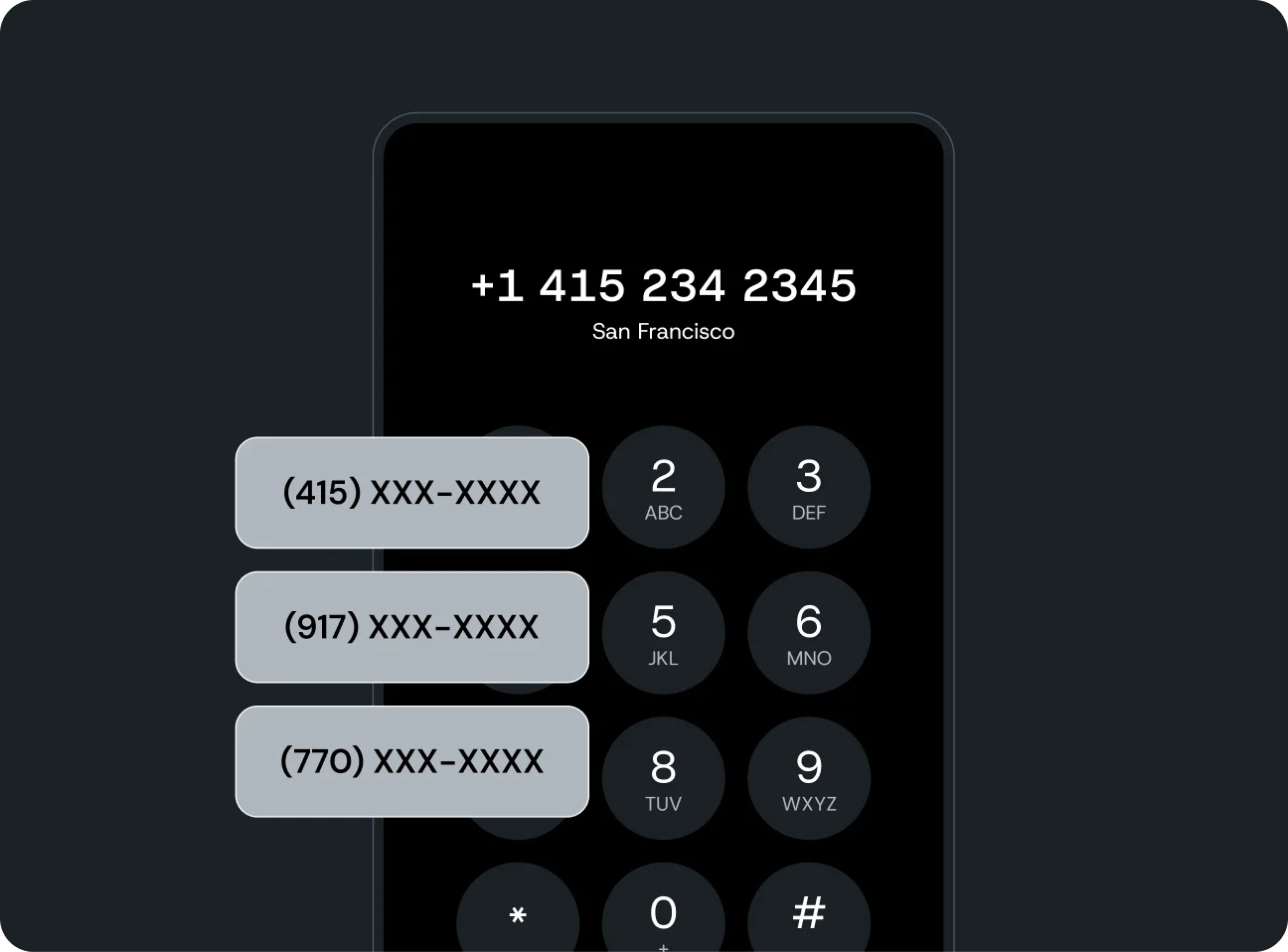
You'll mainly want to use a virtual long number or short code if you wish to have a two-way conversation with your customers - your client needs a number for replies. If the SenderID is an alphanumeric there is no number to route to and thus a reply cannot be delivered.
A virtual long number is great for local messaging - having a number to reply to that's familiar to your audience will help gain a high response rate. The benefit of a short code is that the number is short - 4-6 digits. This can make it more memorable (and marketable) to your audience.
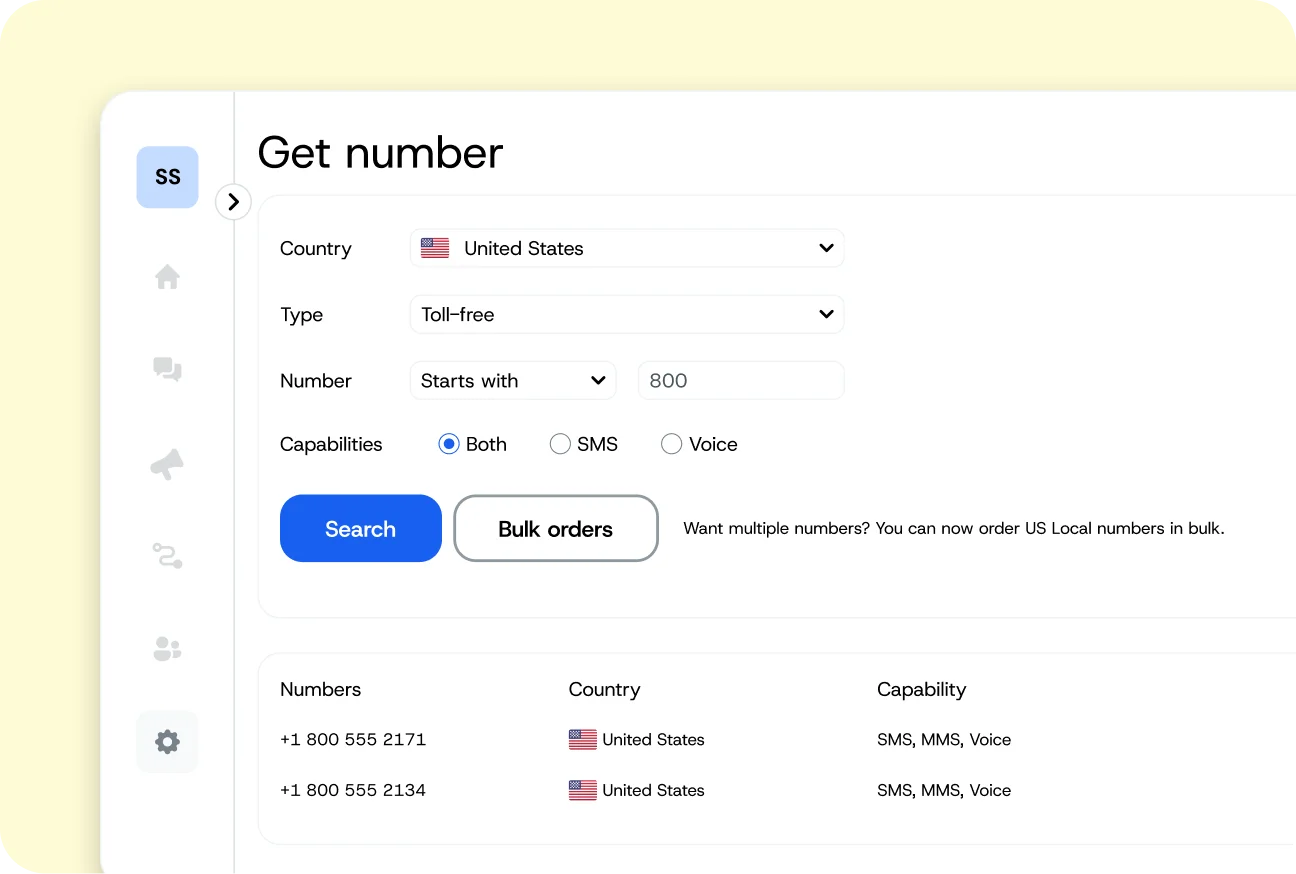
Once you have a Sinch SMS Account set up, you can request a number activation in the customer portal. You'll find all the available destinations and prices there, simply request and we'll get it set up for you.
The Sinch developer blog has step-by-step builds, release notes, and agentic guides. For API reference and quickstarts, go to developers.sinch.com.