Australian SMS gateway

SMS gateway Australia

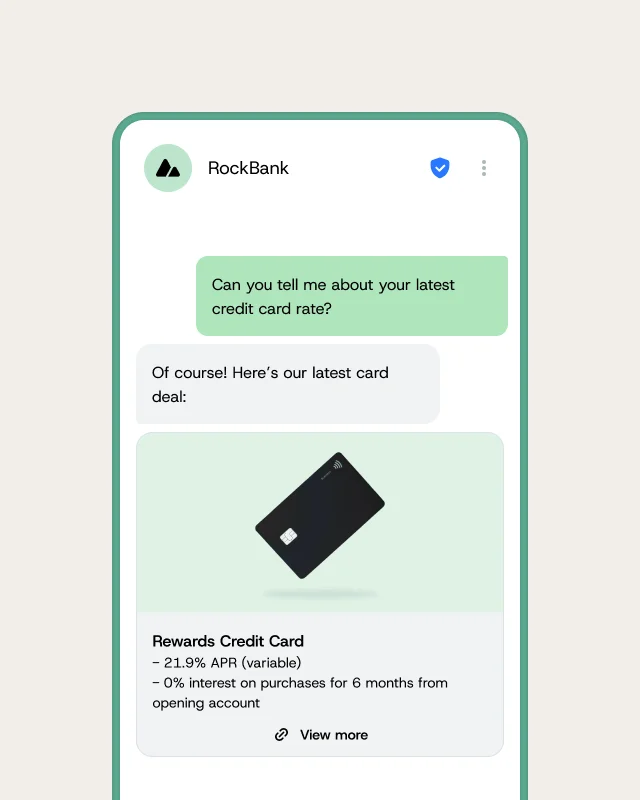
Send and receive SMS via API in Australia with Sinch Engage, formerly MessageMedia. Reaching Australian mobiles reliably means sending through local carrier connections, with sender IDs and consent handled the way Australian rules expect. Sinch Engage is an Australian SMS gateway:

  • Send by REST API, web dashboard, or email-to-SMS.

  • Reach Australian mobiles through direct local carrier routes.

  • Register ACMA sender IDs and receive inbound replies for free.

Includes a 14-day free trial.
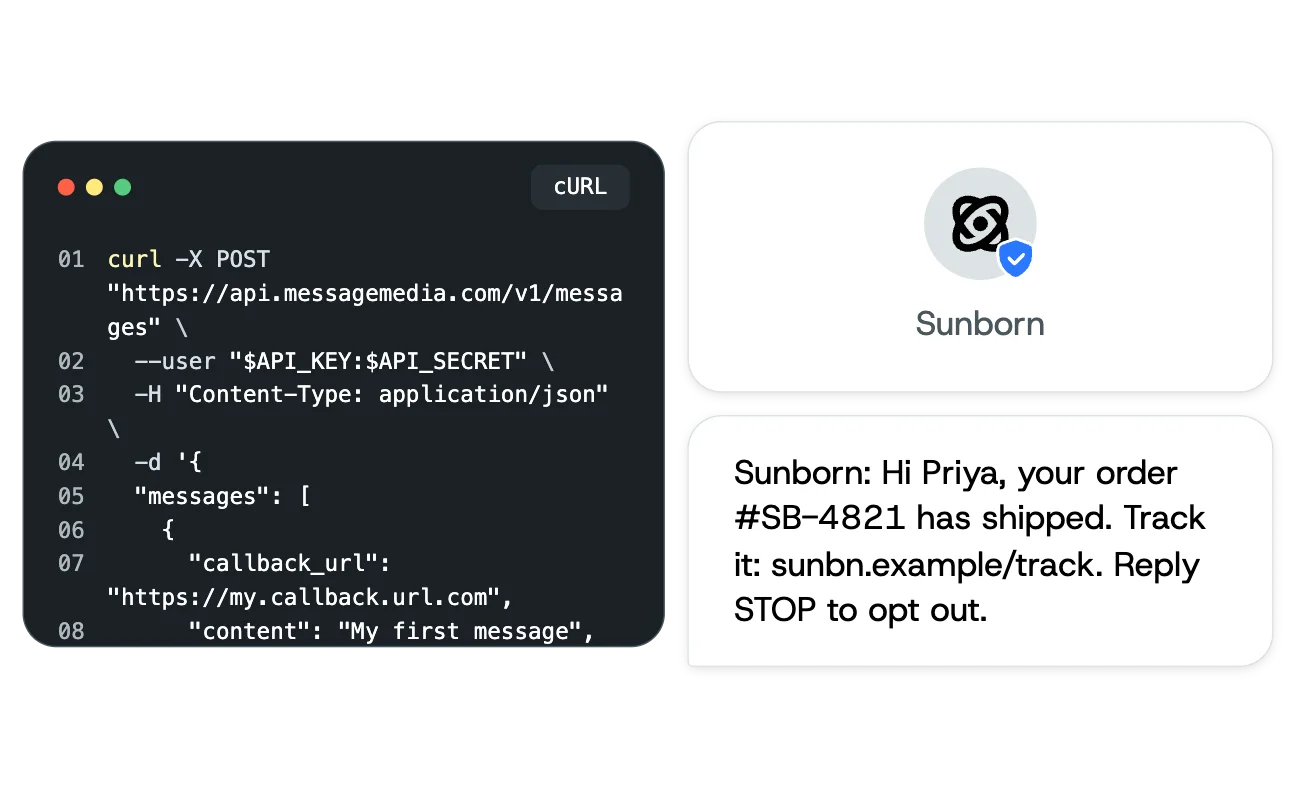
Image for SMS gateway Australia
Top brands rely on Sinch Engage to reach their customers

What is an SMS gateway?

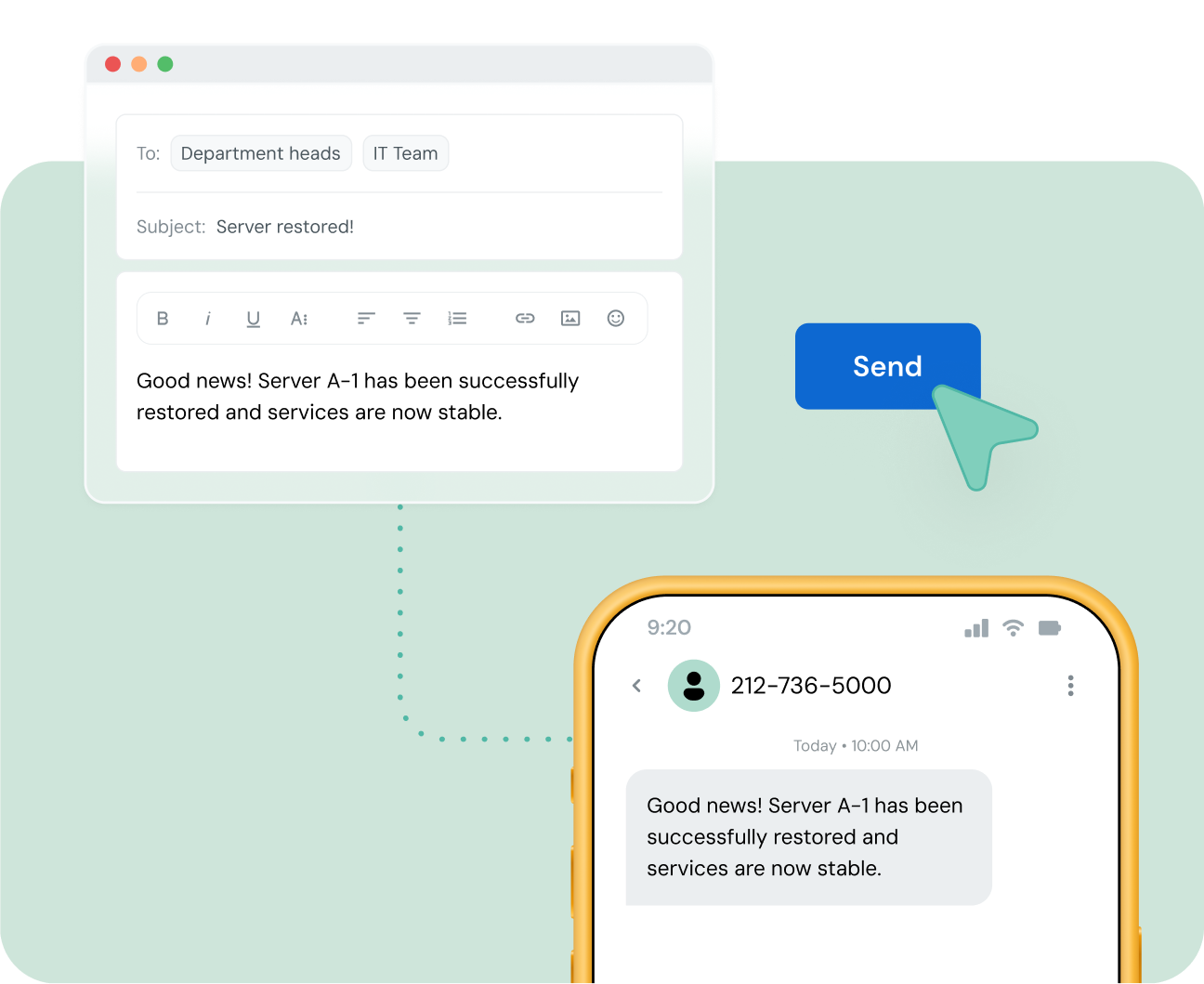
An SMS gateway is a service that connects your business systems to mobile carrier networks, so you can send and receive text messages at scale. In Australia, a gateway lets you reach local mobile numbers through a web dashboard, an email client, or a REST API. Sinch Engage gives you all three access methods on one platform, so technical and non-technical teams can send from the same account.

Image for What is an SMS gateway?

How it works

How an SMS gateway works

Every message follows the same path, whether you send it from code, a spreadsheet, or your inbox. Your request reaches the Sinch Engage gateway on its Australian endpoint, which routes the message to the recipient’s mobile carrier for delivery. The carrier delivers the SMS to the handset, and delivery receipts flow back to you in real time.

  • Send your message from the API, the dashboard, or email.

  • Route it through the Australian gateway to local carriers.

  • Track delivery receipts and replies as they return.

Image for How an SMS gateway works

SMS API

A REST SMS API built for Australian texting

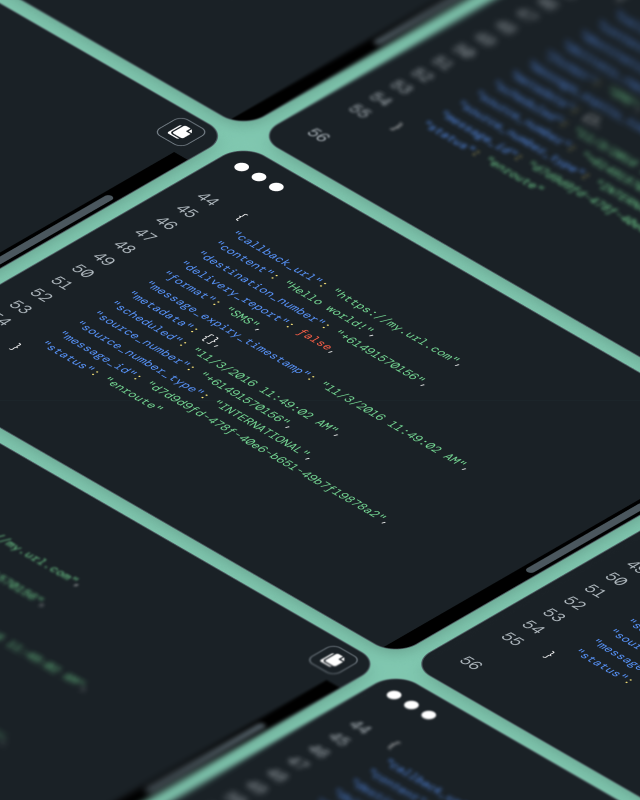
The Sinch Engage SMS API is a REST service that accepts JSON and authenticates with a Basic or HMAC key. You can send single or batched messages, register sender IDs, handle two-way replies, and subscribe to webhooks for delivery reports. Requests run against the Australian endpoint, so your data stays in the local region.


                                curl -X POST "https://au.app.api.sinch.com/v1/messages" \
  -u "API_KEY:API_SECRET" \
  -H "Content-Type: application/json" \
  -d '{
    "messages": [
      {
        "content": "Your order has shipped. Track it here: https://exmpl.co/oz",
        "destination_number": "+61491570156",
        "format": "SMS",
        "source_number": "OzHair",
        "source_number_type": "ALPHANUMERIC",
        "delivery_report": true
      }
    ]
  }


                                import requests

response = requests.post(
    "https://au.app.api.sinch.com/v1/messages",
    auth=("API_KEY", "API_SECRET"),
    json={
        "messages": [
            {
                "content": "Your appointment is confirmed for Tuesday at 10am.",
                "destination_number": "+61491570156",
                "format": "SMS",
                "source_number": "OzHair",
                "source_number_type": "ALPHANUMERIC",
                "delivery_report": True,
            }
        ]
    },
)
print(response.json())


                                const response = await fetch("https://au.app.api.sinch.com/v1/messages", {
  method: "POST",
  headers: {
    "Authorization": "Basic " + btoa("API_KEY:API_SECRET"),
    "Content-Type": "application/json",
  },
  body: JSON.stringify({
    messages: [
      {
        content: "Your booking reminder: see you Thursday at 2pm.",
        destination_number: "+61491570156",
        format: "SMS",
        source_number: "OzHair",
        source_number_type: "ALPHANUMERIC",
        delivery_report: true,
      },
    ],
  }),
});
const data = await response.json();


Get started

Send your first SMS in three steps

You do not need a long setup to test the SMS API. Create an account, generate a key, and make your first call from the language you already work in.

  • Sign up for Sinch Engage and open a 14-day free trial.

  • Generate your API key and secret in account settings.

  • Post to the messages endpoint and check the delivery receipt.

Image for Send your first SMS in three steps

Core features

Everything you need for SMS in Australia

Beyond sending, an SMS programme needs replies, timing, and clean contact data. These features come standard on every Sinch Engage account.

Image for Everything you need for SMS in Australia

Two-way SMS

Receive replies on a dedicated number and hold real conversations, not just one-way blasts.

Inbound routing

Route incoming messages to a webhook, the dashboard, or an email address.

Delivery receipts

See when each message reaches the handset, with error codes when it does not.

Webhooks

Subscribe to delivery and reply events so your systems react in real time.

Scheduling and batching

Queue messages for a set time or send up to 100 per request.

Personalisation

Merge names, dates, and order details into each message with template fields.

Contact management

Store contacts, group them, and reuse them across the dashboard and API.

Opt-out handling

Capture unsubscribes automatically to help you meet consent rules.

Email-to-SMS

Email to SMS for Australian teams

Email-to-SMS turns a message from your email client into a text sent to an Australian mobile, with no extra software. It suits staff who need to send an alert or reminder quickly, and replies can return to a shared inbox. It runs on the same account and sender IDs as your API and dashboard sending.

Image for Email to SMS for Australian teams

AI and MCP

Manage SMS with AI using MCP

Sinch Engage runs a Model Context Protocol (MCP) server for the Australian region, so you can drive your account from an AI coding assistant. Connect it to a tool like Claude Code and ask it to send messages, pull reports, or update contacts in plain language. It uses your own API credentials and the Australian endpoint, so access stays under your control.

SMS integrations

Connect the tools you already use

You can integrate SMS to your existing stack without a custom build. Sinch Engage connects to common business tools directly and to thousands more through automation platforms and the API.

  • Sync contacts and triggers with HubSpot and other CRMs.

  • Automate sends through Zapier and popular workflow tools.

  • Message customers from e-commerce platforms like Shopify.

Image for Connect the tools you already use

Why Sinch Engage

Why Australian businesses choose Sinch Engage

Most Australian SMS providers give you either a dashboard or an API. Sinch Engage gives you both, on local infrastructure with a local Australian team, backed by a global network.

Local presence

Australian numbers, sender ID support, and an Australian sending region.

Three ways to send

One account for API, dashboard, and email-to-SMS across your whole team.

Enterprise grade network

Sinch Engage runs on Sinch’s global network for reliable delivery at volume.

Compliance support

ACMA sender ID registration and opt-out handling to help you follow the rules.

Built for Australia

An SMS gateway built for Australia

Sending to Australian mobiles has local requirements that a generic gateway can miss. Sinch Engage handles the Australian details so your messages arrive and your business stays compliant.

  • Send from a dedicated Australian Virtual Mobile Number (VMN).

  • Register an alphanumeric sender ID through the ACMA process.

  • Receive inbound messages in Australia at no extra cost.

  • Keep sending data in the Australian region on a local endpoint.

  • Route directly to Australian carriers for reliable delivery.

Image for An SMS gateway built for Australia

Backed by Sinch

Local experience on a global network

An Australian provider can offer local support, and a global communications platform as a service can offer scale. With Sinch Engage you get both at once. Sinch’s network handles more than 900 billion customer interactions a year, so your Australian sending has room to grow without changing platforms.

Image for Local experience on a global network

Security and Australian compliance

Two things matter once you send at volume: How your data is protected, and how you stay within Australian law. Sinch Engage secures your messages in transit and gives you the controls to meet Australian consent rules.

  • Encrypt messages in transit with modern TLS.

  • Control access with API keys and HMAC-signed requests.

  • Follow the Spam Act 2003 with consent, identification, and unsubscribe support.

  • Register sender IDs through ACMA for alphanumeric sending.

Use cases

What Australian businesses send via API

The same gateway supports very different jobs, from marketing campaigns to critical account alerts. Here is where Australian teams put it to work.

Image for What Australian businesses send via API

Alerts and notifications

Send order updates, payment notices, and service alerts the moment they happen.

Verification and OTP

Deliver one-time passcodes to confirm logins and transactions.

Reminders

Cut no-shows with appointment and booking reminders people actually read.

Marketing campaigns

Run promotions and win-back campaigns to opted-in contacts.

Australian SMS pricing

Plans start at $45 per month, with a dedicated Australian Virtual Mobile Number included and inbound messages free in Australia. Every plan starts with a 14-day free trial, so you can test sending before you commit. Prices are in Australian dollars and exclude GST.

Scale up

Add more channels with Conversation API

Sinch Engage and its API support SMS, MMS, RCS, and WhatsApp. If you’re looking for a more robust omnichannel messaging API, Sinch also offers Conversation API, a single API for 13 messaging channels.

Conversation API transcodes one message into each channel’s format and can fall back to SMS when a richer channel is unavailable. Start with the SMS gateway today, and move to omnichannel when your customers ask for it.

Image for Add more channels with Conversation API

Questions and answers

SMS gateway and SMS API FAQs

Common questions about sending SMS in Australia by API, dashboard, or email.

An SMS gateway is the service that connects your systems to mobile carriers. An SMS API is one way to reach that gateway, letting your own code send and receive messages. You can also reach the same gateway through a dashboard or email, without any code.

Free gateways exist but usually cap volume, drop delivery reporting, or lack local sender ID support. Sinch Engage offers a 14-day free trial so you can test paid-grade sending, then move to a plan when you are ready.

Sinch Engage plans start at $45 per month in Australian dollars, excluding GST, with a dedicated Australian number included and inbound messages free. See the pricing page for current rates.

Create an account, generate an API key and secret, then post your message to the Australian messages endpoint. Delivery receipts and replies return through webhooks. Code samples are available in six languages.

Yes. Email-to-SMS turns an email into a text message sent to an Australian mobile, using the same account and sender IDs as your API and dashboard sending.

If you send with an alphanumeric sender ID in Australia, you need to register it through the ACMA process. Sinch Engage supports this registration as part of setup.

Sinch also offers Conversation API, a single API for 14 channels, including MMS, RCS, and WhatsApp. You can start with SMS and add channels as your needs grow.