Looking for a MessageMedia page? If you are and were redirected here, it's because MessageMedia is rebranding to Sinch Engage. Learn more about our rebrand.
MESSAGES API
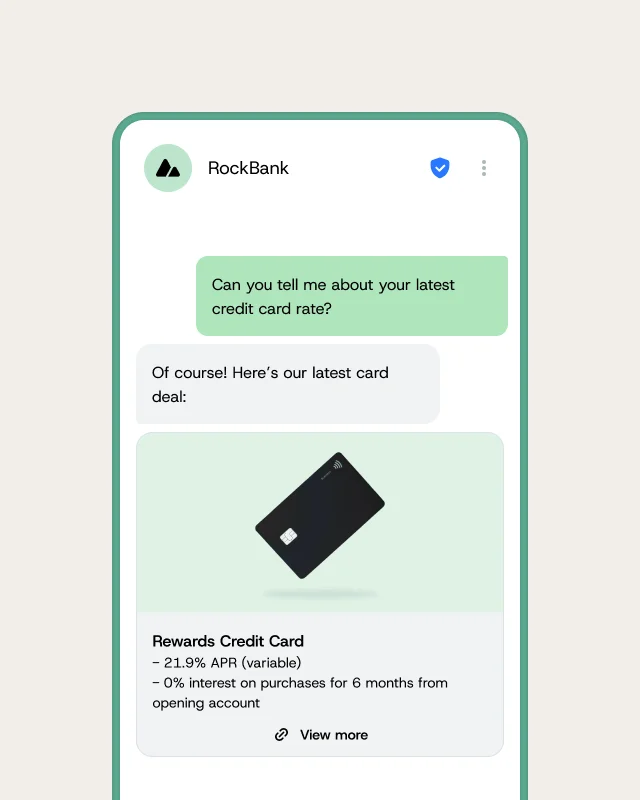
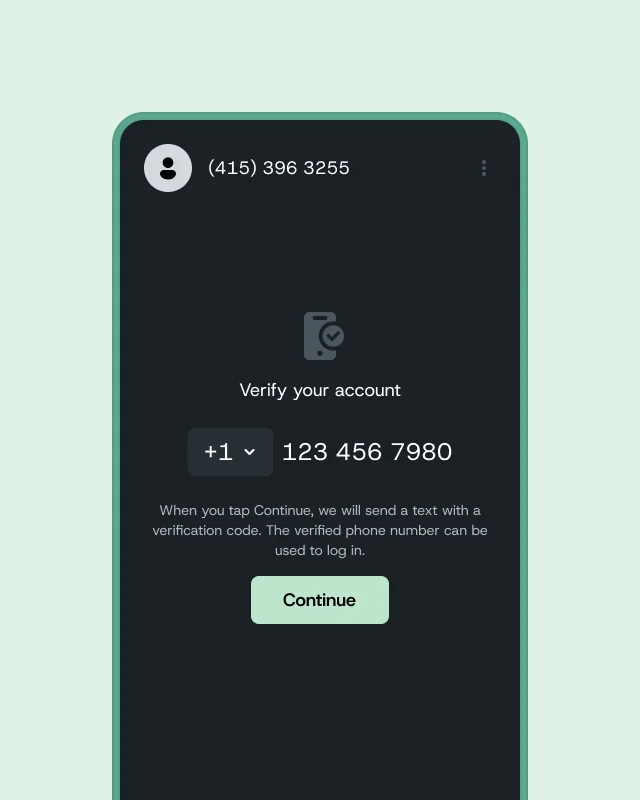
A messaging API is a programmatic interface that lets your business send, receive, and manage messages using standardized HTTP requests. With the Sinch Engage Messages API, you can send WhatsApp and text messages, request delivery reports, check status by message ID, and retrieve replies.
CORE WORKFLOWS
Use the Messages API to send WhatsApp and text messages, track processing status, retrieve replies, and confirm replies after you process them.
HOW IT WORKS
Send SMS and WhatsApp messages by passing content, destination number, scheduling options, delivery report preferences, and optional metadata. The API returns a message ID you can use to check status and retrieve handset replies.
INTEGRATION
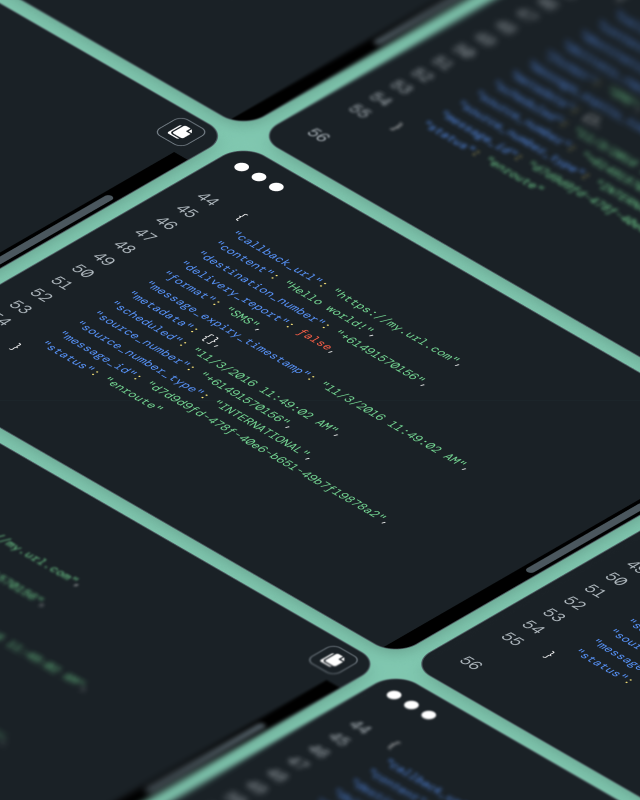
Integrate the Messages API with standard HTTP requests or an SDK to fit it into your existing systems. Add a callback_url to enable webhooks, and include metadata to pass custom message context.
CAPABILITIES
The Messages API supports a structured workflow for sending messages and managing responses so you can build messaging into your applications.
Send messages with content and destination_number
Schedule messages with scheduled
Request delivery reports with delivery_report
Check message status by message ID
Retrieve replies from handsets
Confirm replies and include up to 10 metadata pairs
IMPROVE YOUR WORKFLOW
To begin, you’ll need a Sinch Engage account and Ruby installed. Then, install the Ruby SDK to send messages, check status updates, and retrieve replies.
WHY SINCH ENGAGE?
Sinch Engage combines an easy-to-use application with API capabilities so your team can launch and manage messaging without developer-heavy workflows. You get the usability business teams need and the integration flexibility technical teams expect.
FAQ
A messaging API is a programmatic interface that lets applications send, receive, and manage messages using standardized HTTP requests. The Messages API is one way to implement that pattern.
In the Messages API tutorial, the send message body includes fields like content and destination_number. It can also include metadata, scheduled, and delivery_report.
When you send a message, the Messages API returns a message ID in the response object. Use that message ID to check message status.
Replies sent from a handset appear when you call the reply function in the tutorial workflow. After you process replies, confirm them so they don’t get returned again.
In the Messages API tutorial, you can activate webhooks by including a callback_url parameter in the message body of your send_message function. The source material doesn’t specify additional webhook behavior.
Yes. The Messages API supports up to 10 key/value metadata pairs in a message. Use metadata when you do not want to store persistent data in the application.
You need a MessageMedia developer account and Ruby installed. The tutorial also references installing the Ruby SDK with gem install messagemedia_messages_sdk.
Delivery reports are a notification about a change in the status of a message while it’s processed. In the tutorial workflow, you can request delivery_report in the message body.
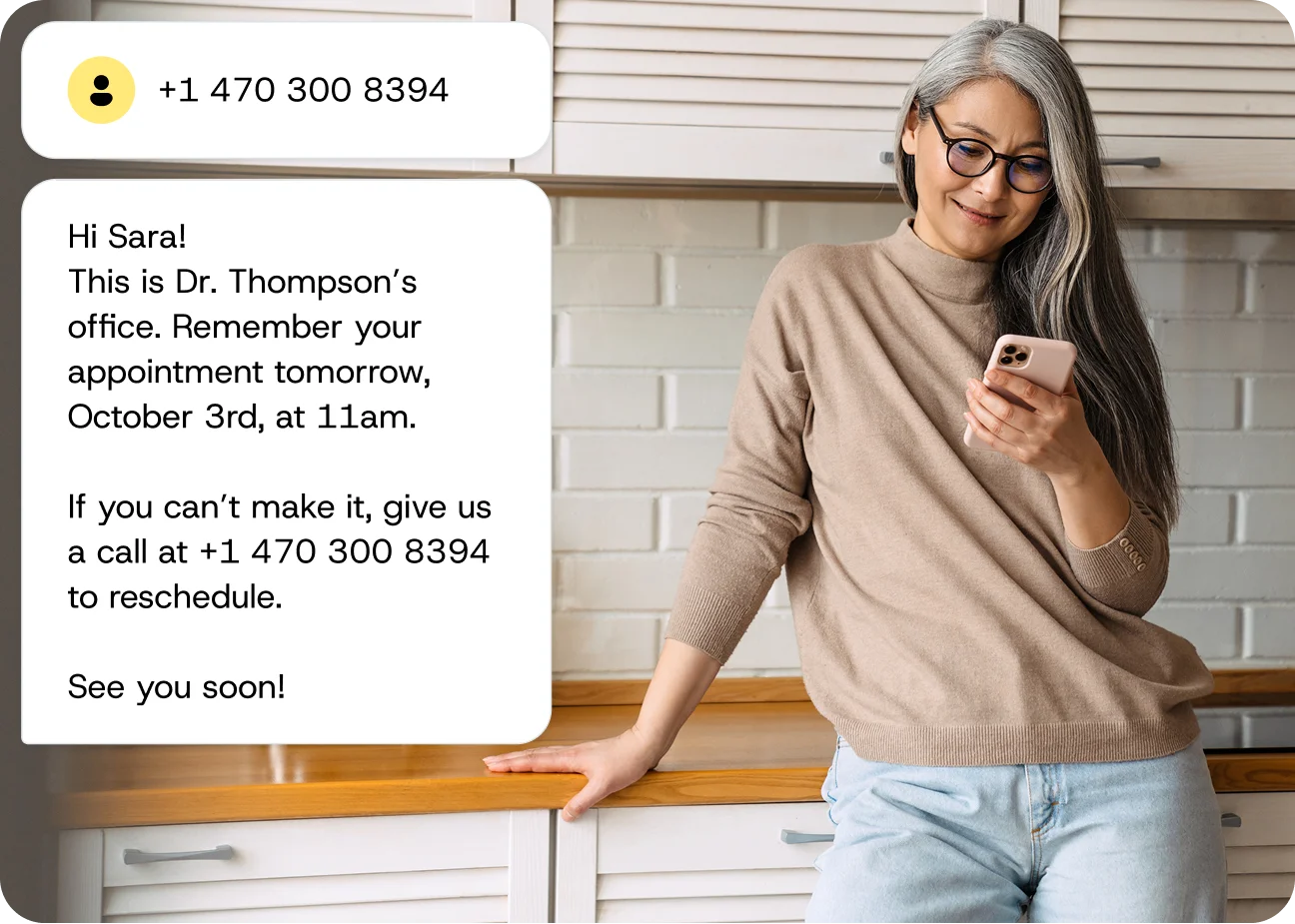
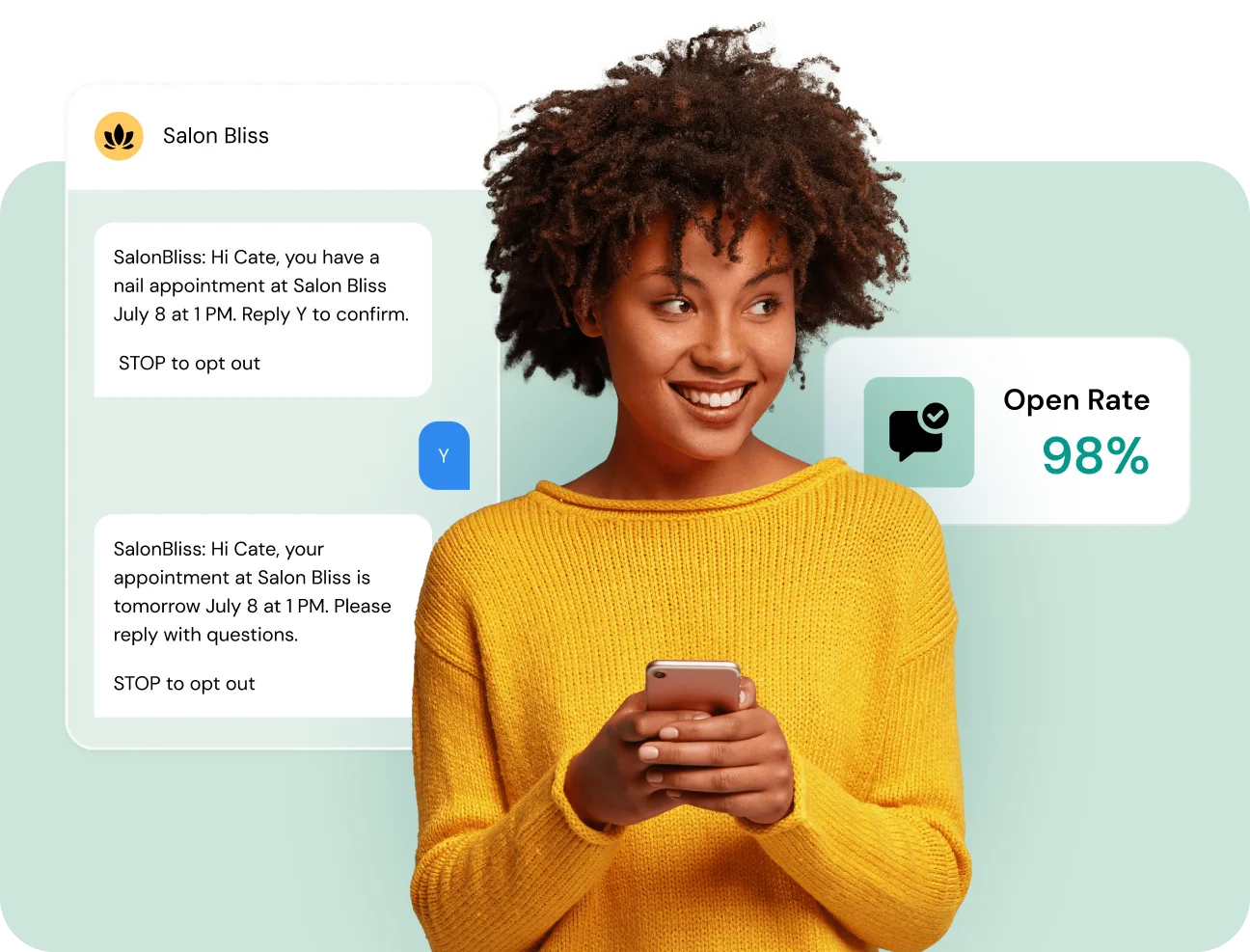
Yes. The tutorial shows a scheduled field in the message body. It also describes appointment reminders with a confirmation one day before and a reminder one hour before.
After one or more reply messages are processed, confirm them with the confirm replies endpoint. Confirmed replies aren’t returned in later requests to check replies.