Microsoft Dynamics 365
Microsoft Dynamics text message integration
With this Microsoft Dynamics SMS integration by Sinch Engage (formerly MessageMedia), your sales, service, and operations teams can respond faster, automate follow-ups, and keep every customer conversation organized.
Send and receive SMS and RCS directly from any record in Dynamics 365, with every message automatically logged in the Entity Timeline.
Key benefits of this integration:
- Set up in minutes and engage customers in real-time without leaving Dynamics
- Send SMS and RCS from any contact, lead, or account record
- AI-assisted reply suggestions based on recent conversation context
- Easily track all communications in your Entity’s Timeline
- Reach a wide audience with bulk SMS using personalized templates
- Two-way chat through a unified inbox inside Dynamics
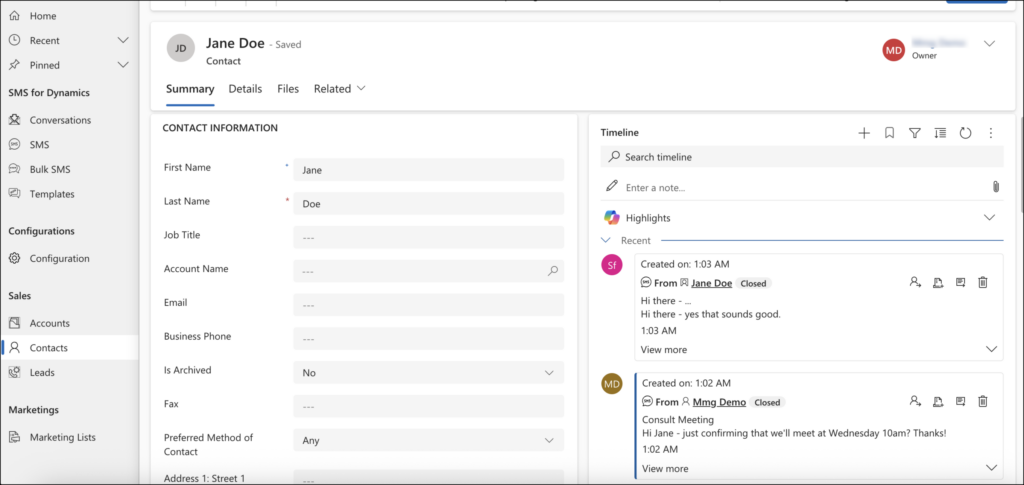
Send and receive SMS directly from Microsoft Dynamics, easily tracked in your entity’s timeline
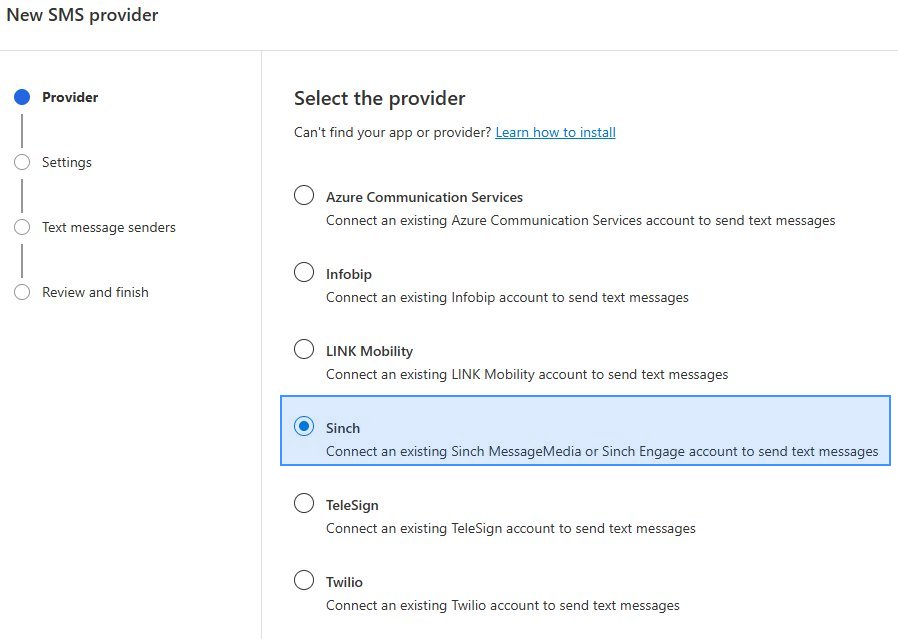
Send SMS from Customer Insights campaigns with Sinch as your provider
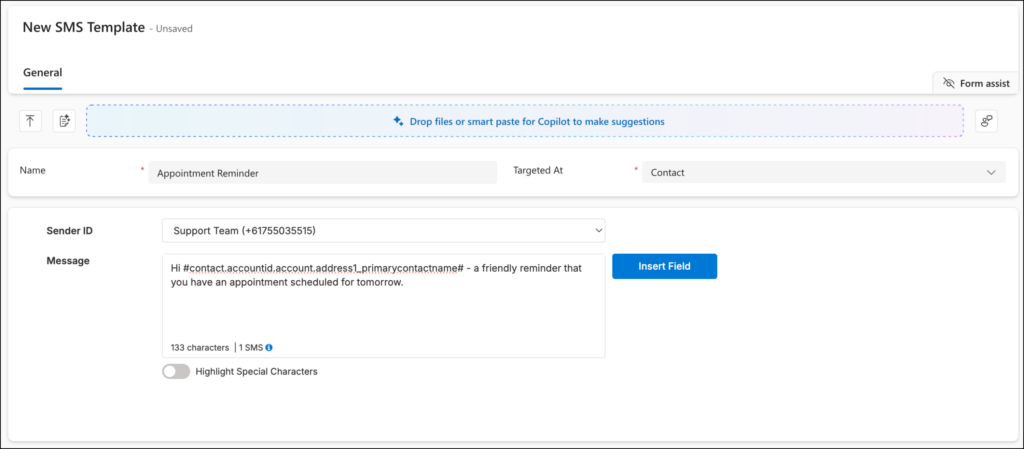
Be consistent and efficient with SMS personalized templates
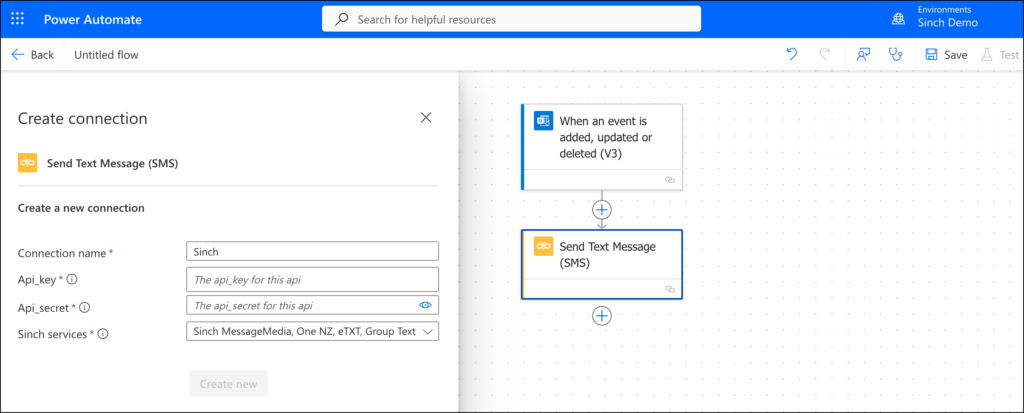
Add automated SMS to workflows to send timely notifications like billing and payment reminders
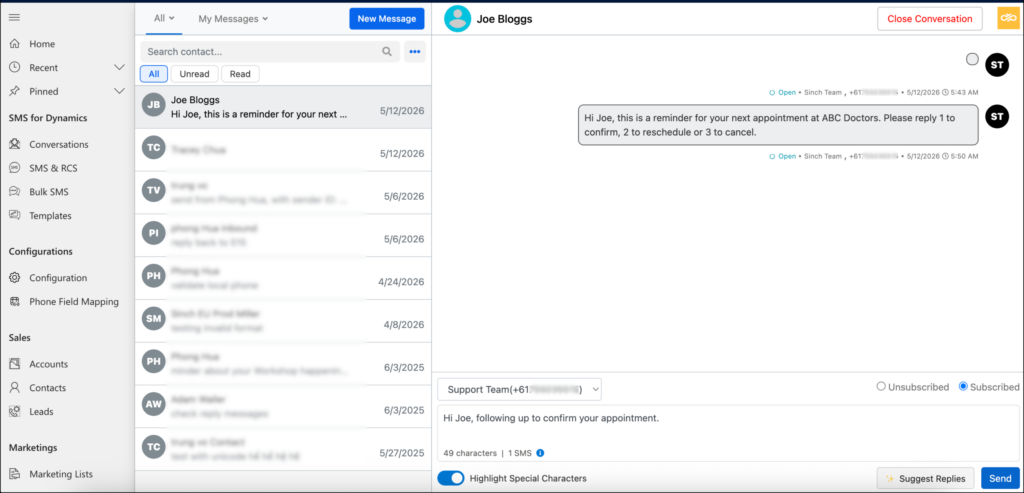
Respond instantly through a unified, chat-like inbox inside Dynamics.
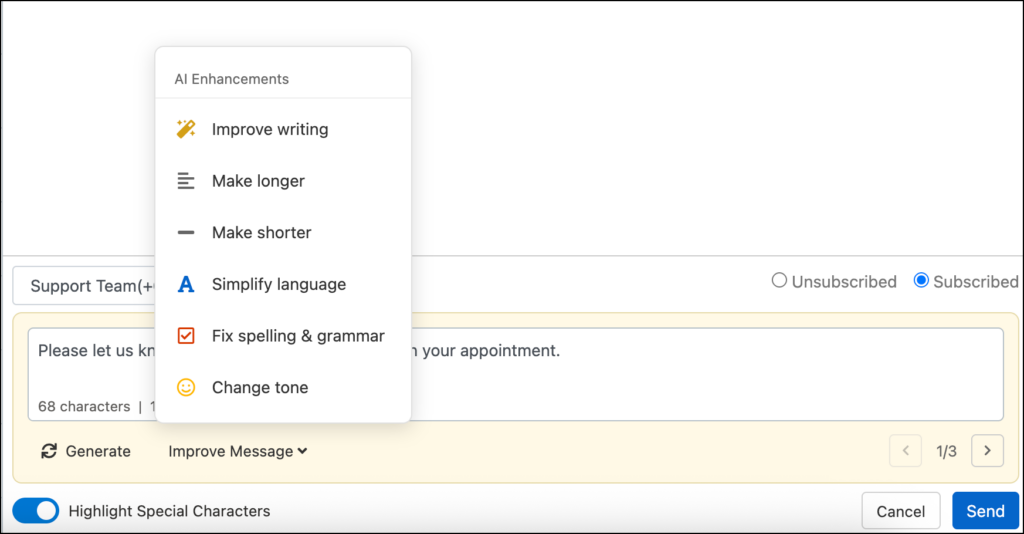
Draft replies in seconds with AI-assisted suggestions in the Conversations inbox.
MICROSOFT ECOSYSTEM
More ways to use Sinch with Microsoft
Microsoft Dynamics text messaging use cases
How companies use Microsoft Dynamics SMS with Sinch Engage
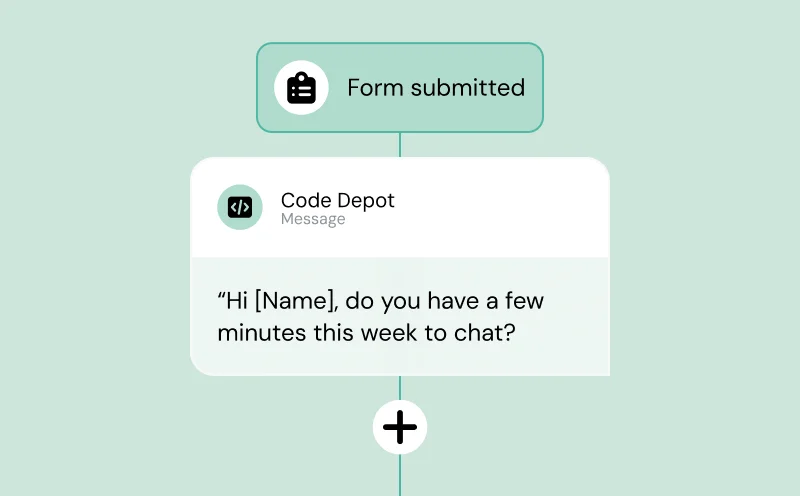
Sales Acceleration
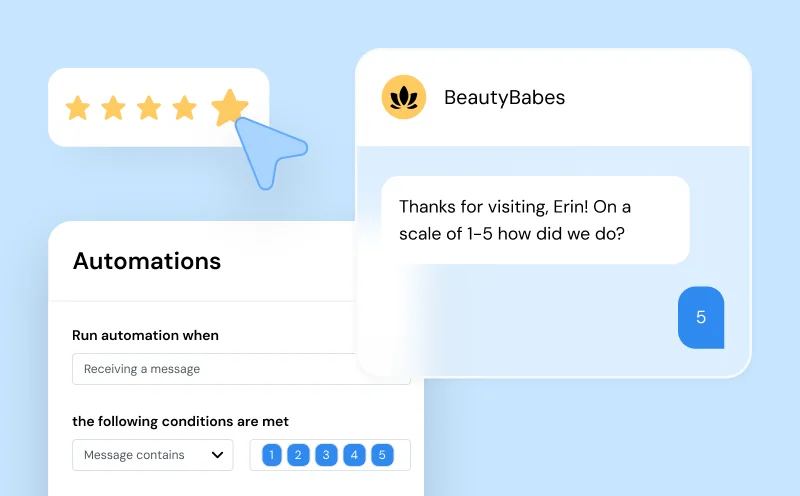
Customer Support
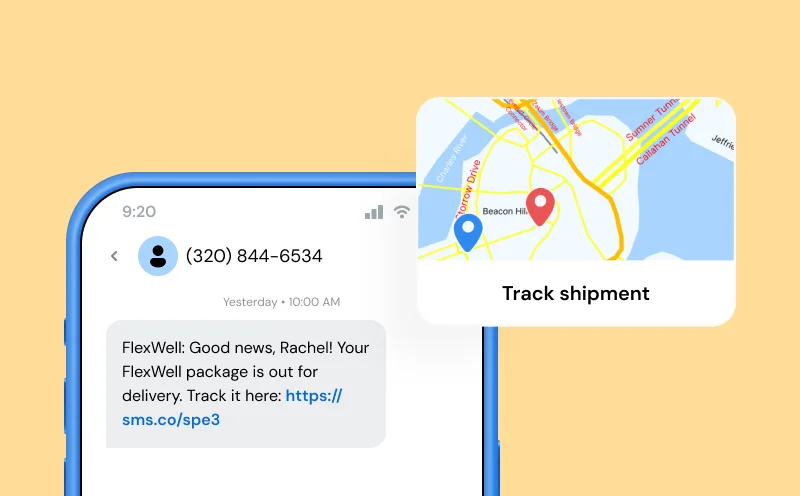
Delivery Tracking
Why Sinch Engage
The best Microsoft Dynamics SMS integration for growing teams
Easy setup
Excellent customer support
Unmatched deliverability
Secure & Compliant
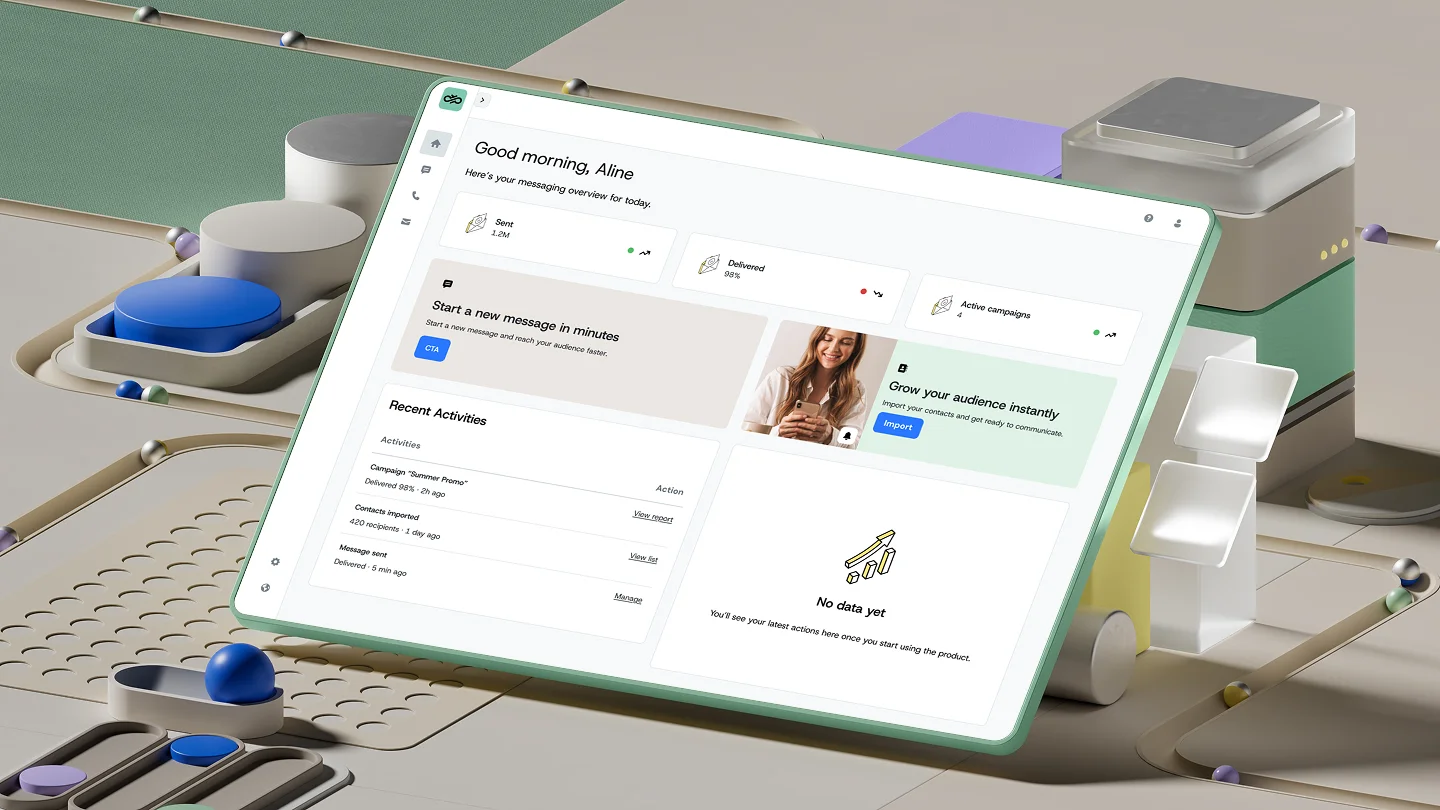
How to use the integration
Set up Microsoft Dynamics SMS and RCS in minutes
Our simple, no-code setup gets you up and running with Microsoft Dynamics SMS fast—with full compliance and optimal delivery rates from day one. Want to try it first? Start your free trial.
FAQs
Common questions about Microsoft Dynamics text messaging
Our Microsoft Dynamics SMS integration connects your CRM data directly to SMS and RCS messaging channels—allowing you to send personalized, timely communications right from your Dynamics 365 environment. Use it for marketing campaigns, customer updates, appointment reminders, and more.
Yes. The recommended way is through the Sinch Power Automate connector, which lets you trigger SMS messages based on events like new lead creation, case updates, appointment confirmations, renewal reminders, and campaign launches. You can build multi-step flows that combine SMS with email and other channels. Automation is also possible through Dynamics workflows.
MMS is available through the Sinch Power Automate connector. For Dynamics 365, MMS is coming soon, with additional capabilities on the roadmap. Currently, this integration supports RCS, a secure, branded, and interactive way to have more powerful conversations with your customers.
You can dynamically insert CRM fields into your messages, such as: First name, Account or company name, Appointment date/time, Case ID or order number.
Personalized messages get higher response rates and improve customer satisfaction.
In addition to Microsoft Dynamics, Sinch Engage has powerful, easy-to-use integrations with your favorite CRM, ERP, and Ecommerce platforms like HubSpot, Salesforce, NetSuite, Zoho CRM, Zapier, Shopify, WooCommerce, BigCommerce, and more. Explore our integrations here.
Yes. Sinch Engage offers a free 14-day trial, so you can explore the integration before committing. Install the app and you’ll be prompted to start a free trial or connect an existing Sinch Engage account. No paid account needed to get started.