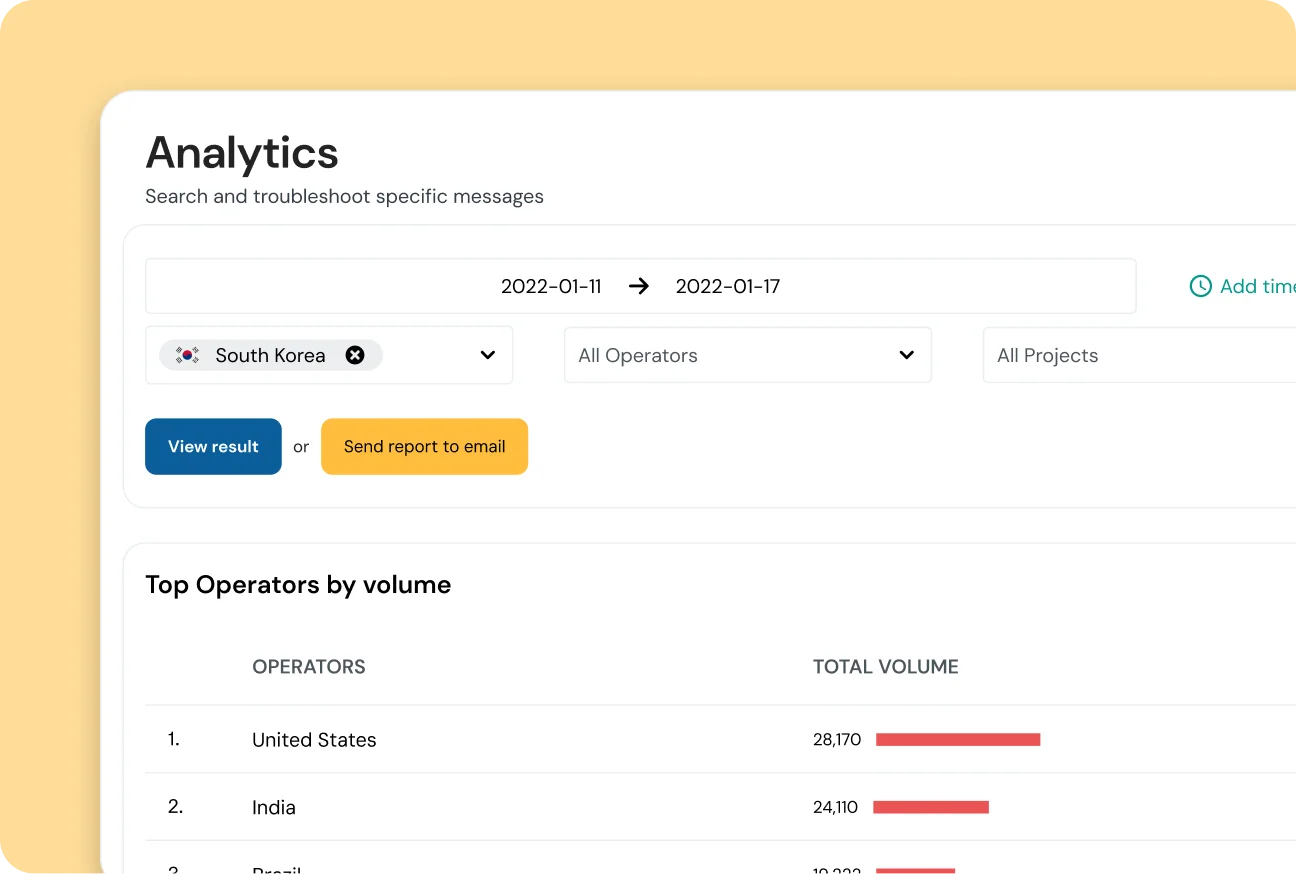
With the Analytics Dashboard, part of the Sinch Conversation API, get a clear, complete picture of your messaging traffic, costs, and delivery performance across every channel in a simple, easy-to-use dashboard.
ANALYTICS DASHBOARD
With the Analytics Dashboard, part of the Sinch Conversation API, get a clear, complete picture of your messaging traffic, costs, and delivery performance across every channel in a simple, easy-to-use dashboard.
CAMPAIGN INSIGHTS
Use the Conversation API Analytics Dashboard to understand engagement, manage budgets, and solve issues faster with built-in, filterable analytics for every app.
COST TRANSPARENCY
With the Conversation API Analytics Dashboard gives you a single view of total cost, cost per channel, and cost per country, so every decision has the data to back it up.
Break down spending by channel and country
Identify high-cost traffic in seconds
Improve ROI with informed budget choices
PERFORMANCE MONITORING
Easily monitor inbound and outbound traffic, delivery rates, and engagement across SMS, WhatsApp, RCS, and more, all in one unified dashboard.
Combine data from SMS, WhatsApp, RCS, and more
Compare delivery rates side-by-side
Spot engagement trends instantly
RAPID TROUBLESHOOTING
Use powerful filters to zoom in on specific channels, countries, or date ranges. Catch traffic spikes or delivery problems faster, without extra code.
Zero setup—ready from day one
Daily data updates for fresh insights
Keep teams proactive, not reactive
FEATURES THAT JUST WORK
The analytics dashboard is built into the Sinch Build dashboard and activates automatically for all Conversation API channels, offering daily insights and filterable views with zero setup.
REAL-WORLD USE CASES
Data refreshes once every 24 hours, giving you a complete view of the previous day’s activity.
No. Analytics are included with your Sinch account for all Conversation API usage.
The dashboard is designed for quick visual insights. Your data can be exported to a CSV file if needed.
Think of them as a funnel: Sent → Delivered → Read. Not all channels support read receipts, so the Read metric appears only where available.
You’ll need an active Sinch account and the Conversation API to use the analytics dashboard. The dashboard activates automatically without any additional setup.
It shows clear costs per message, channel, and country so you can make budget decisions with confidence.