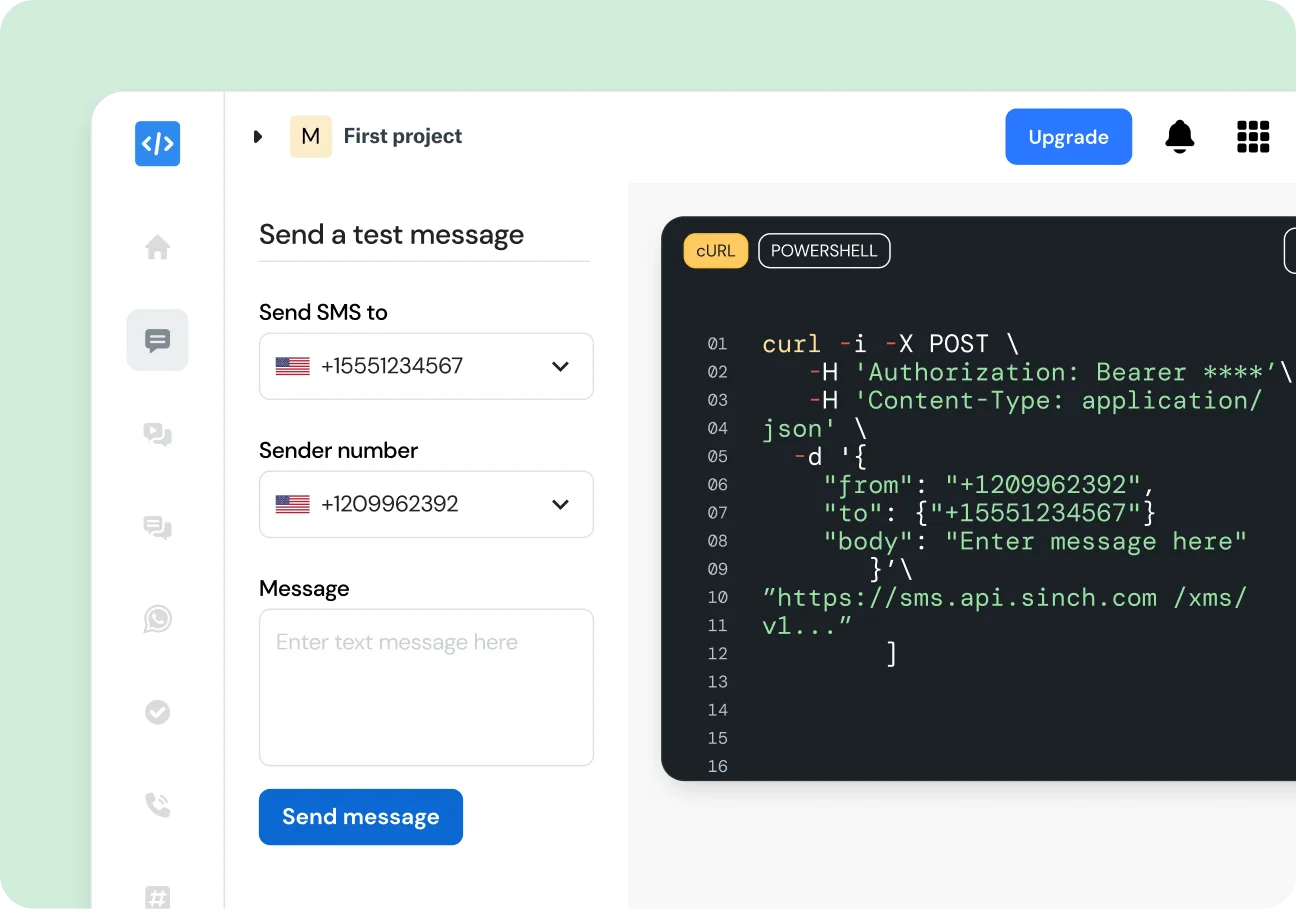
A texting sandbox lets you simulate the Sinch SMS API end-to-end without sending real messages or paying. Build, debug, and verify your integration safely before going live.
TEXTING SANDBOX
A texting sandbox lets you simulate the Sinch SMS API end-to-end without sending real messages or paying. Build, debug, and verify your integration safely before going live.
WHYÂ SINCH
Get instant sandbox credentials, unlimited free test messages, and true API parity so your code works the same way in production. Test messages in the sandbox are simulated and logged and can only be sent to phone numbers you’ve already verified.
ZERO-RISK TESTING
Use the texting sandbox to test features, workflows, and edge cases in a secure, isolated environment. All traffic is simulated against verified numbers, which means no more accidental live sends or unexpected costs.
Free test credits when you sign up
Production-level security
Verified-number controls
SPEED UP DEVELOPMENT
The self-contained texting sandbox mirrors our production API. The developer dashboard shows real-time logs of every call and response so you can work, debug, and ship faster.
Instant API keys on signup
Real-time request and response logs
Swap credentials to go live
DEBUG CONFIDENTLY
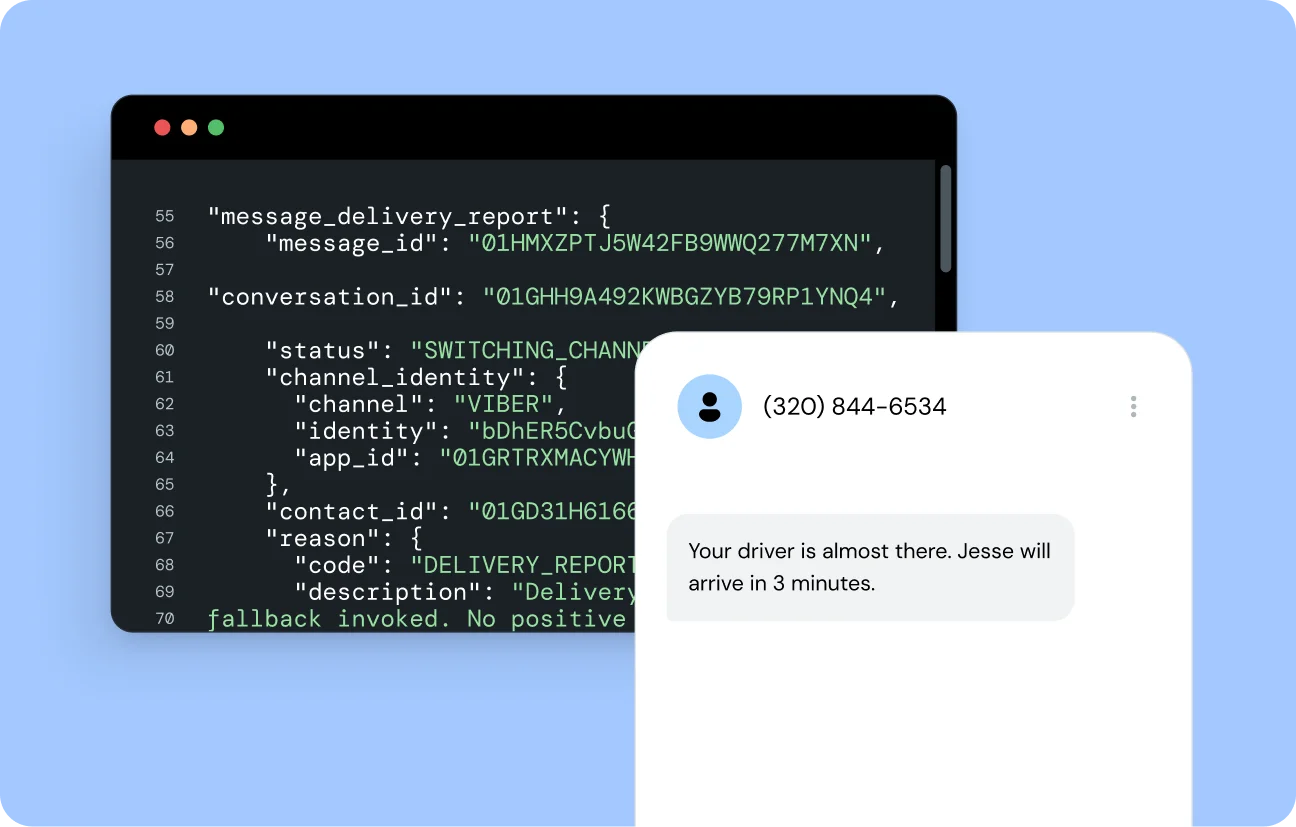
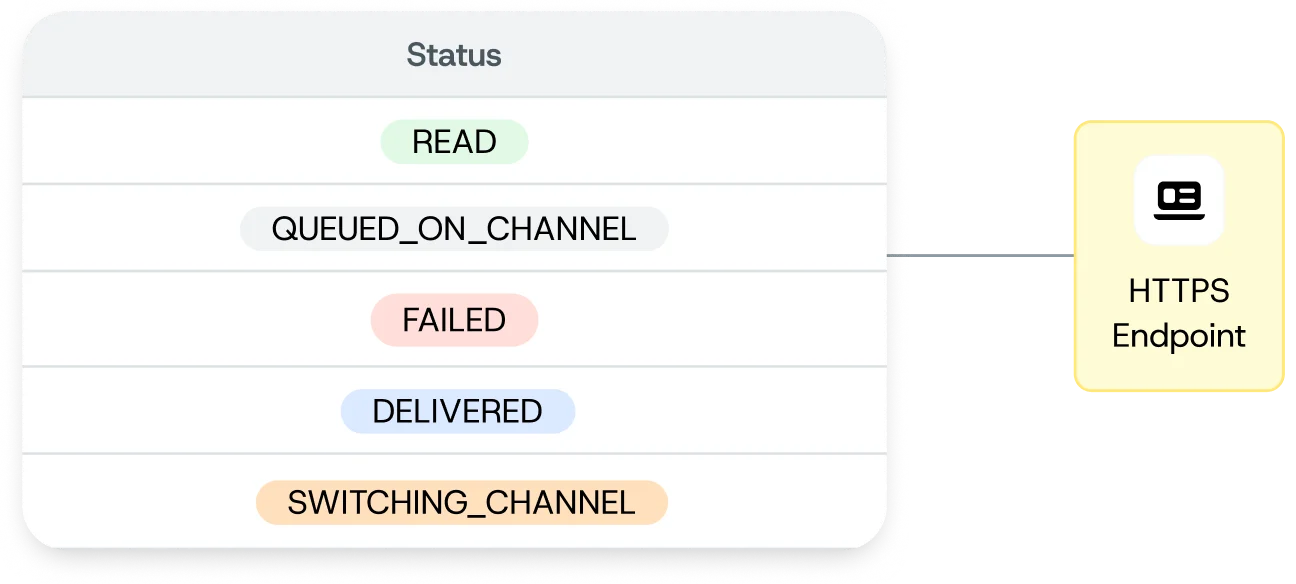
Trigger over 10 delivery statuses and error codes using documented “magic numbers” to be sure your application handles every outcome before it gets to production.
Simulate Delivered, Failed, and more
Test webhook error handling
Confirm retry logic and alerts
COMMON USE CASES
WHAT’S INCLUDED
A texting sandbox is a safe, simulated environment to build and test the Sinch SMS API end-to-end without sending real messages or incurring costs. Keep a clear distinction between the sandbox (testing) and production (live) environments to avoid confusion.
Yes. Sign up for a free Sinch Build account to get sandbox credentials and start testing at no cost.
Use the documented “magic numbers” or parameters in your API calls to trigger specific delivery statuses, including Failed DLRs, and make sure your error handling works correctly.
No. The sandbox API is the same as production. When you’re ready, simply swap your sandbox credentials for production credentials and start sending real traffic.
Create a free Sinch Build account to access your sandbox dashboard, API key, and secret key. Start making API calls and view simulated responses in real time.
Yes. You can embed sandbox API calls in your pipeline to automate tests and catch regressions before release.
The sandbox shares the production security architecture, requiring API key and secret authentication and restricts messages to only verified phone numbers.