CHANNEL MESSAGE TEMPLATES

Pre-register and reuse channel-specific messages 
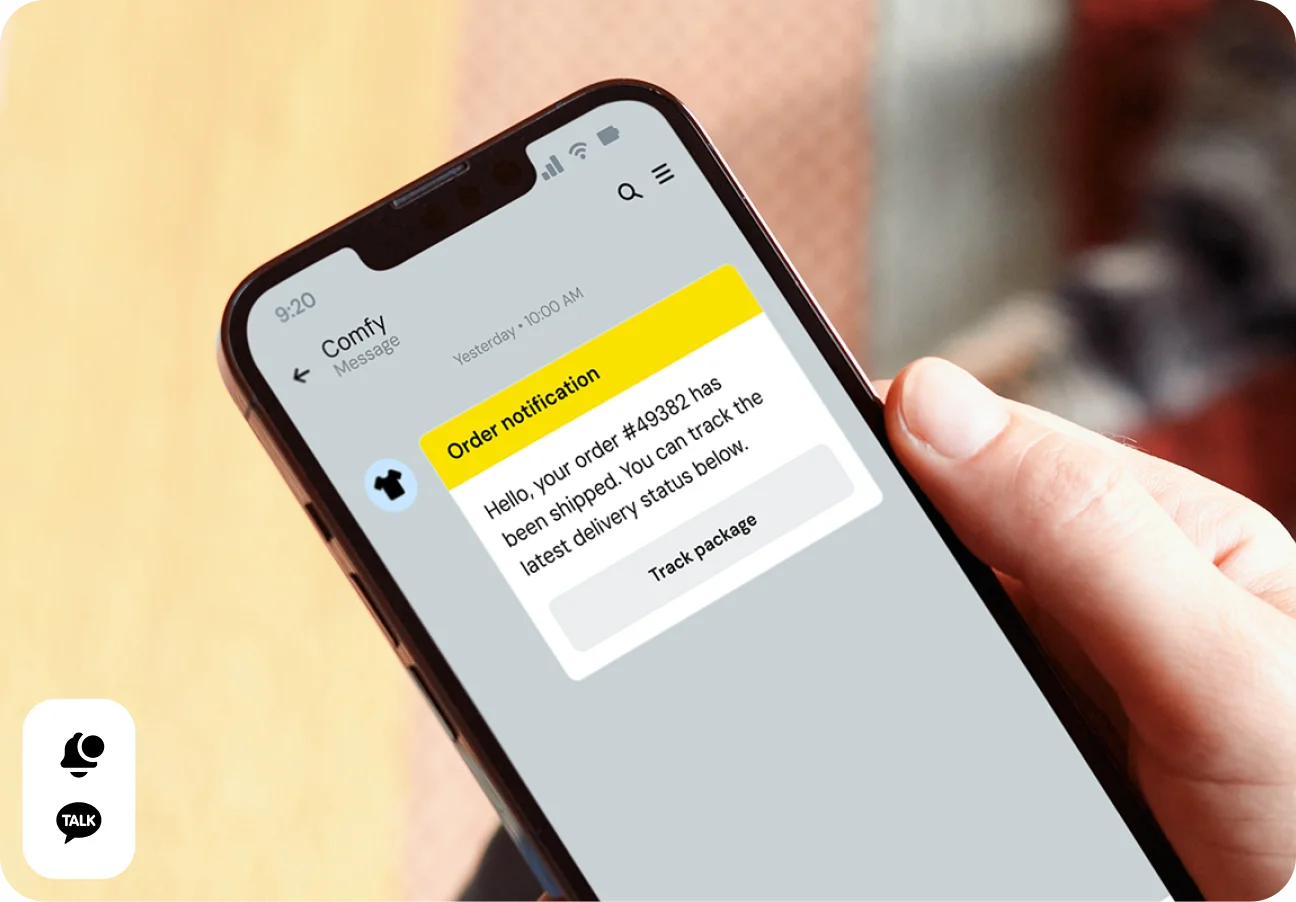
Channel Message Templates (part of the Sinch Conversation API) make it easy to work with compliance-required channels. Each template is pre-registered to meet platform rules, so you can send confidently while keeping things simple for your team. Fine-tune the design for each channel—like WhatsApp, KakaoTalk, and WeChat—while Conversation API handles the delivery behind the scenes. 

Image for Pre-register and reuse channel-specific messages 
WHY IT MATTERS

Precision messaging on WhatsApp, KakaoTalk, and WeChat 

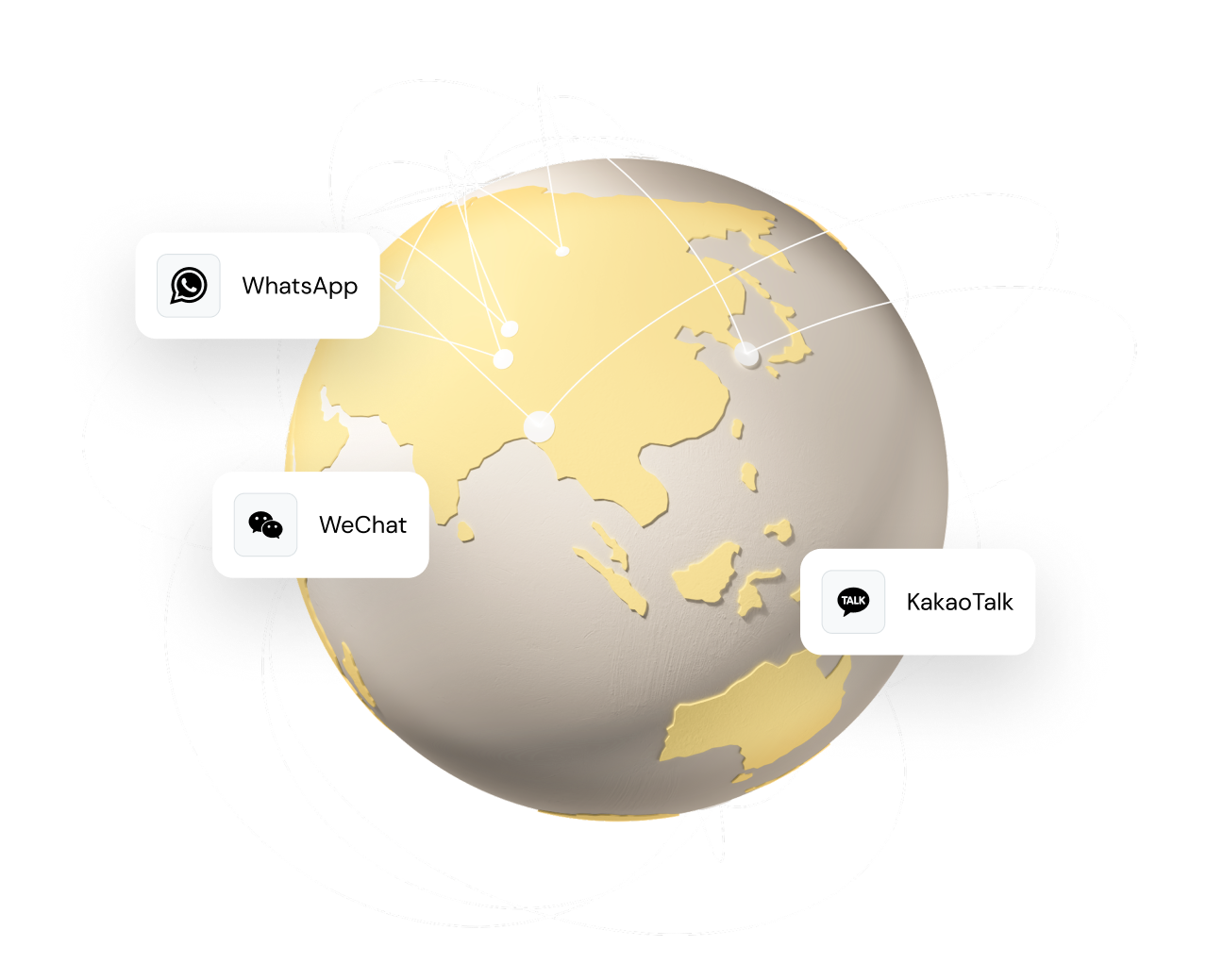
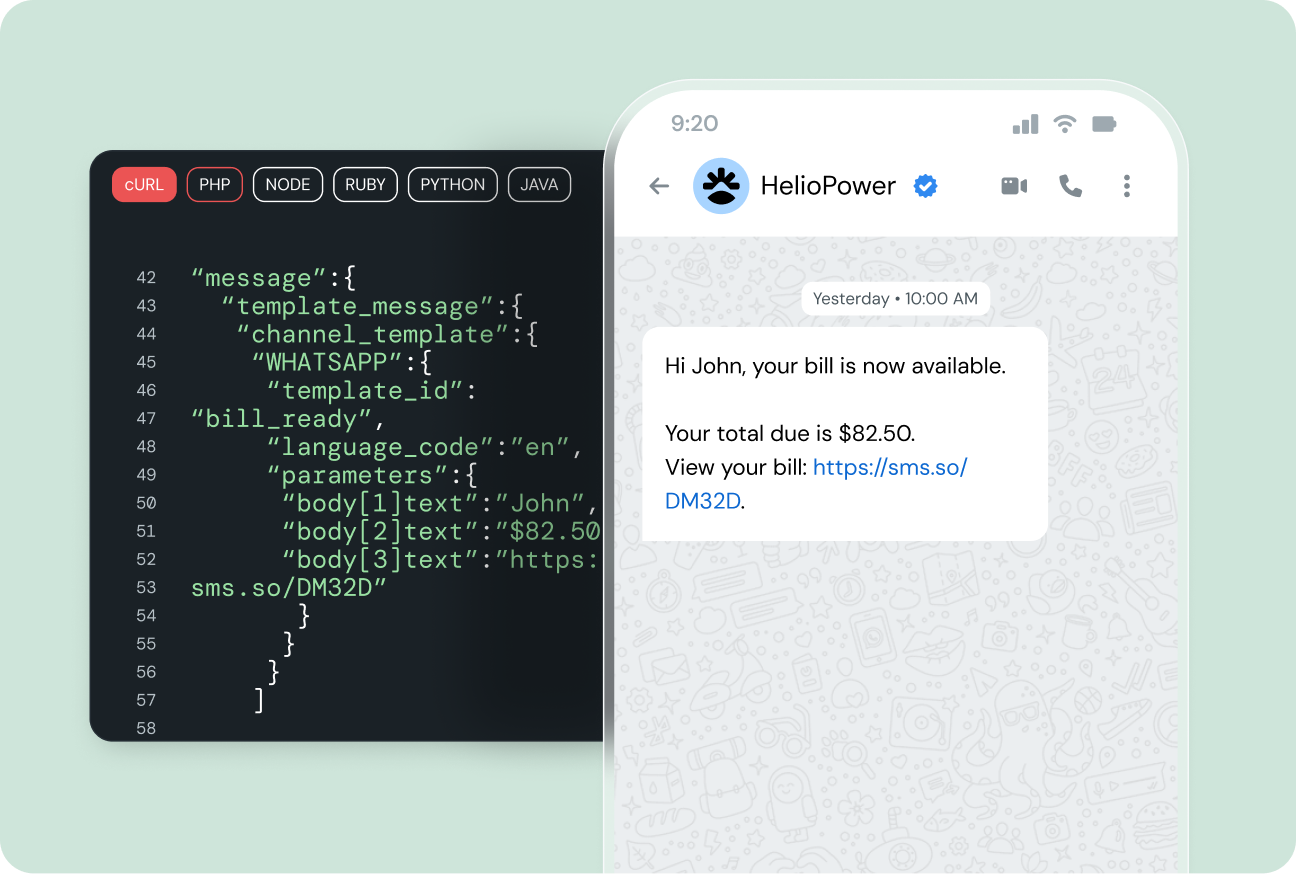
Channel Message Templates give you channel-specific messaging templates for WhatsApp, KakaoTalk, and WeChat, helping you reach users worldwide. Ship compliant, rich messages in seconds by referencing a template_id instead of hand-coding payloads. 

Save valuable dev hours 

Reuse complex channel JSON with a single template ID and stop rewriting payloads for every message call.

Stay policy compliant 

Keep your messages aligned with WhatsApp, KakaoTalk, and WeChat rules by relying on approved templates. 

Granular control over every detail

Customize layouts, media, and variables per channel while Conversation API takes care of the delivery. 

SPEED & EFFICIENCY 

Ship messages faster with easy reuse 

Stop hand-coding identical payloads. Store the template once, reference its ID, and let Conversation API handle the rest, so you can focus on features, not formatting. 

  • Cut repetitive JSON work 

  • Reduce risk of formatting mistakes 

  • Move faster during releases 

Image for Ship messages faster with easy reuse 

COMPLIANCE MADE EASY 

Meet strict platform rules every time

Using approved templates guarantees your outreach aligns with WhatsApp, KakaoTalk, and WeChat policies, protecting delivery rates and brand reputation. 

  • Send only pre-registered content 

  • Avoid costly policy violations 

  • Consistently meet customer expectations

Image for Meet strict platform rules every time

REAL-WORLD USE CASES

Proven ways teams apply templates

WhatsApp business notifications  

Send approved order updates, shipping alerts, and account notices that follow Meta’s rules and reach users instantly. 

KakaoTalk service messages  

Deliver interactive, fully compliant service updates tailored for South Korean users. 


WeChat customer engagement  

Share structured support or marketing messages formatted for China’s leading app. 

Regional marketing campaigns 

Launch targeted promos using pre-approved templates that match each market’s rules. 

KEY FEATURES 

Everything you need to own the channel 

Storage of channel JSON 

Keep rich, channel-specific payloads saved and ready for reuse. 


Reusable template IDs  

Reference one ID in your SendMessage call to pull the full, approved layout. 


Support for pre-registered templates

Works seamlessly with the WhatsApp, KakaoTalk, and WeChat approval processes. Manage all your pre-registered templates securely and reuse them effortlessly.

Precise message control 

Fine-tune media, buttons, and variables for a single channel without compromising.


No additional cost  

Included with Conversation API. Pay only standard per-message rates. 


Get full control over your messages

Build, save, and manage templates with the Sinch Build Dashboard and Provisioning API.

Native Conversation API integration 

Send templates in any message flow using the same unified API. 


Frequently asked questions 

You’ll need a Sinch account, access to Conversation API, and the ability to register templates with each channel provider. Templates must be approved by WhatsApp, KakaoTalk, or WeChat to ensure compliance. Sinch upholds strict security and compliance standards throughout the process.

When should I use Channel Message Templates instead of Omnichannel Templates? Use Channel Message Templates when a message is highly specific to WhatsApp, KakaoTalk, or WeChat. Omnichannel Templates are best for adapting content across multiple channels. 

No. Registration and approval are channel-specific:

• WhatsApp: Create with the Sinch Build Dashboard or Provisioning API and have templates uploaded and approved by Meta.

• KakaoTalk: Templates are registered by Sinch on your behalf, but approval is required by KakaoTalk.

• WeChat: Templates are pre-defined by WeChat, then select them in your WeChat Admin portal.

Yes. Add placeholders in your template and fill them with variables in your SendMessage request. 

Build and store the exact JSON channel with a unique template_id through the Message Composer in the Sinch Build Dashboard or the Provisioning API.

Currently, we support WhatsApp, KakaoTalk, and WeChat—platforms that require pre-registered templates.

No. This is included with Conversation API. You only pay the normal per-message fee for the chosen channel.

If you don’t have one, Conversation API can fall back to an Omnichannel Template as needed.

Store the approved template, reference its template_id in your request, set the channel to WhatsApp, and include any variables. 

Talk to an expert about Channel Message Templates

Learn how Channel Message Templates can let you pre-register and reuse WhatsApp, KakaoTalk, and WeChat messages for fast, compliant sending.