Looking for a MessageMedia page? If you are and were redirected here, it's because MessageMedia is rebranding to Sinch Engage. Learn more about our rebrand.

SHORT URLS

Fit more into every text with Short URLs

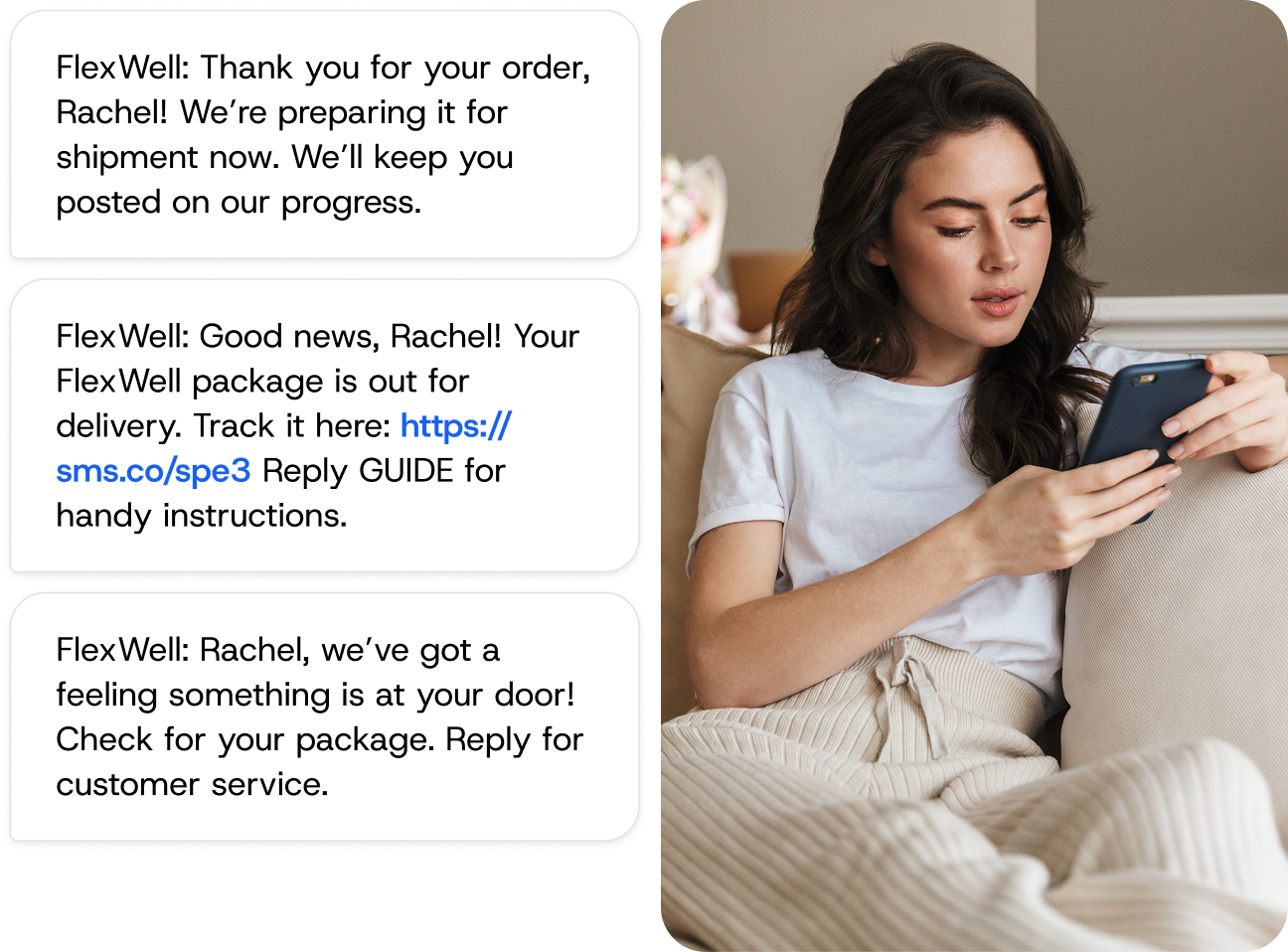
Short URLs condense long web addresses to 22 characters in SMS. This feature saves space in your messages, helps to keep costs down, and tracks clicks per message.
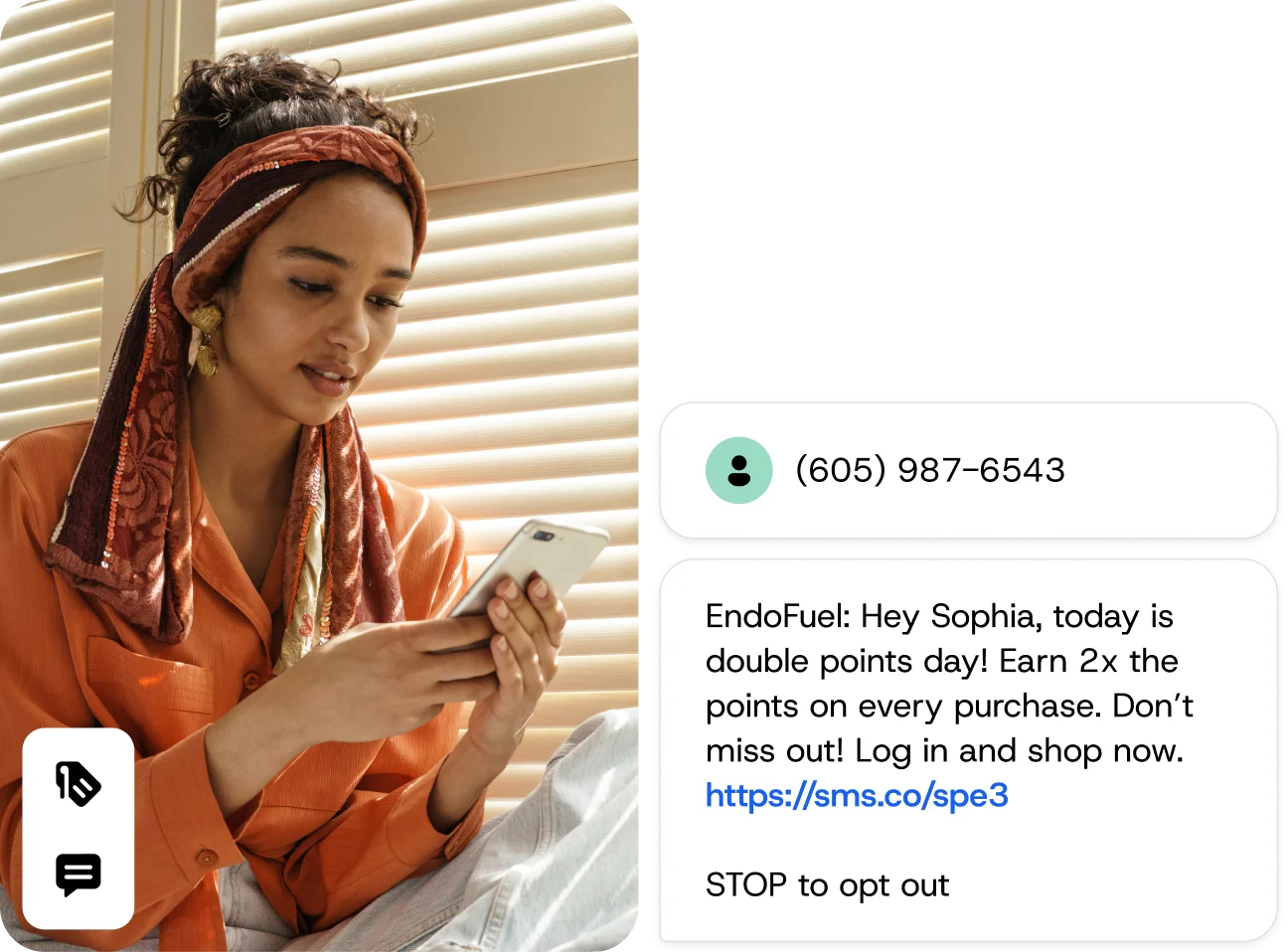
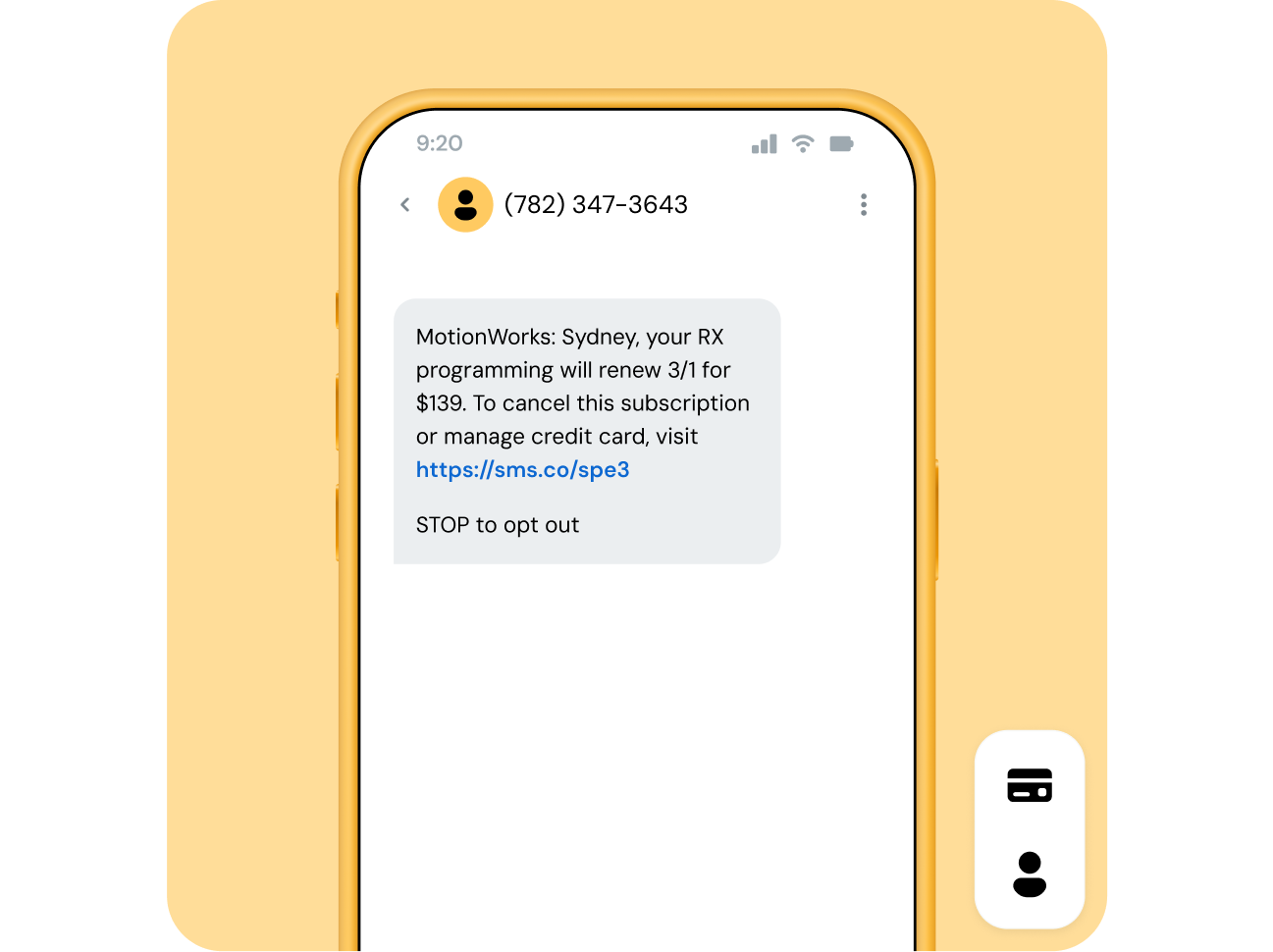
Image for Fit more into every text with Short URLs

BUSINESS OUTCOMES

What SMS Short URLs do for your business

Shorter links save space in each SMS message, while custom domains help you reflect your brand in the link. Get insights with click tracking that shows which recipients interact with your messages.

Image for What SMS Short URLs do for your business

Reduce messaging costs

Links shortened to 22 characters save space in typical 160-character SMS messages. This can help keep costs down when sending web addresses.

Reflect your brand in the link

Replace the standard nxt.to domain with your own domain, so recipients see a link that represents your organization.

Track every click

See the recipients who clicked and how many times they clicked, then review timestamps for each click and export a CSV.

Support a cookie-free approach

Sinch Engage doesn’t use cookies to track clicks, and uses click data only for internal product reporting.

HOW IT WORKS

How Short URLs shorten and track your SMS links

When the feature is active, any link over 22 characters is shortened. The message preview shows the shortened text before you send.

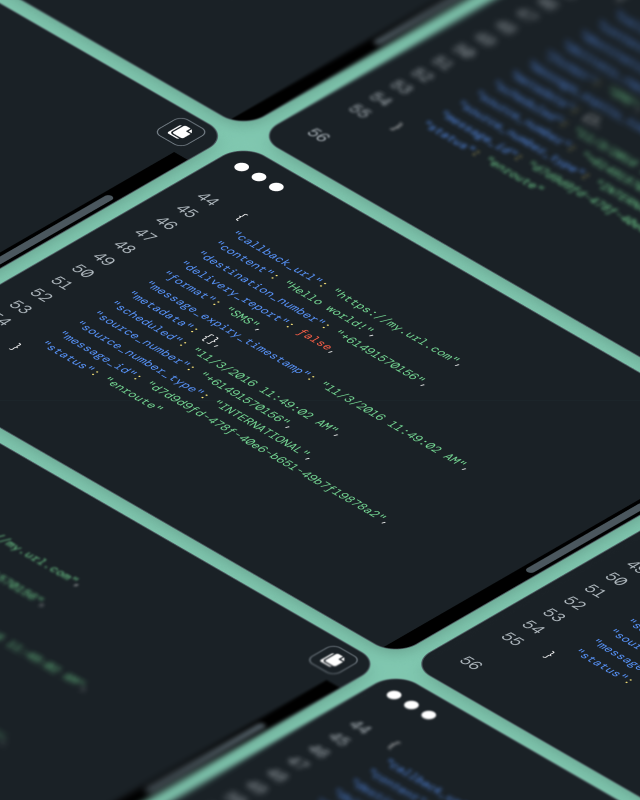
Each click records the recipient number and the original Sinch Engage message ID. It also records the Short URL, the full URL, a timestamp, and the user agent and IP address.

Image for How Short URLs shorten and track your SMS links

CUSTOM DOMAINS

Brand your SMS Short URLs with a custom domain

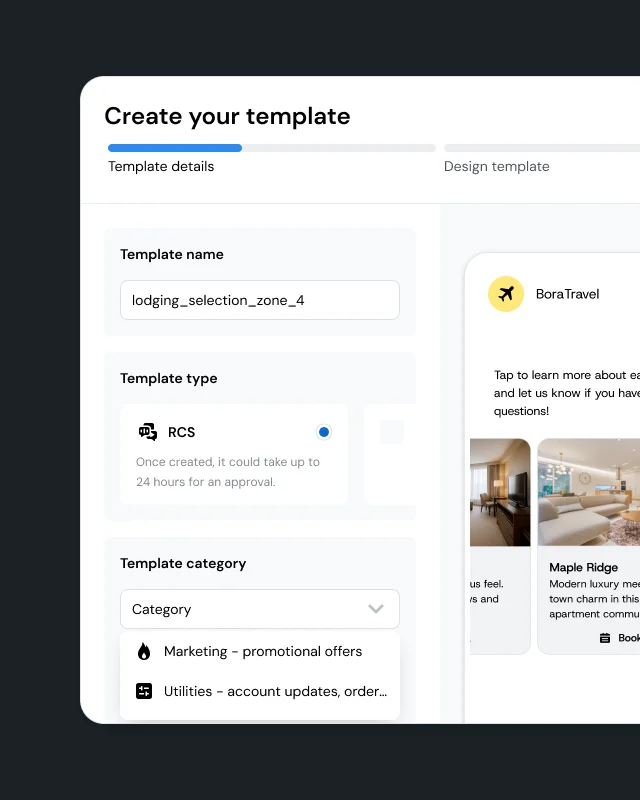
Standard Short URLs use the nxt.to domain. Custom domains let you use your own address instead. For example, https://nxt.to/1234567 becomes https://cloud.to/1234567.

To set it up, create a CNAME record to nxt.to. Then open your subdomain in a browser and confirm it loads the ShortUrl.Redirector page. Once you submit your details to Sinch Engage, you can plan for 5–10 business days for setup.

  • CNAME DNS record pointing to nxt.to

  • Browser check for ShortUrl.Redirector page

  • Homepage redirect URL

  • Click tracking preserved on custom domain

Image for Brand your SMS Short URLs with a custom domain

SECURITY AND PRIVACY

Built to Sinch Engage security standards

The Short URL feature has no public endpoints to list existing hashes or long URLs. What’s more, the hash search space covers 3.5 trillion possibilities, making valid links unlikely to guess.

Image for Built to Sinch Engage security standards

USE CASES

How teams use SMS Short URLs

Short URLs fit anywhere you send links by SMS. Here are two common patterns.

Campaign click tracking

Run an SMS campaign with a link. Then go to Messaging > SMS messaging > Campaign reports. Select your campaign and open the Link clicks tab. Export the view as a .csv.

Branded homepage redirects

Set a homepage redirect for your custom Short URL domain. Visitors who go to that domain land on your chosen homepage.

CAPABILITIES

SMS Short URL capabilities at a glance

These capabilities are available in Sinch Engage. Custom domain support requires a one-time setup with the Sinch Engage team.

Image for SMS Short URL capabilities at a glance

Automatic link shortening

Links over 22 characters are shortened when the feature is active. The message preview shows the shortened text before you send.

Click reporting by campaign

Go to Messaging > SMS messaging > Campaign reports. Open a campaign and select the Link clicks tab to see recipient-level data.

CSV export

Export link click data as a .csv from the campaign report view, then use it in external analytics tools.

Custom domain support

Replace nxt.to with a branded subdomain. Set up a CNAME record and provide your setup details to Sinch Engage.

Parent-level account control

Manage this feature at the parent account level. It applies across all sub accounts.

Per-link pricing

Shortened links are charged per link, in addition to the message cost. Refer to your latest signed agreement for pricing.

GETTING STARTED

Start using SMS Short URLs in three steps

Standard Short URLs are available once the feature is on. Custom domains require DNS setup and manual configuration. Plan for 5–10 business days once you’ve done the initial setup.

  • Navigate to Extensions > Power-Ups and find Trackable link shortener

  • Select Manage, or select View and upgrade if needed

  • Toggle the feature on under Settings > Numbers > Settings

  • Add a link and confirm the 22-character preview before sending

  • For a custom domain, create a CNAME record and contact Sinch Engage with your required details

FAQ

Frequently asked questions about Short URLs

Short URLs shorten long web addresses to 22 characters for SMS, which saves space in your messages. Sinch Engage creates the Short URL when the feature is active.

Short URLs save space in your SMS messages by shortening web addresses to 22 characters. This can help keep costs down when you send web addresses in your messages.

Yes. You can replace the default nxt.to domain with a custom domain. Create a CNAME record pointing your subdomain to nxt.to. Then verify it in a browser and submit your details to Sinch Engage. Setup takes 5–10 business days.

Each click records the original Sinch Engage message ID and the recipient number. It also records the short URL, the full URL, a timestamp, and the user agent and IP address. You can view this in Campaign reports under the Link clicks tab.

The service is built to the same security standard as other Sinch products and features. It has no public endpoints to list existing hashes or long URLs. The hash search space covers 3.5 trillion possibilities.

No. Sinch Engage doesn’t use cookies to track clicks on short URLs. Sinch Engage uses click data only for internal product reporting.

Go to Extensions > Power-Ups and find Trackable link shortener. If you see Manage, the feature is available on your account. If you see View, select it and upgrade. Then toggle the feature on under Settings > Numbers > Settings.

Yes. You can manage this feature at the parent account level. It applies across all sub accounts.

Provide the account ID or IDs, the full subdomain configured with a CNAME record, and the homepage redirect URL. Also include technical contact details in case Sinch Engage needs to troubleshoot setup issues.

Shortened links are charged per link, in addition to the cost of the message itself. Costs depend on your subscription. Refer to your latest signed agreement for the current rate.