SMS FOR IT

IT text messaging

Sinch Engage makes it easy for IT teams to use SMS for incident alerting, two-factor authentication, helpdesk notifications, and infrastructure monitoring alerts. Keep users informed, move issues forward, and respond quickly when timing matters.

Image for IT text messaging
Top brands rely on Sinch Engage to reach their customers

Image for Reach users quickly when timing matters

WHY IT TEAMS USE SMS

Reach users quickly when timing matters

For urgent updates, keeping workflows moving, and staying connected with users during issues and service changes, IT teams should look no further than SMS. Text messaging helps IT teams communicate faster in moments when email may be missed or delayed.

Service outage and incident alerts

Send urgent messages about outages, disruptions, and incidents so users know what’s happening right away.

Support updates and follow-up

Keep users in the know with ticket updates, next steps, and follow-up messages throughout the support process.

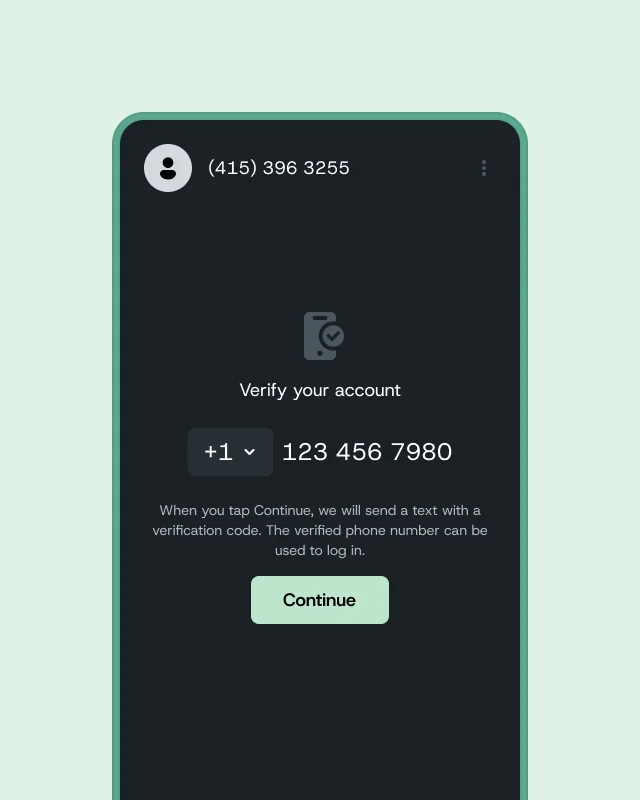
Verification and security messages

Send one-time passwords, verification codes, and identity checks to help protect accounts and confirm secure access.

PLATFORM CAPABILITIES

How we help IT teams communicate with confidence

Sinch Engage gives IT teams the tools to send urgent SMS notifications, manage follow-up, and stay connected with users from one messaging platform. Manage two-way conversations, automate updates, and keep communication organized across support, operations, and security workflows.

CRM and system integrations

Connect Sinch Engage with platforms like HubSpot and other popular systems to send messages based on support activity, customer records, and follow-up needs.

Flexible messaging numbers

Send messages using Toll-Free Numbers, 10DLC Numbers, Short Codes, or Alphanumeric Sender IDs depending on your business needs and location.

SMS and WhatsApp messaging

Reach users on the channels they use most by sending both SMS and WhatsApp messages from one platform.

Two-way messaging

Let users reply directly to ask questions, confirm details, or respond to support and service messages.

Automated responses

Set up Text Message Autoresponders to instantly reply to common questions or confirm incoming support inquiries.

Mobile messaging app

Manage support conversations from anywhere with the Sinch Engage mobile app so your team can respond on the go.

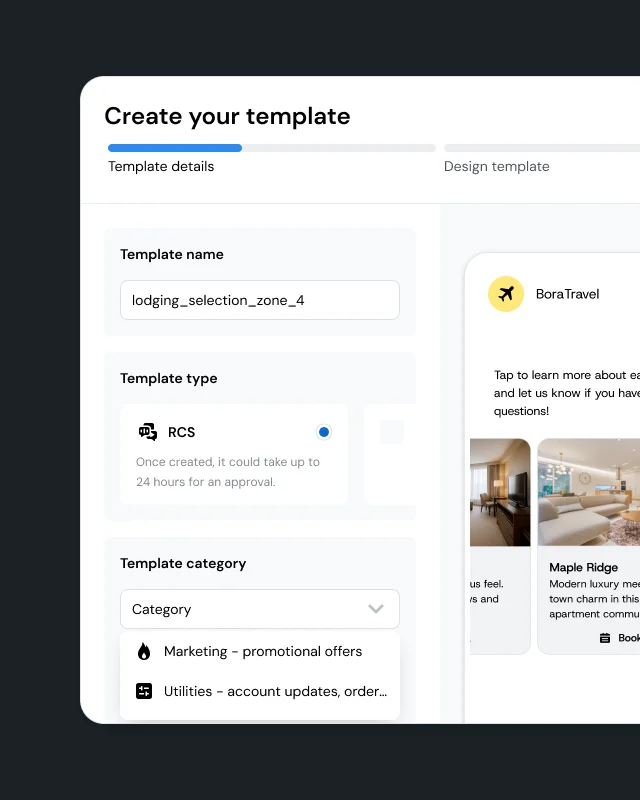
Reusable message templates

Create and save templates for alerts, maintenance messages, support updates, and follow-up communication.

Messaging workflows

Automate reminders, status updates, escalations, and support follow-up so important messages send at the right time.
Image for Secure, reliable, and responsive IT messaging

SECURITY & COMPLIANCE

Secure, reliable, and responsive IT messaging

IT communication often means sensitive updates, account access workflows, and time-sensitive service information. That’s why your messaging platform should support secure communication and dependable delivery.

Sinch Engage is secure, reliable, and GDPR and TCPA compliant, with data encryption and access control help protect sensitive information. Carrier-approved messaging improves deliverability, and 99.9% system reliability with 40+ data centers worldwide supports time-sensitive communication.

WHERE IT FOR SMS SHINES

How IT teams use SMS

Outages, support interactions, maintenance windows, and security workflows — SMS can help IT teams deal with it all. Use text messaging to keep users informed, reduce uncertainty, and make urgent communication easier to see.

Send urgent alerts when timing matters

Use SMS to notify users about outages, service disruptions, maintenance windows, and critical incidents. Text messaging helps teams reach people quickly when immediate awareness matters most.

Outage notifications

Alert users when systems, tools, or networks are unavailable, so they know an issue is being addressed.

Maintenance reminders

Send advance notice before planned maintenance so users know when services may be temporarily affected.

Escalation messages

Notify key contacts or teams when urgent support issues need immediate attention.

Keep support workflows moving

Use SMS to keep users informed throughout the support process with updates, reminders, and follow-up. Text messaging helps reduce missed communication and keeps issues moving forward.

Ticket updates

Send helpdesk status messages when a support request is received, assigned, or resolved.

Appointment reminders

Remind users about on-site visits, scheduled support calls, or technician appointments.

Follow-up requests

Prompt users to confirm details, provide information, or respond to next steps needed to move an issue forward.

Strengthen trust with secure, responsive communication

Use SMS to support identity verification, confirm important actions, and provide direct follow-up after service interactions. This helps IT teams create a more secure and responsive user experience.

Verification and two-factor authentication

Send one-time passwords and verification codes to confirm identity and support secure account access.

Post-resolution check-ins

Follow up after a support case closes to make sure the issue was resolved and the user is satisfied.

Security alerts

Notify users about suspicious activity, password changes, or other important security-related events.

FAQS

Frequently asked questions about SMS for IT

SMS for IT refers to using short message service within information technology operations. Common applications include incident alerting, two-factor authentication, helpdesk notifications, and infrastructure monitoring alerts.

SMS for IT use cases commonly include system outage and incident alerting to on-call personnel. They also include two-factor authentication, IT helpdesk notifications, and infrastructure monitoring alerts.

The SMS limit refers to a setting that can be configured on your account. It determines the number of SMS messages you can send within a day or month.

SMS limits help you control your usage. They also help prevent user error, like uploading a misconfigured recipient file with more recipients than intended.

Yes. SMS limits help prevent machine error where an integrated, automated system might send more messages than intended. They act as a cap on sending volume.

SMS limits can be configured to determine how many messages you can send within a day or within a month. The right option depends on how you plan to use SMS for IT.

No. The provided source material includes the term “A2P messaging,” but it doesn’t provide a definition in the excerpts available here.

No. The provided source material includes the term “zero-rated short code,” but it doesn’t provide a definition in the excerpts available here.