Resources
Appointment confirmation text: 25+ templates by industry to reduce no-shows
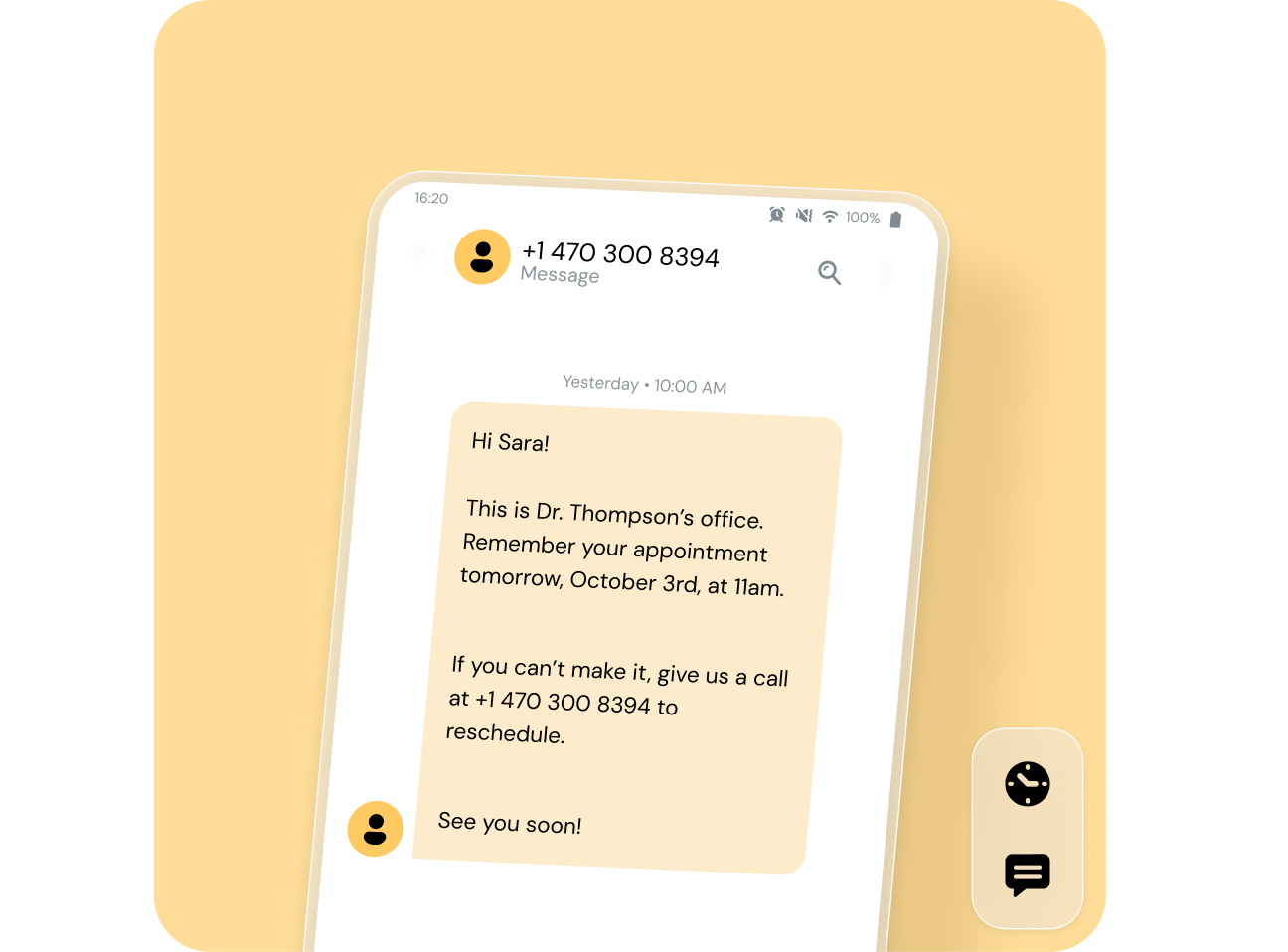
Multiply a week of no-shows and the revenue loss becomes impossible to ignore. The fix is straightforward: send an appointment confirmation text that gives clients every reason to show up — and an easy way to reschedule if they can’t.
This guide gives you everything you need to start today. You’ll find more than 25 copy-paste templates organized by industry, a clear timing framework, the non-negotiable elements every confirmation must include, and practical compliance guidance. No technical background required.
What is an appointment confirmation text?
An appointment confirmation text is a short SMS sent to a client immediately after they book. Its job is simple: verify the details, set expectations, and give the client a way to respond if something needs to change.
It’s easy to confuse confirmation texts with reminder texts — they serve different purposes at different points in the scheduling lifecycle.
| Confirmation text | Reminder text | |
| When it’s sent | Immediately after booking | 24–48 hours before the appointment |
| How often | Once per booking | One or more times before the appointment |
| Primary content | Date, time, location, cancellation policy | Date and time refresher |
| Purpose | “You’re booked!” | “Don’t forget about tomorrow!” |
Think of the confirmation text as the handshake that seals the appointment. Skip it, and you’re relying on the client to remember the details on their own — which, based on your no-show rate, probably isn’t working.
Why appointment confirmation texts matter for your business
Sending an appointment confirmation text isn’t just a courtesy. It’s a revenue protection strategy, an efficiency tool, and a customer experience upgrade — all delivered in under 160 characters. Here is why each of those benefits matters.
Reduce no-shows and missed appointments
People read texts. Unlike emails that sit unopened or phone calls that go to voicemail, an SMS confirmation lands directly on the lock screen. When you meet clients on the channel they actually use, they’re far more likely to engage with the information — and far less likely to miss their appointment.
Improve operational efficiency
Every minute a staff member spends calling clients to confirm is a minute not spent on patient care or revenue-generating work. Automated confirmation texts eliminate that manual effort entirely. Once you connect your templates to your scheduling software, messages go out without anyone lifting a finger.
Enhance customer experience
A well-written confirmation text tells your client three things: you’re organized, you respect their time, and you’ve made it easy to manage their appointment. Clients don’t just tolerate confirmation texts — they expect them. A business that doesn’t send one feels behind the times.
Open a two-way communication channel
When you include a clear reply option — “Reply YES to confirm or RESCHEDULE to change your time” — you turn a one-way notification into two-way messaging. Clients who need to cancel will often just not show up if the process feels difficult. A reply-based system removes that friction. Instead of a no-show, you get a rescheduled appointment and a chance to fill the open slot.
Protect revenue and reinforce cancellation policies
Your cancellation policy only works if clients know about it before they skip their appointment. The confirmation text is the ideal place to communicate it. When you pair a clear cancellation policy with an easy reschedule option, you give clients every reason to take action instead of ghosting.
When to send appointment confirmation messages
Timing matters as much as wording. A perfectly written confirmation text sent at the wrong moment loses most of its impact. Here is the four-message framework that covers the full appointment lifecycle.
Immediately after booking
Send your first confirmation text within seconds of the booking being made. This is when the client’s attention is highest and the appointment details are freshest. An immediate confirmation sets expectations, allows the client to catch any errors, and reassures them that the booking went through. If you’re using scheduling software with an SMS integration, this message should trigger automatically the moment a booking is created.
24 to 48 hours before the appointment
This is your “know before you go” message. Use this touchpoint to share parking instructions, what to bring, or login links for virtual appointments. The 24-to-48-hour window is the sweet spot — close enough that the client will act on the information, but far enough out that they can still reschedule without leaving you with an unfillable slot.
Same-day reminder
A short, final nudge on the morning of the appointment catches anyone who might have forgotten despite your earlier messages. Keep this one brief — the client already has the details. Your goal is simply to bring the appointment back to top of mind. This is especially valuable for afternoon and evening appointments, where the gap between waking up and the appointment time is long enough for life to get in the way.
After a cancellation or reschedule
When a client cancels or reschedules, send an immediate confirmation of the change. For reschedules, include the new date and time and ask the client to confirm the updated slot. For cancellations, confirm the cancellation and offer a clear path to rebook — every cancellation confirmation is a chance to retain the client rather than lose them permanently.
What to include in an appointment confirmation text
Every appointment confirmation text must answer three questions instantly: who, when, and where. If a client has to guess any of those details, the message has failed.
Every appointment confirmation text needs these seven elements: (1) the client’s first name, (2) your business name, (3) the date, (4) the time, (5) the location or virtual meeting link, (6) a clear call to action to confirm, cancel, or reschedule, and (7) your cancellation policy or a link to it.
Keep your messages concise. Many SMS systems set a character cut-off at 160 characters, and shorter templates reduce messaging costs. You don’t need to include every detail in the text itself — a link to a confirmation page can handle the rest. But the seven elements above should be present or clearly accessible from every message you send.
Appointment confirmation text templates by industry
Below are copy-paste templates tailored to nine industries. Each one includes the essential elements covered above. Adjust the tone, details, and reply keywords to match your brand, then plug them into your scheduling software or SMS platform.
Healthcare and medical
Healthcare confirmation texts need to be professional, HIPAA-conscious, and clear. Never include confidential medical details like diagnoses or treatment plans in an SMS — keep the message focused on logistics.
“Hi [Patient Name], your appointment at [Practice Name] is confirmed for [Date] at [Time] with [Provider Name]. Location: [Address]. Please bring your insurance card and photo ID. Reply C to confirm or R to reschedule. 24-hr cancellation policy applies.”
“Hi [Patient Name], you’re booked with [Provider Name] at [Practice Name] on [Date] at [Time]. For telehealth visits, your link will be sent 30 min before your appointment. Reply YES to confirm.”
“[Patient Name], your visit to [Practice Name] is set for [Date] at [Time]. Please arrive 15 min early to complete intake forms. Reply CONFIRM or call [Phone Number] to reschedule.”
Dental and orthodontics
Dental confirmations benefit from a slightly warmer tone while staying professional. Including pre-appointment instructions like avoiding food before a cleaning adds practical value.
“Hi [Patient Name]! Your check-up with Dr. [Name] at [Practice Name] is on [Date] at [Time]. Please brush but skip food/drink for 30 minutes beforehand. Reply C to confirm or call [Number] to reschedule.”
“[Patient Name], your orthodontic adjustment at [Practice Name] is confirmed for [Date] at [Time]. Please bring your retainer. Reply YES to confirm or RESCHEDULE to pick a new time.”
“Hi [Patient Name], confirming your appointment at [Practice Name] on [Date] at [Time] with Dr. [Name]. Location: [Address]. 24-hr cancellation policy applies. Reply C to confirm.”
Hair salon and beauty
Automated texts have replaced phone calls as the gold standard for appointment confirmations in the salon industry. Keep the tone warm and on-brand.
“Hey [Client Name]! 💇 Your appointment at [Salon Name] is booked for [Date] at [Time] with [Stylist Name]. Reply YES to confirm or CHANGE to reschedule. See you soon!”
“Hi [Client Name], you’re all set at [Salon Name] on [Date] at [Time] for your [Service]. Please arrive 5 min early. Reply C to confirm or R to reschedule. Cancellations require 24-hr notice.”
“[Client Name], your beauty appointment at [Salon Name] is confirmed! 📅 [Date] at [Time] with [Stylist Name]. Need to change? Reply RESCHEDULE or call [Number].”
Home services and contractors
Home service appointments involve time windows, technician assignments, and on-site logistics. Your confirmation text needs to set clear expectations about arrival times.
“Hi [Customer Name], your service call with [Business Name] is scheduled for [Date] between [Start Time] and [End Time]. Your tech, [Technician Name], will arrive during this window. Reply YES to confirm or call [Phone Number] to reschedule.”
“[Customer Name], your [Service Type] appointment with [Business Name] is confirmed for [Date], [Time Window]. Please ensure access to [specific area]. Reply C to confirm.”
“Hi [Customer Name], [Business Name] has you booked for [Date] at [Time]. [Technician Name] will be your tech. Please have someone 18+ on-site. Reply YES to confirm or RESCHEDULE to change.”
Fitness and personal training
Fitness studios with recurring appointments benefit most from automated confirmation sequences. A motivational tone fits the industry and reinforces the client’s commitment.
“Hey [Client Name]! 💪 Your [Session Type] with [Trainer Name] at [Studio Name] is set for [Date] at [Time]. Bring water and wear athletic shoes. Reply YES to confirm or SKIP to cancel.”
“[Client Name], you’re booked for [Class Name] at [Studio Name] on [Date] at [Time]. Spots are limited — reply CONFIRM to hold yours or CANCEL to free it up. 24-hr cancellation policy applies.”
“Hi [Client Name], your personal training session at [Studio Name] is confirmed for [Date] at [Time] with [Trainer Name]. Late cancellation fee of $[Amount] applies. Reply C to confirm.”
Financial services and insurance
Financial appointments carry high stakes and often involve preparation. A professional tone and clear no-show policy are essential.
“Hi [Client Name], your consultation with [Advisor Name] at [Firm Name] is confirmed for [Date] at [Time]. Location: [Address/Virtual Link]. Please bring recent statements. $50 no-show fee applies. Reply YES to confirm.”
“[Client Name], your insurance review at [Company Name] is set for [Date] at [Time] with [Agent Name]. Reply CONFIRM to keep your appointment or RESCHEDULE to select a new time.”
“Hi [Client Name], you’re booked with [Advisor Name] at [Firm Name] on [Date] at [Time]. Please review your current policy documents beforehand. Reply C to confirm or call [Number] to reschedule.”
Real estate
Real estate showings are high-stakes appointments where no-shows have significant cost implications for agents, sellers, and buyers alike. Confirmations should include the property address and any access instructions.
“Hi [Client Name], your showing at [Property Address] is confirmed for [Date] at [Time] with [Agent Name]. Please park on the street. Reply YES to confirm or RESCHEDULE to pick a new time.”
“[Client Name], you’re set to tour [Property Address] on [Date] at [Time]. Your agent, [Agent Name], will meet you at the front door. Reply C to confirm or R to reschedule.”
“Hi [Client Name], confirming your property viewing at [Address] on [Date] at [Time] with [Agent Name] from [Brokerage Name]. Need to change? Reply RESCHEDULE or call [Number].”
Education and tutoring
Education confirmations should include the specific location or virtual link, plus any materials the student should bring.
“Hi [Student Name]! Your advising session with [Advisor Name] is scheduled for [Date] at [Time] in [Room/Building]. Click to reschedule: [Link]. See you there!”
“[Student/Parent Name], [Student Name]’s tutoring session at [Center Name] is confirmed for [Date] at [Time]. Please bring current coursework. Reply YES to confirm or CANCEL to free the slot.”
“Hi [Student Name], your [Subject] session with [Tutor Name] is set for [Date] at [Time]. Location: [Address/Room/Virtual Link]. Reply C to confirm or R to reschedule. 24-hr cancellation policy applies.”
B2B and product demos
B2B demo confirmations need to be concise and professional. Include the meeting link, attendee names if known, and a clear reschedule option — busy executives appreciate the easy out.
“Hello [Contact Name]! Thanks for booking your product demo with [Company Name]. You’re confirmed for [Date] at [Time] [Time Zone]. Meeting link: [URL]. Reply REBOOK to reschedule.”
“Hi [Contact Name], your demo with [Rep Name] at [Company Name] is set for [Date] at [Time] [Time Zone]. We’ll cover [brief agenda]. Join here: [Link]. Reply CONFIRM or RESCHEDULE.”
“[Contact Name], your [Company Name] product walkthrough is confirmed for [Date] at [Time] [Time Zone]. [Rep Name] will host. Reply R to reschedule or C to confirm.”
Appointment reminder text templates
Confirmation texts go out at booking. Reminder texts go out closer to the appointment. Here are templates for the four most common reminder scenarios.
General 24-hour reminder
“Hi [Client Name], this is a reminder that your appointment at [Business Name] is tomorrow, [Date], at [Time]. Location: [Address]. Reply YES to confirm or RESCHEDULE to change your time.”
“[Client Name], friendly reminder: you’re booked at [Business Name] tomorrow at [Time]. Reply R to reschedule or C to confirm. We look forward to seeing you!”
Same-day reminder
“Hi [Client Name], just a reminder that your appointment at [Business Name] is today at [Time]. Address: [Address]. See you soon! Reply HELP if you need assistance.”
“[Client Name], your [Service] at [Business Name] is in [X] hours at [Time]. [Address/Link]. Reply C to confirm you’re on your way.”
Reschedule confirmation
“Hi [Client Name], your appointment with [Business Name] has been rescheduled to [New Date] at [New Time]. Reply CONFIRM to secure your new time slot or call [Number] with questions.”
“[Client Name], we’ve updated your booking. New details: [Date] at [Time] at [Location]. Reply YES to confirm or RESCHEDULE again if this doesn’t work.”
Cancellation confirmation
Every cancellation confirmation should include a clear path back to rebooking — a canceled appointment doesn’t have to mean a lost client.
“Hi [Client Name], we’ve canceled your [Service] with [Business Name] on [Date] at [Time] as requested. If you’d like to reschedule, reply RESCHEDULE or contact us at [Phone/Link].”
“[Client Name], your appointment at [Business Name] on [Date] has been canceled. We’d love to see you — reply BOOK to schedule a new time or visit [Link].”
Best practices for appointment confirmation texts
Templates get you started. These six best practices keep your confirmation texts effective over time, regardless of your industry.
Keep messages under 160 characters
Messages that exceed 160 characters get split into multiple texts, which can look fragmented and unprofessional on the client’s phone. If you can’t fit everything in, prioritize the essentials in the text itself and link to a confirmation page for additional details like directions or your full cancellation policy.
Always personalize with the customer’s name
Starting a message with “Hi [First Name]” immediately signals this text is meant for the recipient — not mass-blasted to a list. Most scheduling software and SMS platforms support merge fields that automatically pull the client’s name from your database. Set it up once and every message goes out personalized without extra effort.
Use a clear, single call to action
Every confirmation text needs exactly one call to action. “Reply YES to confirm” is clear. “Reply YES to confirm, or CANCEL to cancel, or RESCHEDULE to reschedule, or call us, or visit our website” is overwhelming. Pick the most important action for each message type and stick to it.
Make it easy to cancel or reschedule
Making cancellation easy actually reduces no-shows. When clients face friction — having to call during business hours or navigate a website — they default to doing nothing, which means not showing up. Include a reschedule option in every confirmation and reminder text. You’d rather have a canceled appointment you can refill than a no-show that wastes everyone’s time.
Match your tone to your industry
A medical practice and a hair salon shouldn’t sound the same in their confirmation texts. Healthcare and financial services should be professional with no emojis. Salons and fitness studios can be warm and friendly with light emoji use. Home services should be direct and informative. B2B should be concise and respectful of the recipient’s time. Consistency matters too — when every staff member uses the same templates, clients get a uniform brand experience regardless of who booked their appointment.
Comply with SMS regulations
Sending appointment confirmation texts requires compliance with TCPA in the United States. These are the non-negotiable requirements: get written opt-in consent before sending any text; identify your business in every message; include an opt-out mechanism like “Reply STOP to unsubscribe”; send only what the client consented to; and keep records of consent. If you serve clients in the EU, GDPR adds additional requirements. Businesses in healthcare must also consider HIPAA — never include protected health information in an SMS.
TCPA compliance isn’t optional. Get written opt-in consent, identify your business in every message, and always include an opt-out option like “Reply STOP to unsubscribe.”
Please note that this advice is for informational purposes only and is neither intended as nor should be substituted for consultation with appropriate legal counsel and/or your organization’s regulatory compliance team.
Beyond SMS: the multi-channel confirmation opportunity
Most businesses start with SMS for appointment confirmations, and for good reason — it works on every phone and open rates are unmatched. But SMS isn’t the only channel available anymore.
WhatsApp is the dominant messaging app in much of Europe, Latin America, and Asia. If your clients are already using it daily, sending confirmations there can feel more natural and achieve even higher engagement. WhatsApp Business messages also support rich media — maps, images, and interactive buttons that let clients confirm or reschedule with a single tap.
RCS (Rich Communication Services) is the next evolution of SMS for Android devices. It supports branded messages with your logo, interactive reply buttons, and read receipts — all without requiring the client to download a separate app.
The best confirmation strategy meets clients on the channel they already use. A platform that supports SMS, WhatsApp, and RCS from a single interface lets you start with texts today and expand as your client base and their preferences evolve.
Start sending confirmation texts that protect your revenue
Every no-show is lost revenue you can’t recover — but the solution isn’t complicated. Here is your action plan to get started.
Pick your templates from this guide and customize the details for your business. Set your timing sequence: immediate confirmation at booking, a 24-to-48-hour reminder, and a same-day nudge. Make sure every message includes the client’s name, your business name, the date, time, location, a single CTA, and your cancellation policy. Add an SMS consent checkbox to your booking form before you send a single text. Then automate it — connect your templates to your scheduling software so messages go out without manual effort.
You don’t need a technical team or a six-month implementation timeline. You need the right templates, the right timing, and a platform that handles the rest.

Author: