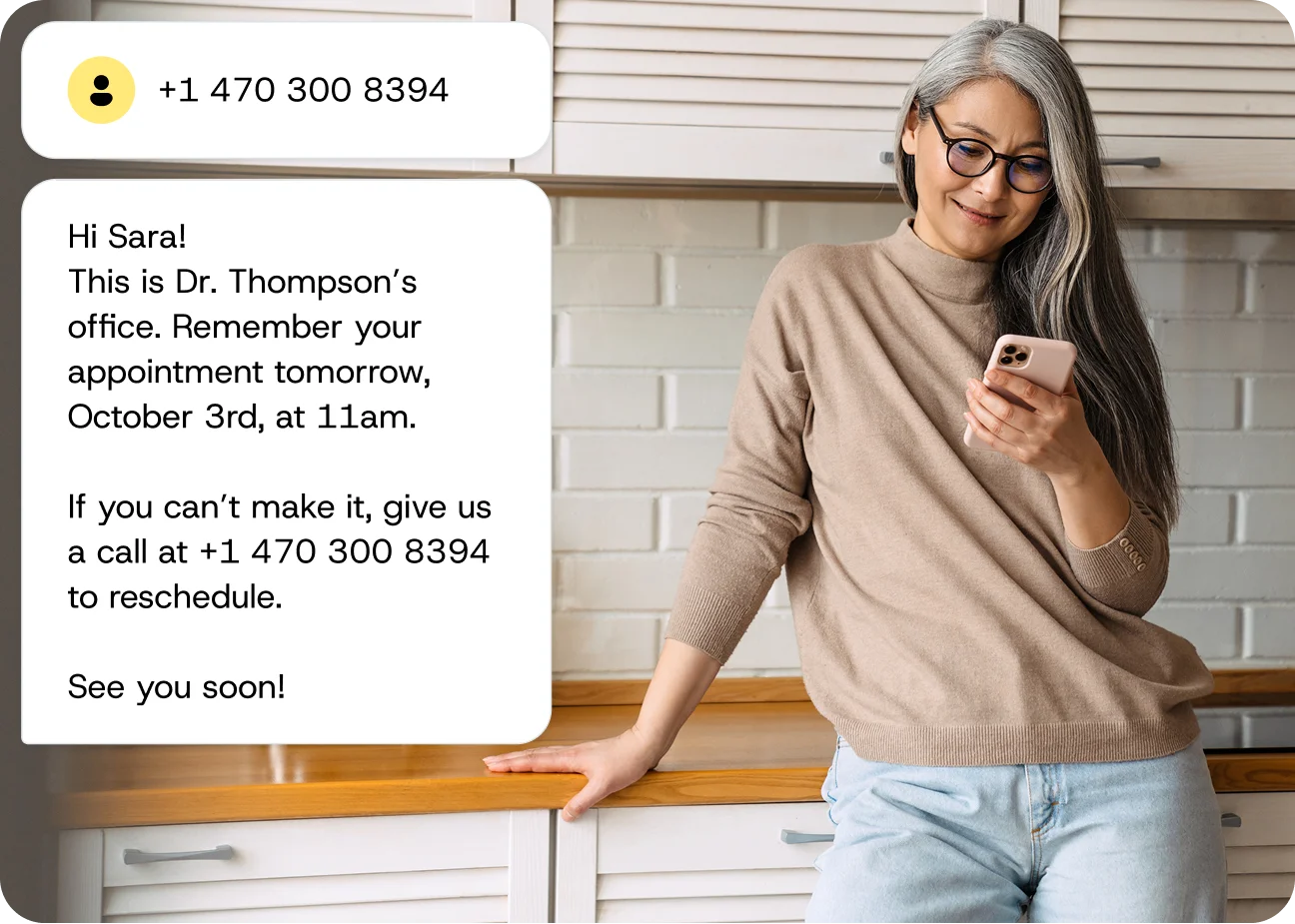
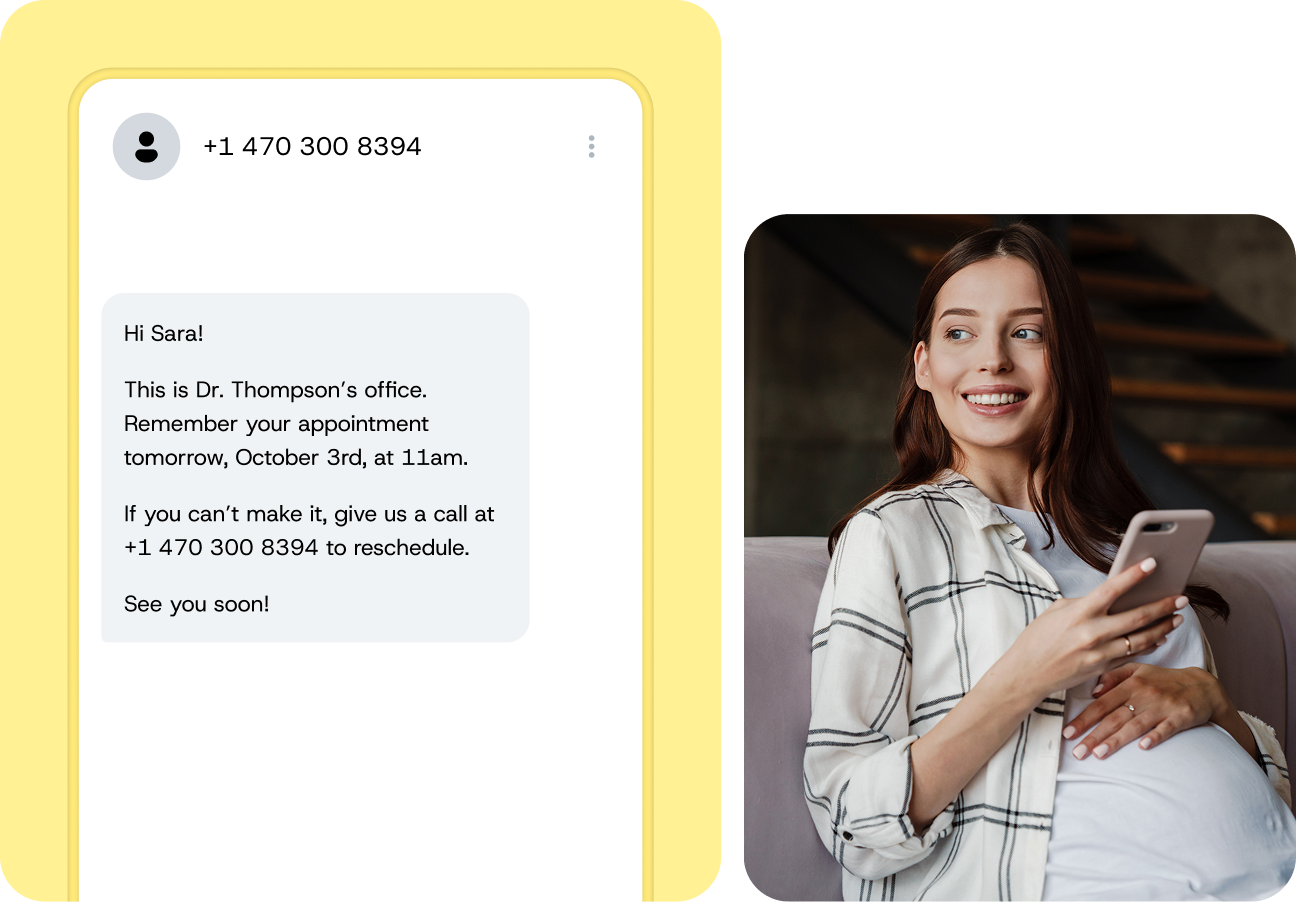
SMS appointment reminder software automatically sends reminders, collects confirmations, and lets clients reschedule — all by text. No more phone tag, no more forgotten appointments, no more revenue lost to no-shows.
APPOINTMENT REMINDERS
SMS appointment reminder software automatically sends reminders, collects confirmations, and lets clients reschedule — all by text. No more phone tag, no more forgotten appointments, no more revenue lost to no-shows.
WHY SMS REMINDERS
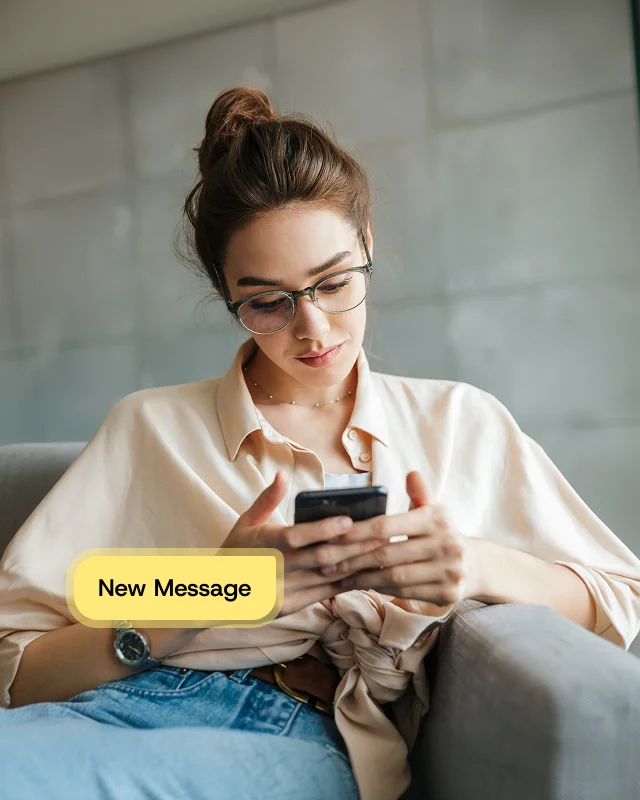
Phone calls go to voicemail. Emails get buried. A text message gets read — usually within minutes. That’s why SMS reminders consistently outperform every other channel for reducing no-shows and keeping schedules full.
THE NO-SHOW PROBLEM
Your clients didn’t skip their appointment on purpose — they forgot, got busy, or lost track of the date. A well-timed text reminder solves that. Send one the day before to prompt planning, and another a few hours before to keep it top of mind. That simple sequence is often enough to cut no-shows significantly within the first month.
A reminder 24 hours before gives clients time to prepare — or reschedule if they need to
A follow-up 2–4 hours before catches last-minute forgetfulness
Every filled slot is revenue you would have otherwise lost
AUTOMATION THAT EARNS ITS KEEP
Configure your reminder rules — timing, message content, follow-up sequence — and the software handles the rest. Every appointment on your calendar triggers the right messages at the right time, whether you have ten clients that day or ten thousand.
One-time setup, then hands-off
Scales from a solo practice to a multi-location operation without adding headcount
Your team stops making reminder calls and starts doing work that actually grows the business
TWO-WAY CONVERSATIONS
The best reminder isn’t just a notification — it’s a conversation. When clients can reply “YES” to confirm or “RESCHEDULE” to move their appointment, you get real-time visibility into tomorrow’s schedule and time to fill any gaps.
Clients confirm without calling, logging in, or downloading an app
Cancellations surface early enough to offer the slot to someone else
Every reply updates your system automatically — no manual data entry
EXAMPLES BY INDUSTRY
WHAT’S INCLUDED
FAQs
Software that automatically sends text message reminders to clients before their appointments. Clients can confirm, cancel, or reschedule by replying to the text — reducing no-shows and freeing up staff time.
Most businesses see the best results with a two-message sequence: one reminder 24 hours before the appointment (so the client can plan or reschedule) and a second 2–4 hours before (to catch last-minute forgetfulness). You can adjust timing based on your business and client behavior.
Yes. Two-way SMS lets clients reply to confirm, reschedule, or cancel. Their response can update your scheduling system automatically, so your team always has an accurate view of the day ahead.
Your business name, the appointment date and time, the provider or service, the location (if applicable), and a clear call to action — like “Reply YES to confirm or call [number] to reschedule.”
Most SMS reminder platforms integrate with popular calendar, CRM, and practice management tools. Check with your provider for specific integrations — Sinch supports API-based connections to virtually any scheduling system.
Many businesses see a meaningful drop in no-shows within the first few weeks. The impact depends on your starting no-show rate, your reminder timing, and whether you enable two-way confirmation.
Yes. The same platform can send appointment confirmations, follow-up messages after visits, review requests, waitlist notifications, and general client communications — all by text.
No. Most implementations involve connecting your scheduling system, writing your message templates, setting your timing rules, and going live. The initial setup is typically measured in days, not months.