Resources
The complete guide to SMS deliverability
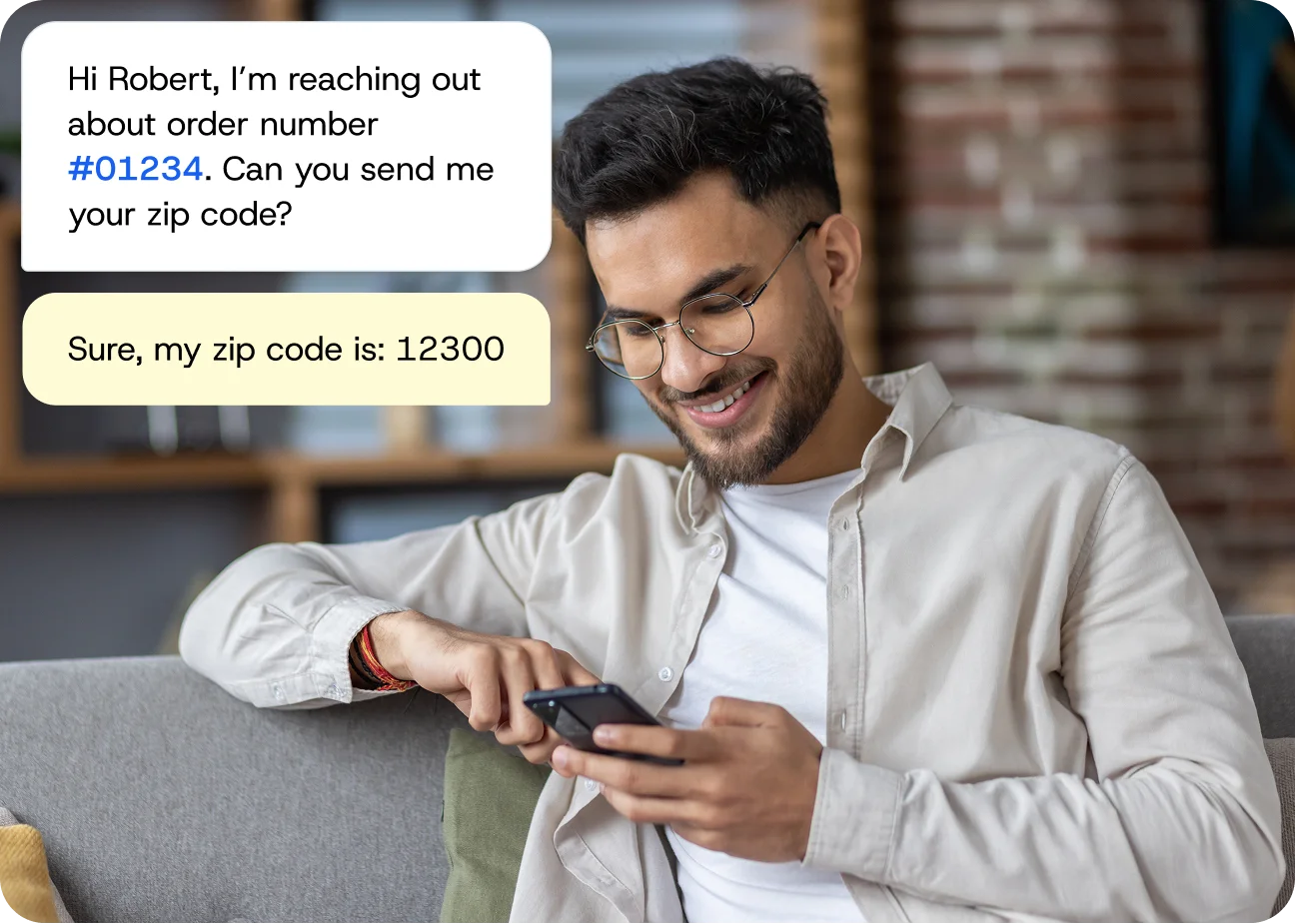
Every undelivered text message is money spent with zero return. If your SMS campaigns aren’t reaching your audience, you’re paying for messages that never reach a single customer, and you may not even know it. Worse, declining deliverability quietly erodes customer trust, skews your campaign analytics, and makes it impossible to measure real ROI.
This guide breaks down exactly how SMS delivery works, why messages fail, which factors you control, and the specific steps you can take today to improve your SMS deliverability today. Whether you’re troubleshooting a sudden spike in failures or trying to understand why your delivery rate has been creeping downward, you’ll find clear answers here.
What is SMS deliverability?
SMS deliverability is the percentage of text messages that actually reach a recipient’s handset compared to the total number of messages you submitted for sending. We define it as the percentage of SMS messages successfully delivered to a handset versus the number of messages submitted to our platform by the sender.
The formula is straightforward:
SMS Delivery Rate = (Messages Delivered ÷ Messages Sent) × 100
But “delivered” is not as simple as it sounds. There are three distinct states every message passes through. First, a message is
- Sent: It has been handed off from your platform to the mobile network.
- Delivered: It has cleared all carrier checks and been passed to the recipient’s device.
- Received: It has appeared in the recipient’s inbox and is available to read.
Most SMS platforms report on the “Delivered” state, but that does not always guarantee the message was received and read. Understanding these distinctions matters because each state represents a different point where things can break.
How SMS messages are delivered
When you hit “send” on a campaign, your message doesn’t teleport directly to your customer’s phone. It passes through a chain of systems, and a failure at any link in that chain means the message never arrives.
Three contributors determine whether your message gets delivered: your SMS marketing platform, the wireless carrier (AT&T, T-Mobile, Verizon, and others), and the recipient’s phone or mobile device. Your platform submits the message to the carrier network. Then, the carrier applies its own filtering, routing, and spam-detection rules. If the message passes those checks, the carrier pushes it to the recipient’s device. If the device is on, connected, and has storage available, the message lands in the inbox.
At each stage, a delivery receipt (DLR) is generated to report the message’s status back to your platform. These receipts are the foundation of your delivery reporting, but they’re not always reliable, which is a critical nuance most marketers miss.
Understanding SMS delivery status codes
Every message you send receives a status code from the carrier network. Here are the most common statuses and what they mean for your campaigns:
| Status | What it means | What to do |
| Queued | Message accepted by the platform, waiting to be sent to carrier | No action needed — normal processing |
| Sent | Message handed off to the carrier network | Monitor for next status update |
| Delivered | Carrier confirms the message reached the handset | Success — message arrived |
| Undelivered | Carrier attempted delivery but failed (e.g., phone off, number invalid) | Check the error code for the specific cause |
| Failed | Message was rejected before reaching the carrier (e.g., invalid format, compliance block) | Review message content and recipient data |
| Unknown | No delivery receipt received from the carrier | Investigate — doesn’t necessarily mean failure |
The “Unknown” status deserves special attention. For a small percentage of messages, carriers can be extremely delayed in issuing DLRs or never provide them at all — even when the recipient did receive the message. This is more common with small regional carriers, when sending MMS, or during peak sending hours such as Black Friday.
There’s also a global dimension to this problem. In certain markets, mobile operators do not provide handset delivery reports at all, which can result in SMS delivery rates appearing closer to 100% — obscuring real delivery issues. If your international delivery rate looks suspiciously perfect, that is a red flag, not a green light.
Why SMS messages fail to deliver
Delivery failures fall into four broad categories. Understanding which category your failures belong to is the first step toward fixing them.
Invalid or inactive phone numbers
This is the most common and most preventable cause of delivery failure. Numbers go inactive when people change carriers, cancel plans, or port to new numbers. If your contact list includes numbers that were added years ago and never re-verified, a significant portion may no longer be valid.
Landline numbers are another frequent culprit. If a customer entered a landline during sign-up, your SMS will never reach them — landlines cannot receive text messages in most markets. Number validation tools (also called phone number lookup) can identify and remove these dead numbers before you waste money sending to them.
Carrier filtering and spam detection
Carriers like AT&T, T-Mobile, and Verizon actively filter application-to-person (A2P) messaging to protect consumers from spam. Their filters analyze message content, sending patterns, sender reputation, and volume. If your messages trigger these filters, they get silently blocked — you may never receive an explicit “failed” status.
Common triggers include excessive use of words like “free,” “urgent,” or “act now.” Shared URL shorteners (like bit.ly) are another major red flag, because spammers use them heavily. Sudden spikes in sending volume or erratic scheduling also raise flags with carriers and can lead to blocked or delayed messages.
Carrier filtering isn’t personal, it’s algorithmic. But the consequences are the same: your message disappears, your customer never sees it, and you still pay for the send.
Unregistered sender IDs and missing registration
In the United States, businesses sending A2P messages must register their phone numbers. The specific registration depends on the number type:
- 10DLC (10-digit long code): Standard local phone numbers used for business messaging. Since 2021, U.S. carriers require businesses to register their brand and campaigns through The Campaign Registry (TCR). Unregistered 10DLC traffic faces heavy filtering, throttling, and outright blocking. Registration involves submitting your business details (EIN, business name, vertical) and describing each campaign’s use case. It typically takes a few days to a few weeks for approval.
- Short codes: Five- or six-digit numbers (like 12345) that go through a strict approval process with the CTIA and the U.S. Short Code Registry. Because of this vetting, short codes tend to be filtered less by carriers and support higher message throughput.
- Toll-free numbers: Require toll-free verification through the carrier ecosystem. Unverified toll-free numbers face the same filtering risks as unregistered 10DLC.
Some regions outside the U.S. require businesses to register sender IDs as well. The rules vary by country, and failing to comply means your messages either get blocked or routed through unreliable grey routes — unofficial pathways that bypass carrier agreements and offer no delivery guarantees.
Device and network issues
Sometimes the problem is on the recipient’s end. A phone that is powered off, in airplane mode, out of network coverage, or has a full message inbox won’t receive your SMS until the issue resolves. While you can’t control device-level issues, you can minimize their impact by sending during hours when recipients are most likely to have their phones on and connected.
How to improve SMS deliverability
Here’s a consolidated action plan. These are the specific steps you can take immediately, ranked roughly by impact:
1. Complete your number registration. If you’re sending in the U.S. on a 10DLC number, verify that your brand and campaign are registered through The Campaign Registry. If you use toll-free numbers, confirm toll-free verification is complete.
2. Clean your contact list. Run a phone number validation check to remove invalid, inactive, and landline numbers. Set up a recurring process to purge bounced and unengaged contacts.
3. Audit your message content. Review your templates for spam trigger words, shared URL shorteners, and missing opt-out language. Shorten messages where possible and ensure every promotional text includes clear unsubscribe instructions.
4. Shift your send times. Move campaigns away from top-of-hour slots. Test sending 15 minutes before or after the hour and measure the difference in delivery rates.
5. Monitor your delivery metrics. Track your delivery rate after every campaign. Calculate it yourself: (Messages Delivered ÷ Messages Sent) × 100.
6. Enforce double opt-in. Enable double opt-in to prevent invalid numbers from entering your list in the first place.
7. Respect quiet hours and consent. Verify that your sending windows comply with TCPA regulations and state-specific rules. Audit your opt-in process to confirm every recipient has given explicit consent.
8. Evaluate your SMS provider’s carrier connections. Not all SMS providers route messages the same way. Providers like Sinch Engage with direct carrier connections deliver messages through trusted, high-priority pathways. Providers that rely on aggregators or grey routes introduce additional hops, latency, and filtering risk. Ask your provider whether they have direct connections with major U.S. carriers and whether they support 10DLC registration natively.
Start fixing your SMS deliverability today
SMS deliverability isn’t a mystery. It is a system with identifiable inputs and measurable outputs. When messages fail, there’s always a reason — and in most cases, it is something you can fix.
Every percentage point of improvement in your delivery rate means more customers reached, more revenue captured, and less money wasted on messages that go nowhere.

Author: