Engage Product Updates
HubSpot Conversational UI view: Message contacts right from the contact record with Sinch Engage
Sales and support reps lose momentum every time they have to switch between their CRM and their messaging platform. Each new tab is a distraction that can delay response times and break their workflow.
To solve that challenge, we’re launching a new conversational interface that lives directly inside your HubSpot contact records: HubSpot Conversational UI view.
That means the messaging experience (across SMS, MMS, and RCS) now sits right where your customer data lives, helping your team to:
- Reduce friction: Eliminate the need to switch between your CRM and messaging app for every text.
- Unify context: Keep your eyes on contact details and notes while you’re actively in a conversation.
- Boost response times: Respond to inbound queries instantly when the tool is already open in your primary workspace.
This exciting update is yet another way we’re deepening our existing partnership with HubSpot and enhancing our powerful HubSpot texting integration, bringing you a faster and more seamless way to engage with your customers on their phones.
What’s new with Sinch Engage’s new HubSpot Conversations UI
Let’s look at the features of this more efficient way to engage with customers directly in HubSpot.
1. Embedded conversational view
The heart of this update is the dedicated messaging interface that now appears on the HubSpot contact record. You can see the full thread history and send new messages just as you would in the Sinch Engage app, but without ever leaving HubSpot.
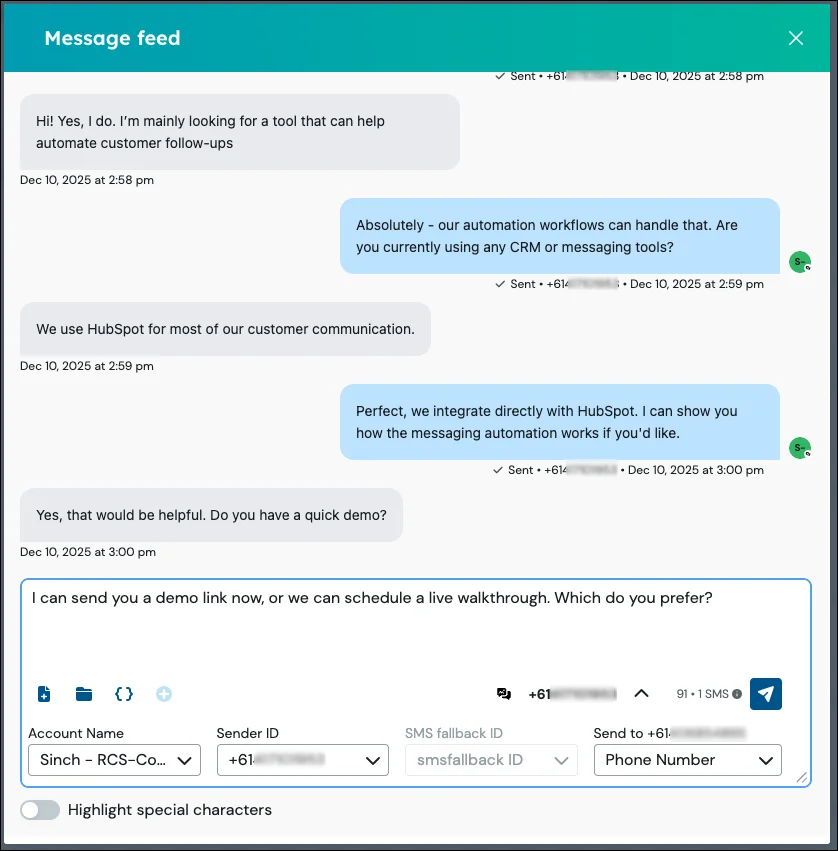
As soon as a contact replies, the message instantly appears, ensuring anyone viewing the contact record has the most up-to-date context.
2. Work faster with templates and personalization
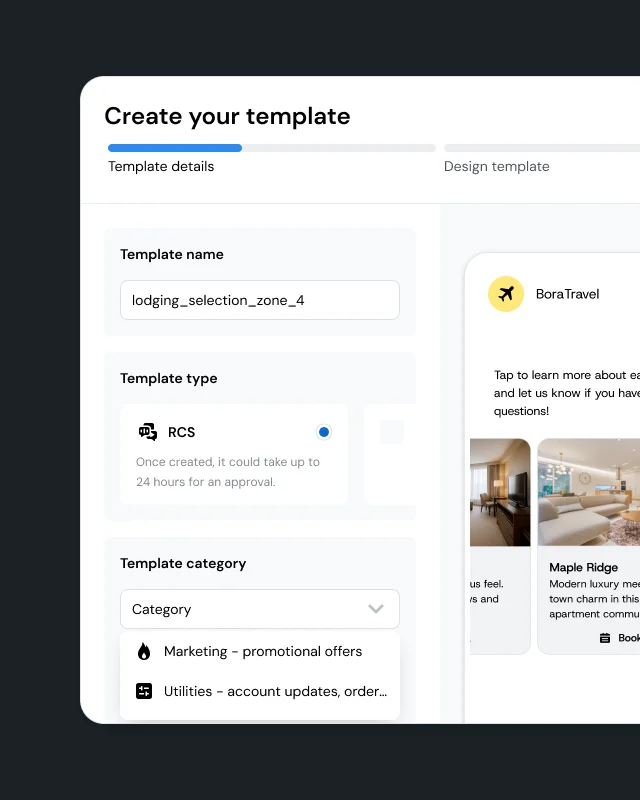
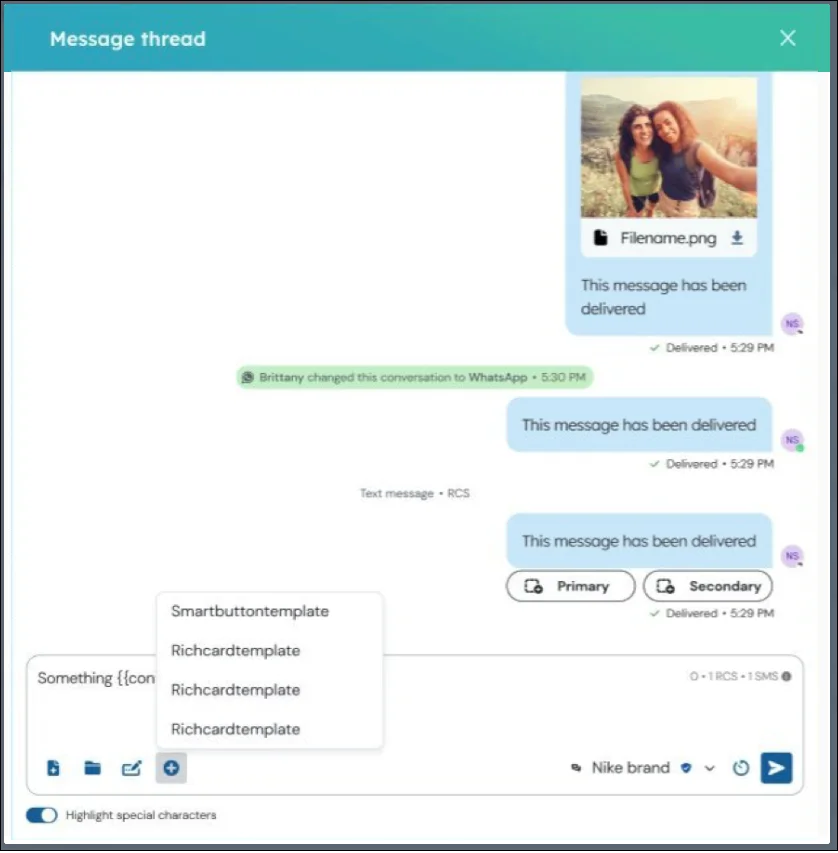
Pull in your existing Sinch Engage templates to send consistent, on-brand messages in a single click. The tool automatically populates personalization fields like #firstname# using the data from the contact record, so you can send personalized outreach at scale.
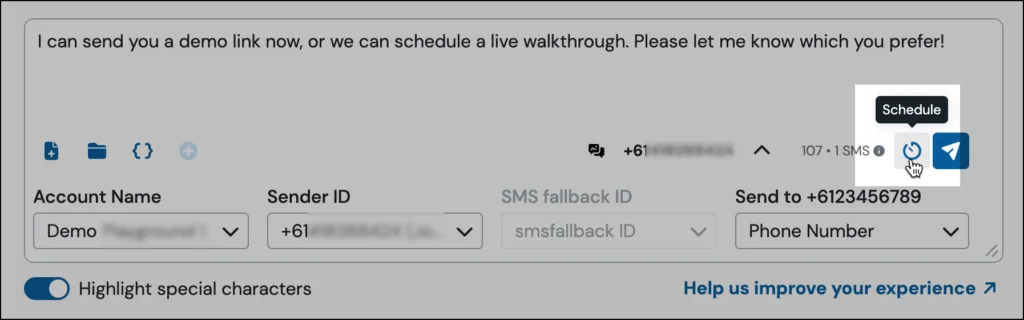
3. Schedule messages for the right moment
Plan your messages ahead of time to reach customers and prospects at just the right moment. You can schedule follow-ups, reminders, and check-ins to send on a specific date and time, without having to do it manually.
4. Richer conversations with both MMS and RCS
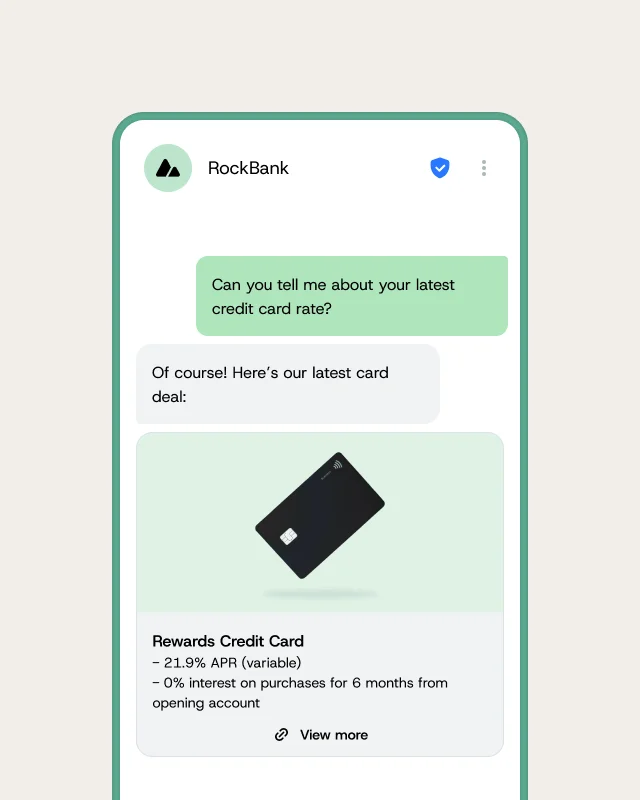
Go beyond plain text messages by sending media files via MMS or using rich content templates for RCS, all from within HubSpot. For added reliability, the integration includes an SMS fallback, ensuring your message is delivered even if the contact doesn’t have RCS enabled.
How to use the new HubSpot Conversational UI
If you already have the Sinch Engage integration for HubSpot installed, the new UI is available automatically. Simply navigate to a contact record in HubSpot and look for the Sinch Engage messaging block in the sidebar or in a custom tab. The integration will even remember the last Sender ID you used, saving you a step on your next message.
Ready to get started?
Get the most out of this new release with these helpful resources:
- Step-by-step guidance: HubSpot support documentation
- More texting resources: HubSpot text messaging resources
- New to Sinch Engage? Talk to our team to learn how you can start improving your customer communications.