Resources
SMS for Customer Support: How to reduce phone calls with automated & real-time texting
In an era when customers have high expectations for customer support and want instant answers – relying solely on emails or phone calls for support won’t cut it.
Consumer studies consistently report that SMS open rates reach a whopping 98%, with 90% of texts being read within thirty minutes. Given those numbers: if your business hasn’t begun incorporating SMS into your customer communication strategy…what are you waiting for?
In this post, we’ll explore how both real-time and automated texting can serve as a powerful support channel, and also share best practices and ready-to-use templates for customer support SMS so you can easily set up your own version of an “SMS help desk” (especially with an all-in-one platform like Sinch Engage).
Why SMS is so effective for efficient customer support
Here are four compelling reasons why SMS should be part of your support strategy:
1. Ease of use for customers
SMS is accessible and familiar – no apps to download, no login screens, just a text message. It’s a reliable, easy channel that anyone with a mobile phone can use.
2. Conversational, human touch
Customers feel valued when the channel is simple and direct. One of the biggest perks of SMS for customer service is that your customers will feel like they’re communicating with a helpful human being (even if you’re using an SMS template or automated reply).
3. Faster response and resolution
SMS delivers instantly and allows support teams to handle multiple chats in parallel instead of being tied to one phone call. Only ~17% of customers would recommend a brand that provides slow service – and SMS helps address that.
4. Reduced friction, better experience
Seamless support matters: allow customers to reply at their pace, send photos/videos (via MMS), keep the thread in one place. By removing the friction from service and support enquiries, you’ll end up with much happier customers.
When does it make sense to use SMS for customer support?
SMS is especially effective in these contexts:
Time-sensitive updates.
When timing matters, text is unbeatable. Use SMS for delivery alerts, appointment reminders, service outages, or quick confirmations – anything where customers need answers fast.
Mobile-first audiences.
Your customers are already on their phones. Texting removes friction: no app downloads, no logins, just instant communication wherever they are.
Quick, two-way interactions.
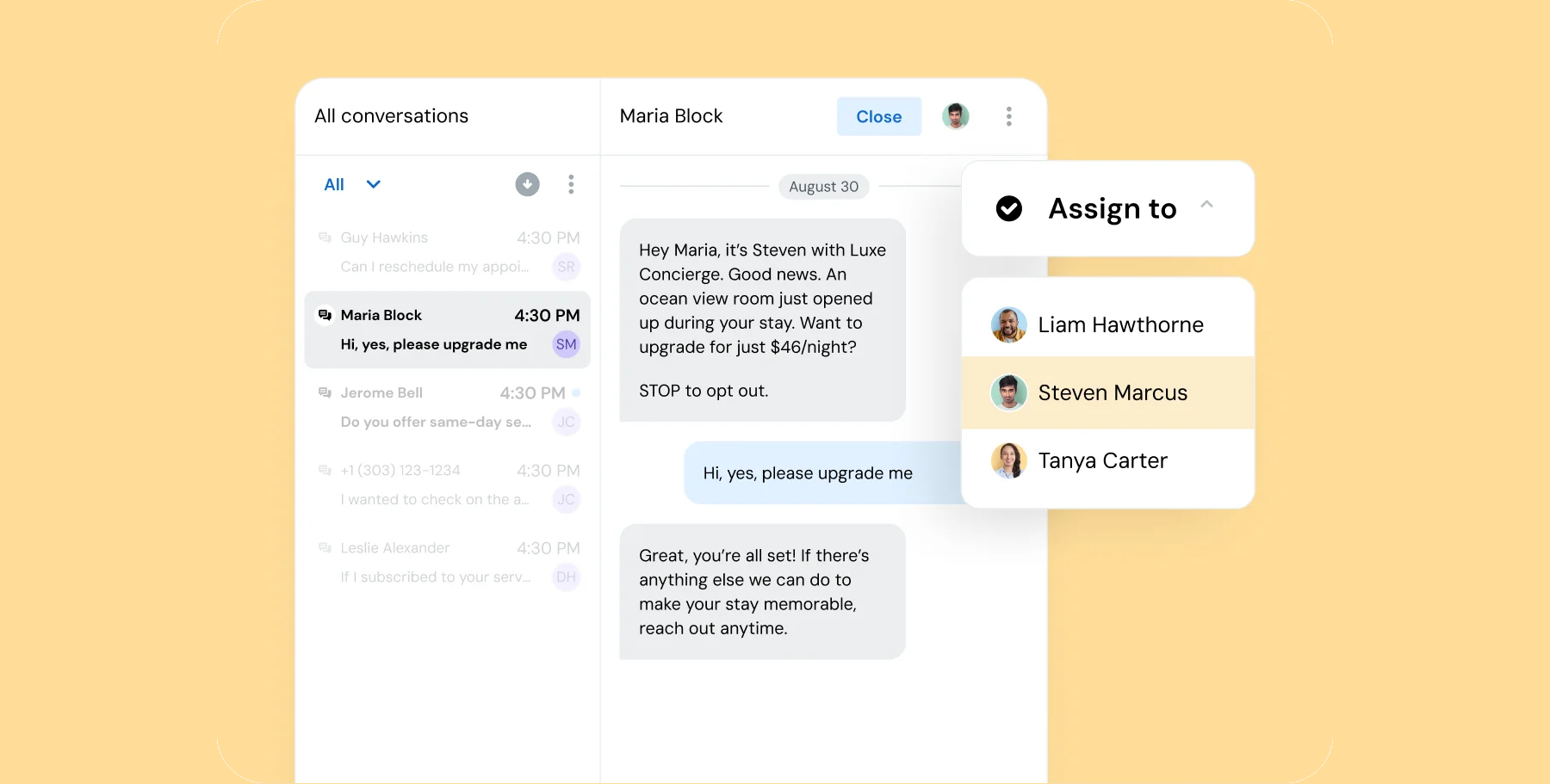
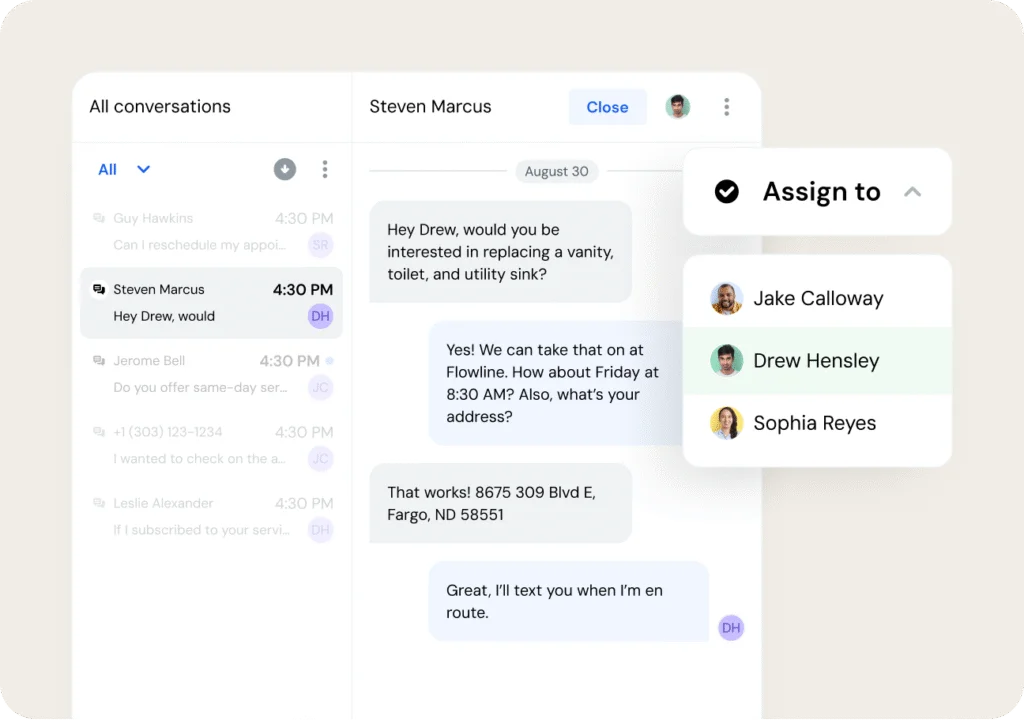
SMS allows real conversations in real time. Customers can respond when it suits them, and agents can resolve multiple cases simultaneously without the bottleneck of phone queues. With an SMS platform like Sinch Engage, a unified team texting inbox makes this even more efficient and organized.
Reducing support volume.
Texting takes pressure off your call center. Simple requests like order status checks or billing reminders can be handled automatically, freeing agents to focus on complex issues.
How to structure an SMS support workflow
Adding SMS to your support process doesn’t have to be complicated. With the right structure, it can become one of your most efficient customer touchpoints. Some teams have even replaced costly call center support staff headcount and training by incorporating real-time and automated texting into their process.
Here’s a step-by-step outline to drive effective SMS support:
Step 1: Choose the right number & channel
Set up a dedicated long-code or toll-free number. Ensure opt-in/opt-out compliance.
Step 2: Trigger inbound/outbound workflows
- Outbound: e.g., “Your service technician is arriving at 10 :00 AM today. Reply Y to confirm.”
- Inbound: route keywords from customers (e.g., “HELP 12345”) into your support queue.
Step 3: Implement two-way messaging
Allow customers to reply via text; use a shared inbox so agents can pick up and respond. Sinch Engage supports two-way SMS & real-time analytics.
Step 4: Integrate with your tech stack
Pull in the customer’s case history, order status, etc., into the SMS workflow so agents have context. Workflow automation triggers can update the case or notify customers automatically.
Step 5: Use MMS or rich messaging where appropriate
When customers send images/videos (for example, a damaged item), using MMS (or RCS if available) makes resolution faster and clearer.
Step 6: Track metrics and optimize
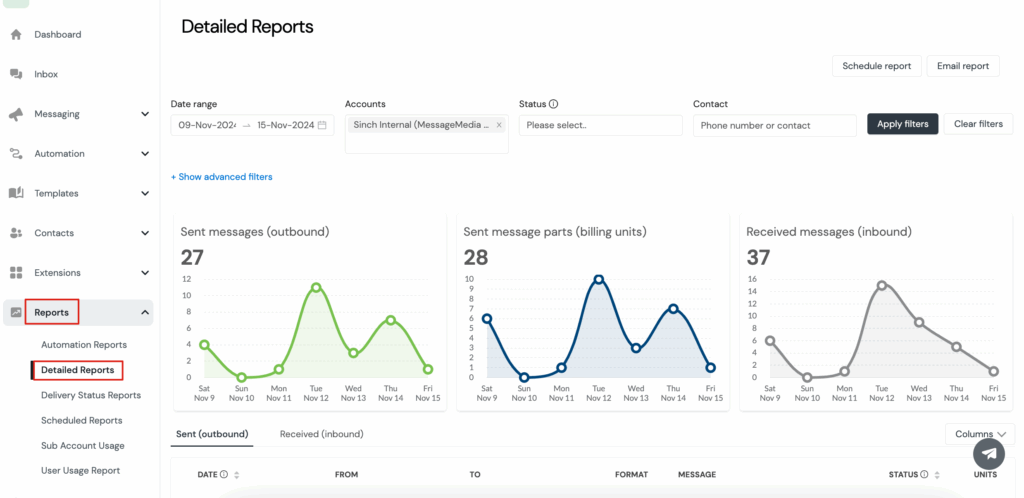
Monitor read receipts, message engagement, and overall text message delivery metrics. Use the data to streamline and scale your SMS support approach.
Best practices for SMS support implementation
To get the most from text-based customer support, treat it with the same care and attention you’d give to a live chat or phone call – but adapted to the speed and tone of texting.
- Respond quickly. Customers turn to text because it’s fast. Aim to reply within minutes, not hours. A slow response can make the convenience of SMS feel pointless.
- Keep it conversational. Texting feels personal. Write the way you’d speak: clear, friendly, and professional, without unnecessary formality or jargon.
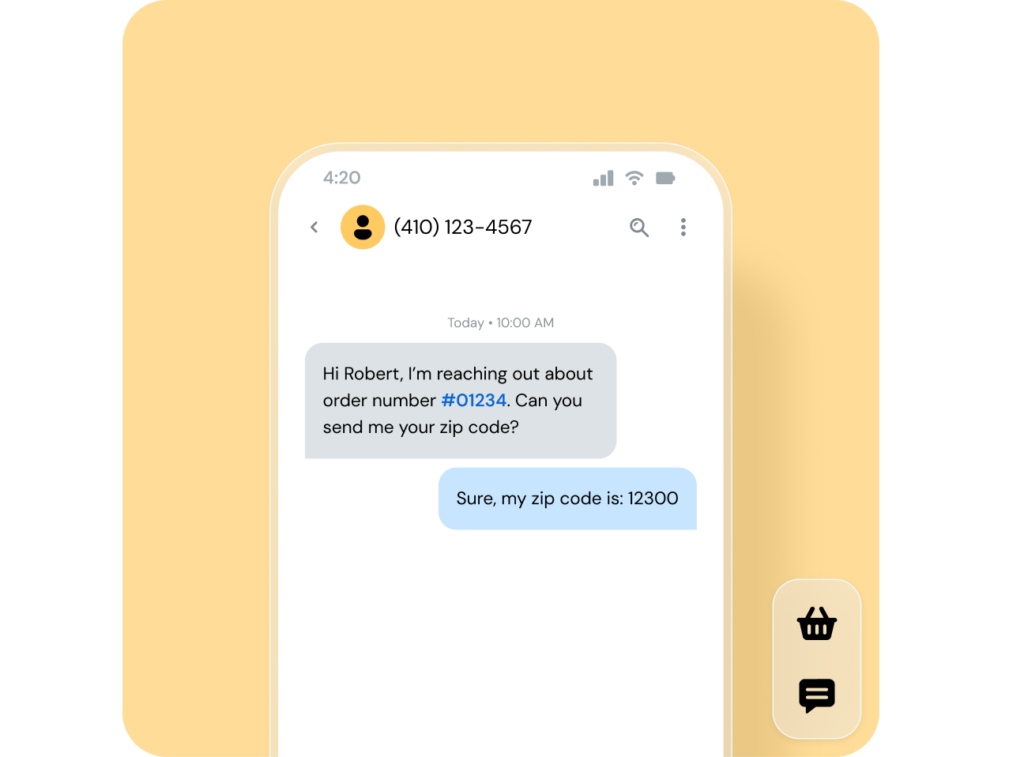
- Make every message clear and contextual. Include details that help customers understand the conversation at a glance – such as a case number, your name, or simple next steps.
- Respect privacy and compliance. Always offer an easy way for people to opt out (for example, “Reply STOP to unsubscribe”). Transparency builds trust.
- Be mindful of timing. Support texts sent outside normal business hours can come across as intrusive. Unless it’s urgent, schedule messages for standard working times.
- Keep your records connected. Sync every text with your CRM or ERP so you have a consistent view of customer engagement. This is easy to do with Sinch Engage, which integrates with top tools you already use like HubSpot, Salesforce, NetSuite, and more.
- Review and improve. Track response times, resolution rates, and customer feedback. Use what you learn to fine-tune message templates, workflows, and staffing.
Improve customer support and resolve issues faster with SMS
SMS isn’t just for text marketing. It can actually be a powerful and flexible customer support channel, saving your business lots of time and support staff costs.
With a secure, all-in-one SMS platform like Sinch Engage (and the workflows highlighted here), you can transform your support function into your own high-performing SMS help desk. Who doesn’t want faster response times and high customer satisfaction with a fraction of the resources and cost?
See what Sinch Engage can do for SMS for customer support – book a demo or try it for free today.
Explore more SMS automation guides:

Author: