Zoho

Zoho CRM text message integration by Sinch Engage
This top-rated Zoho CRM text messaging integration by Sinch Engage (formerly Smooth Messenger, MessageMedia) helps you reach customers where they are 24/7—on their phones.
Get all the SMS and MMS capabilities you need to securely and efficiently send automated appointment reminders, lead follow-up, and mobile customer engagement without needing to learn a new tool.
Key benefits of this integration:
- Fast, easy setup—no dev skills required
- 24/7 global support from Zoho messaging experts
- Save time and drive conversions by triggering automated SMS in drip campaigns and workflows—both one-to-one and bulk sends
- Enhance customer engagement and support with real-time, two-way SMS chats and conversation history
- Move faster as a team with one unified inbox, SMS templates, and access to our Mobile App
- Stay on top of conversations with push notifications and automatic replies
- Maintain compliance with automated opt-out management

Send and track all mobile message communications directly in Zoho CRM
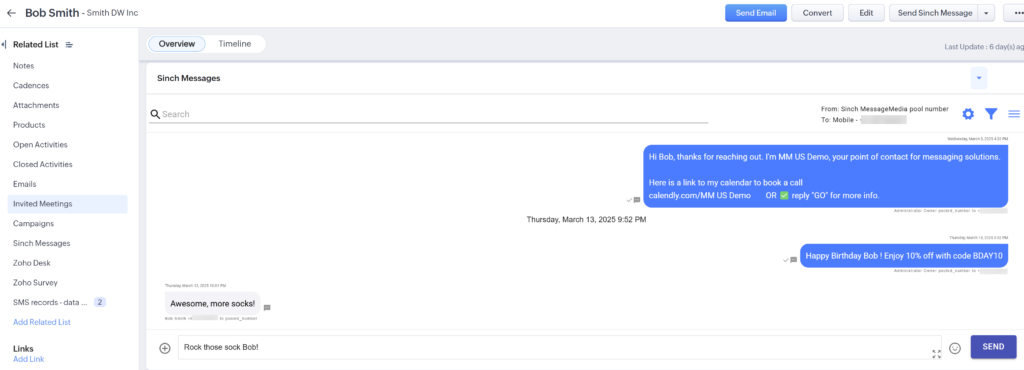
Engage in real-time using conversational messaging on the contact record
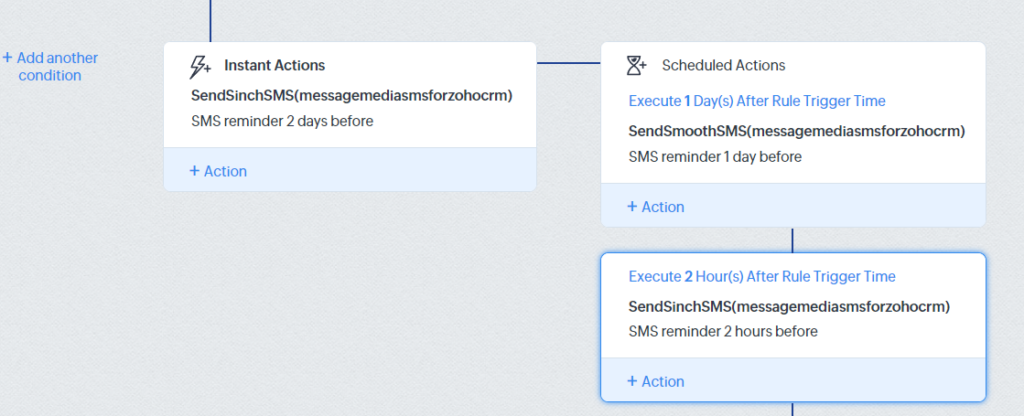
Nurture and convert with automated SMS in drip campaigns and workflows
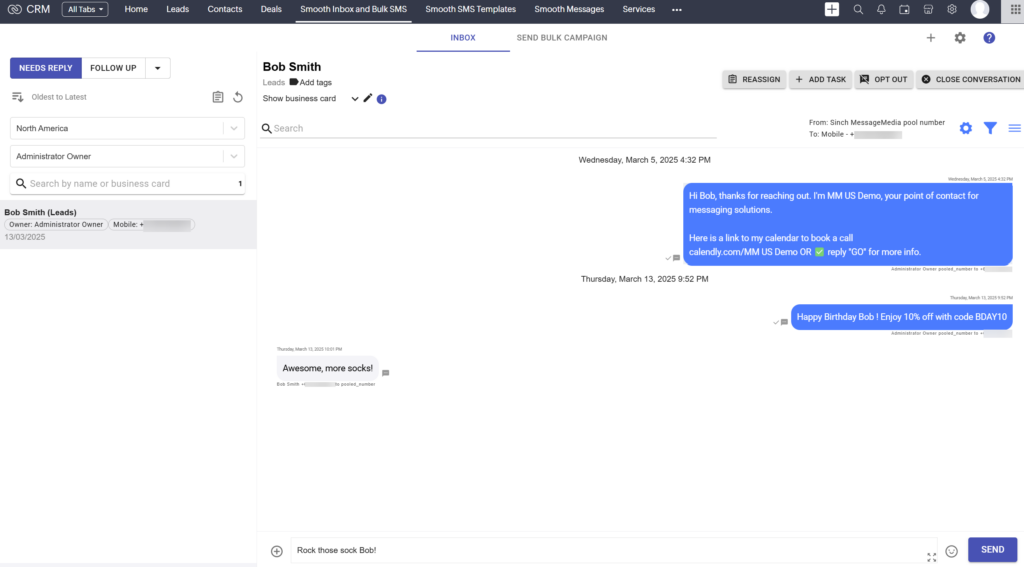
Easily track and assign conversations back in one integrated inbox

Reach your targeted audience using scheduled bulk SMS campaigns
Zoho text messaging use cases
How companies use Zoho SMS & MMS with Sinch Engage
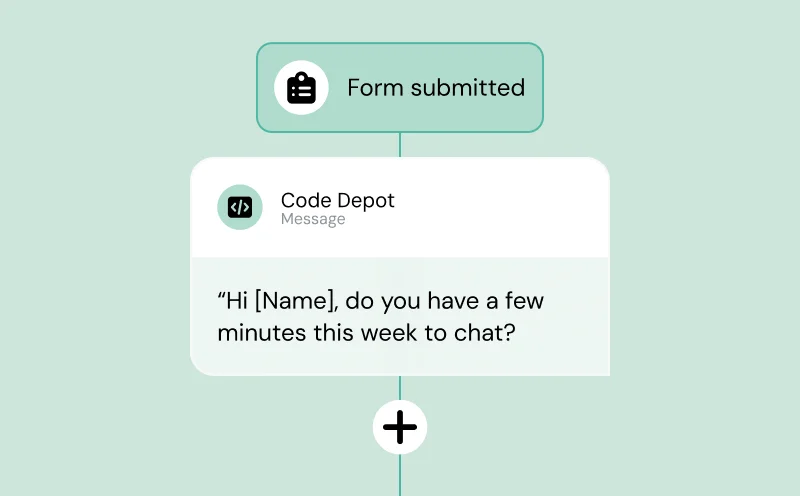
Sales & lead nurturing
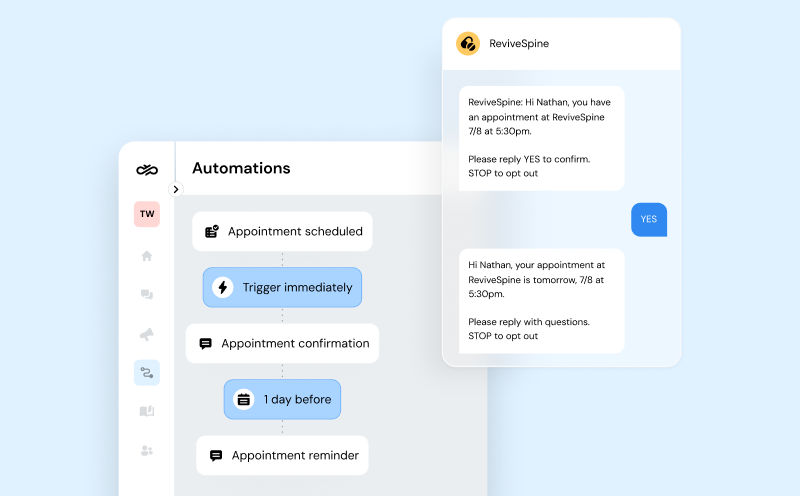
Automated reminders
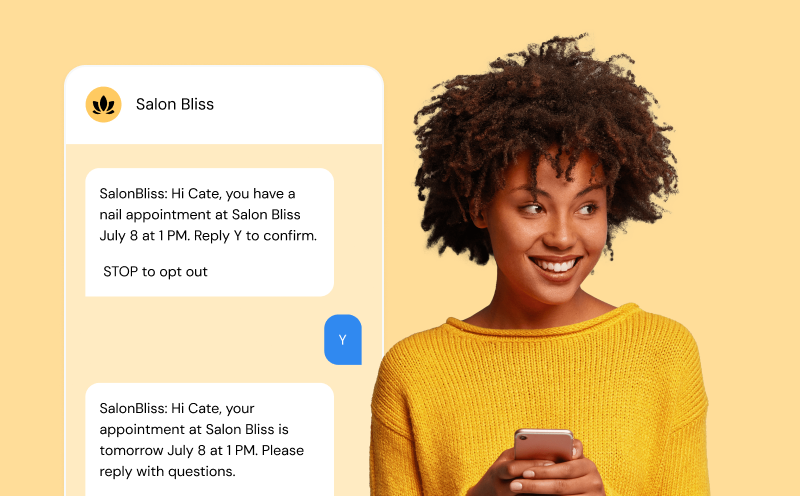
Customer engagement
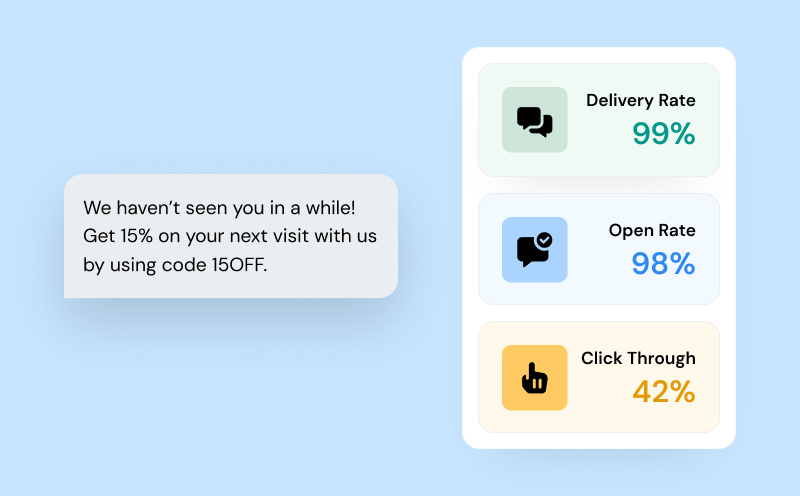
Marketing Campaigns
Why Sinch Engage
The best Zoho SMS integration for growing teams
Easy setup
Excellent customer support
Unmatched deliverability
Secure & Compliant
How to use the integration
Set up Zoho text messaging in minutes
Our simple, no-code setup gets you up and running with Zoho SMS & MMS fast—with full compliance and optimal delivery rates from day one.
This is a fantastic tool that integrates quick and easy, but also gives the Purchaser a lot of control. We used it to connect with our vendors and our new business, both with great success.
We’ve used 3 other platforms and even tried to develop one for our needs, but [this integration] made everything significantly easier for us. Highly recommended if it suits your needs.
We are delighted with the SMS services contained within Zoho CRM. Communication between us and our clients has improved significantly with the introduction of the SMS tool.
Customer service has been fantastic! We started with Twilio and it was such a smooth transition and we have had no issues as we have moved over!
Has been the great solution for messaging our client right out of Zoho with minimal issues, and the issues we have had were addressed promptly. Would recommend!
FAQs
Common questions about Zoho text messaging
SMS for Zoho CRM enables businesses to send and receive text messages directly within Zoho CRM, streamlining customer communication and automating notifications.
SMS for Zoho CRM works by integrating a messaging provider like Sinch Engage, allowing users to send, receive, and automate SMS/MMS from CRM modules, with all interactions logged for compliance and tracking.
Benefits include real-time engagement, SMS automation in your workflows, two-way messaging, compliance management, and improved customer experience—all from a single SMS platform right within Zoho.
No — setup takes just a few minutes and requires zero coding. Most teams install, connect their number, and start sending messages the same day.
Yes. Every message, reply, and workflow-triggered send is automatically logged on the contact record, so your team always has the full conversation history in one place.
Absolutely. You can trigger SMS/MMS from Zoho Flows, blueprints, automation rules, and common CRM events — no extra tools needed.
Yes — Sinch Engage is a Tier-1 provider with 600+ direct carrier connections, ensuring the highest deliverability and fastest routing for Zoho teams around the world.
We automatically handle opt-outs, consent, and compliance for regulated markets. If a customer texts STOP, future sends are automatically blocked.
You’ll have access to 24/7 global support via chat and email, plus step-by-step guides for installation, workflows, and MMS campaigns.